Markdown Link Generator

Turn any .md file into a link that opens on phones and laptops alike

Zip
File
Drag & drop zip or
single file here
Upload file
This site is protected by reCAPTCHA and the Google Privacy Policy and Terms of Service apply.
⭐️ 2,000,000+ happy users
Free to start · Trusted by teams at Salesforce, Airbnb, JLL and Nestlé

Send the .md file people can actually open

Markdown reads well in VS Code or Obsidian. Sent to a client by email, the same file may land on a phone with no app that opens it. A Tiiny Host link avoids that. Your file opens in any browser, shown exactly as you wrote it, with a download button for anyone who wants the original.
Send the .md file people can actually open

Share a Markdown file in three steps

1. Drop in the .md file

1. Drop in the .md file

Drag it onto the upload box at the top of this page, or browse to it. A README works, and so does a file Claude or ChatGPT gave you.
2. Pick a link name

2. Pick a link name

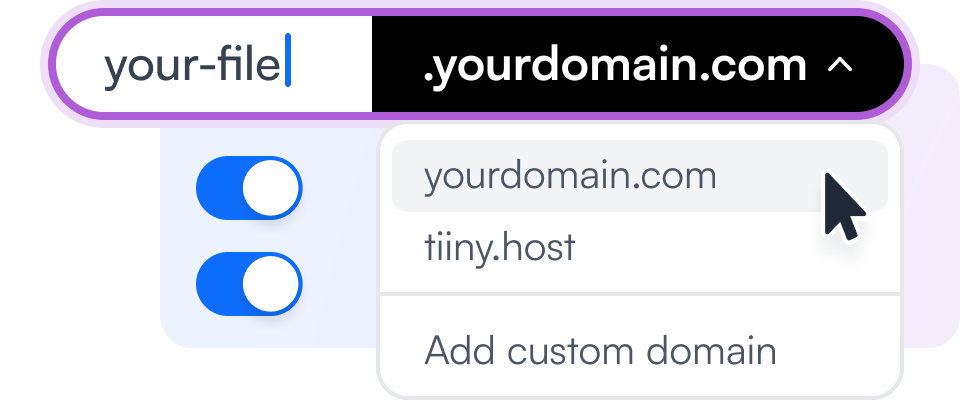
Whatever name you choose becomes the address, for example release-notes.tiiny.site.
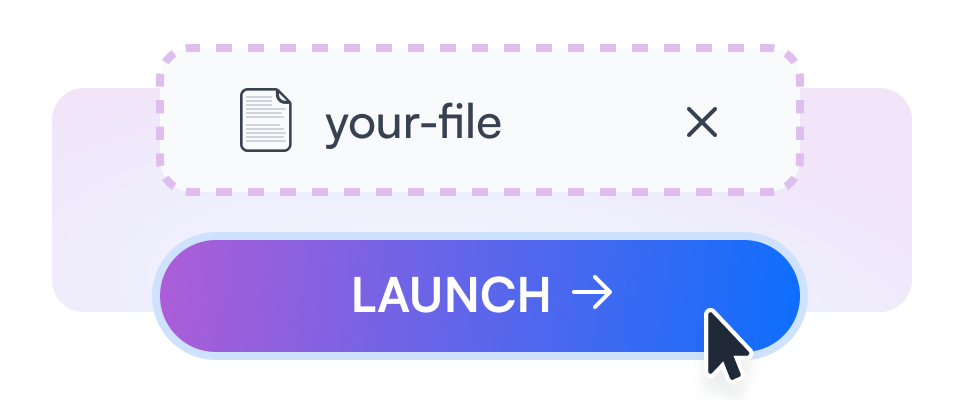
3. Publish and copy

3. Publish and copy

Paste the link into an email or a Slack thread. Anyone who has it can read the file.

Features

Made for sharing .md files

📄 Shown as written

Readers get your text with its Markdown syntax intact, so a README or a prompt looks the way you drafted it.

⬇️ Original file on tap

A download button above the text lets colleagues save the .md and keep editing it in their own app.

🔁 New version, same address

Update files swaps in a revised .md while the address you shared stays put.

🔒 Password for private docs

Lock internal specs and client notes with a password on the Solo plan and above.

📊 Who opened it

Paid plans count views and unique visitors, with countries and traffic sources for each link.

🌐 Your own domain

Keep the free tiiny.site address, or serve docs from docs.​yourcompany.​com on Solo and above.

Compared

How does Tiiny Host compare to other Markdown link generators?

⚡ Tiiny Host
Other tools
Password protection
Put a password on the link and send it to readers separately.
✓ Yes
Rarely
No reader sign-up
Even a password-protected doc opens without the reader creating an account.
✓ Yes
Often needs a login
Your own domain
Host the file on a subdomain you own, with SSL, or on a free tiiny.site address.
✓ Yes
Rarely free
QR code
Print the link on a handout or put it on a slide as a QR code.
✓ Yes
Separate tool
Email before reading
On the Pro plan, readers leave an email address before the document opens.
✓ Yes
Hardly ever
Works with Markdown from ObsidianTyporaVS CodeNotion exportClaudeChatGPT
Pricing

One free link, more room on paid plans

The free plan keeps one project online with no end date, as long as you log in once every 3 months.

Free
$0/mo, forever
  • ✓ 1 active project
  • ✓ Markdown files up to 3 MB
  • ✓ 5,000 visits and 5 GB bandwidth a month
  • ✓ Free yourname.tiiny.site address
  • – Shows a small Tiiny Host banner
Upgrade when you need more
from $5/mo, billed yearly
  • Tiny $5 · no banner, 25 MB files, QR codes, visitor analytics
  • Solo $13 · 5 projects, password protection, custom domain, API and MCP
  • Pro $31 · 15 projects, email capture, team members, priority support
  • Pro Max $74 · unlimited projects, 2 TB of storage
See all plans → ⭐️ 7-day money-back guarantee

File size by plan

Per-file upload limit by plan
Free
3 MB
per project
Tiny · $5
25 MB
per project
Solo · $13
75 MB
per project
Pro · $31
10 GB
account limit
Pro Max · $74
2 TB
account limit

A Markdown file holds text only, so 3 MB is roughly three million English characters, far more than even a long README.

Agent friendly

Publish Markdown from a script or an AI agent

Build scripts and agents produce Markdown all day: release notes, test summaries, research reports, changelogs. One POST with the .md file returns a live link. A PUT to the same domain swaps in the next version.

REST APISimple upload endpoint. Build automations and scheduled publishing.
MCP serverClaude Code in one command. Cursor, VS Code, Windsurf, Zed, Codex, v0 with a few lines of config.
Claude connectorPublish reports and documents straight from Claude Web, Desktop and Code.
SkillInstall once and your agent can turn any file into a shareable link.
Read the API docs → API access on Solo and above
upload.sh
curl -X POST https://ext.tiiny.host/v1/upload \
  -H "x-api-key: $TIINY_API_KEY" \
  -F "files=@release-notes.md" \
  -F "domain=release-notes.tiiny.site"

# → https://release-notes.tiiny.site
# PUT the same domain to replace it
Examples

What people share

A README before launch

A README before launch

Show a client or a recruiter the README while the repository is still private.

Prompts and agent rules

Prompts and agent rules

Give the whole team one link to the current system prompt or AGENTS.md file.
Meeting notes

Meeting notes

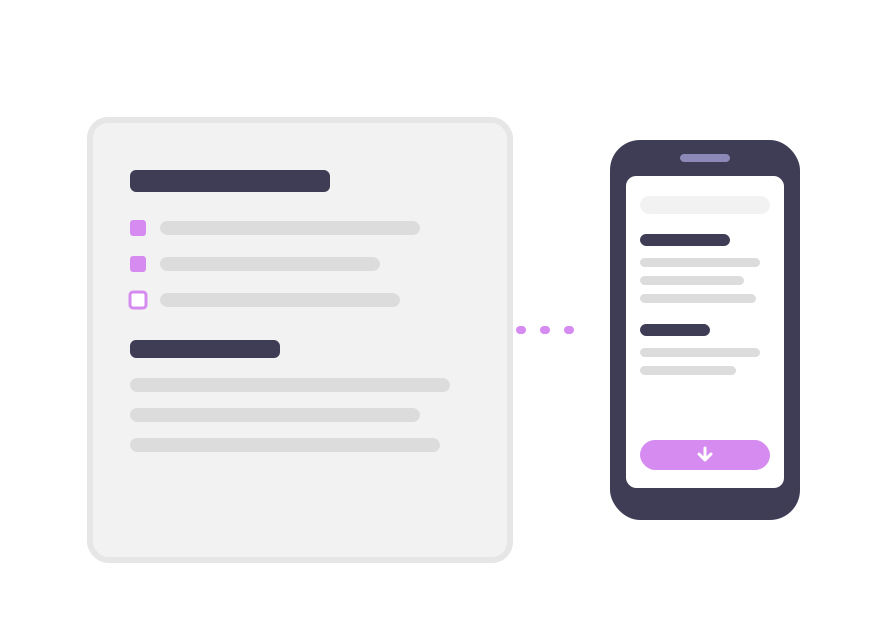
Notes kept in Obsidian or Logseq reach people who use neither app, on whatever phone they carry.

Resources

Guides worth a read

What is .MD File? Learn How to Open, Write, Edit, and Share .md Files

Where Markdown came from and which tools let you open and publish .md files.

Markdown Tutorial: Fundamentals, Flavors, and a Cheat Sheet

A syntax cheat sheet with tips on writing clean Markdown and ways to host what you write.

Pandoc Markdown to PDF

Installing Pandoc and turning Markdown into a PDF, with fixes for common errors.

Frequently Asked Questions

How do I turn a Markdown file into a link?

Drop the .md file onto the upload box on this page and pick a link name. Publishing gives you an address such as notes.tiiny.site to paste anywhere. Signing up for the free account takes an email address.

What will people see when they open the link?

The file opens in their browser with your text exactly as you wrote it, Markdown symbols included, and a download button above it. Nobody needs an account or a Markdown app to read it.

Can I share Markdown as a formatted web page?

Yes, by converting it first. Pandoc (pandoc notes.md -s -o index.html) and Typora (File > Export > HTML) both produce an HTML file, which Tiiny Host publishes as a normal web page. For a folder of Markdown docs, Docsify renders the files in the reader's browser; zip the folder with its index.html and upload the zip.

How do I write a link in Markdown?

Put the text in square brackets and the address in round brackets right after it: [Release notes](https://release-notes.tiiny.site). A hover title goes in quotes inside the round brackets, and a bare address wrapped in angle brackets, like , also becomes a link. GitHub and Discord use the same bracket format.

Will images in my Markdown file show up?

The link shows the Markdown source, so an image appears as its ![alt text](image.png) line. To show the pictures themselves, export the document to HTML and upload it as a zip together with the image files.

Is it free to share a Markdown file?

The free plan covers one project of up to 3 MB and 5,000 visits a month on a yourname.tiiny.site address, with a small Tiiny Host banner. Paid plans start at $5 a month billed yearly and remove the banner.

How do I update the file without changing the link?

Choose Update files on the project in your dashboard and upload the new .md. The address stays the same. The free plan allows 3 uploads a day, updates included; paid plans have no daily limit.

Can I password protect a Markdown file?

Password protection is part of the Solo plan and above. Turn it on for the project and share the password through a separate channel, such as a chat message.

Can an AI agent publish Markdown for me?

Agents can upload through the REST API, the MCP server for Claude Code, Cursor, VS Code and Windsurf, the Claude connector or the installable skill. Each upload returns a live link, and a PUT to the same domain replaces the file. API access comes with the Solo plan and above.

Put your .md file online