- The Core Difference: One Question That Decides Everything
- Feature Comparison: What Each Tool Actually Does
- Pricing: The Model Difference That Changes the Math
- Use Cases: Which Tool Wins for Your Situation
- FAQs: Tiiny Host vs Carrd
- Can I build a website on Tiiny Host like I can on Carrd?
- What types of files can I upload to Tiiny Host?
- Is Carrd a good hosting solution for existing files?
- Can I host an AI-generated website on Tiiny Host?
- Which is cheaper, Tiiny Host or Carrd?
- Does Tiiny host expire your site?
- Which is better for SEO, Tiiny or Carrd?
- The Final Verdict
- Final Thoughts
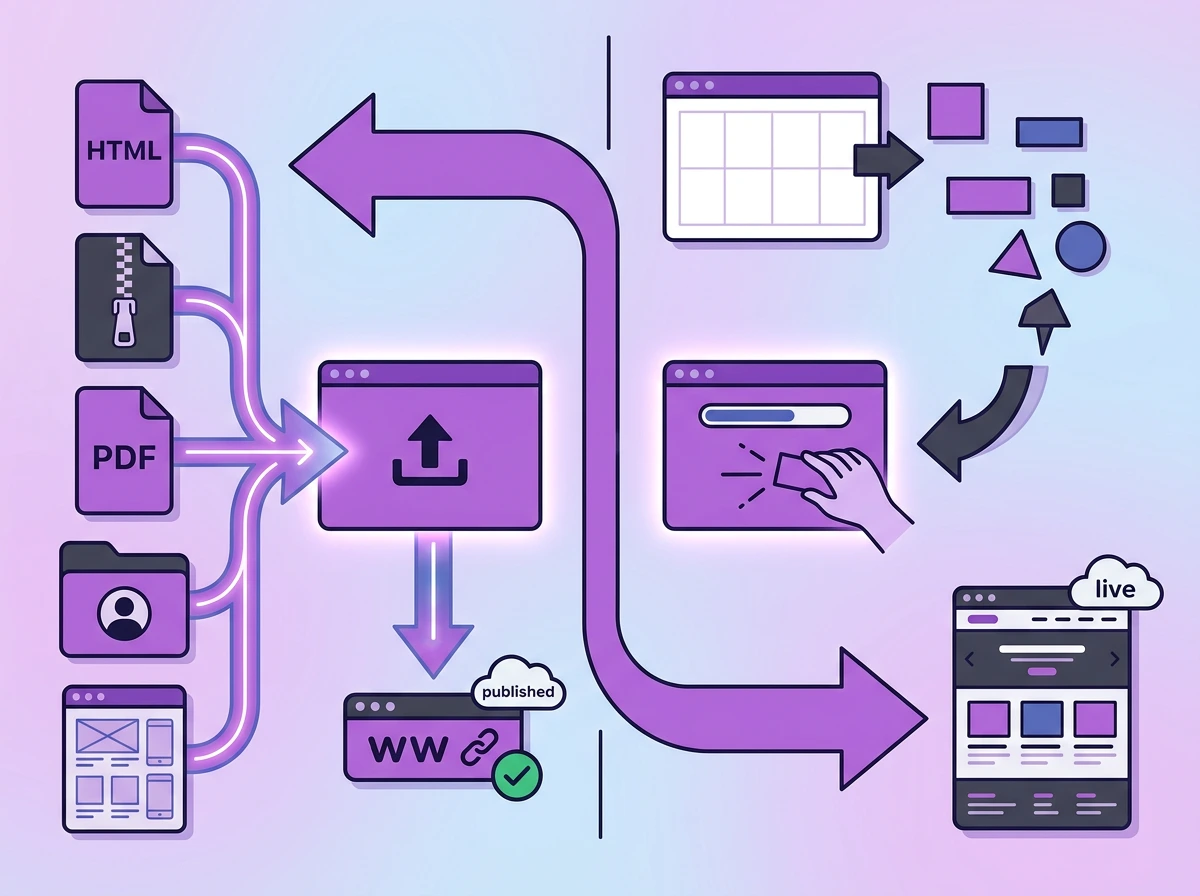
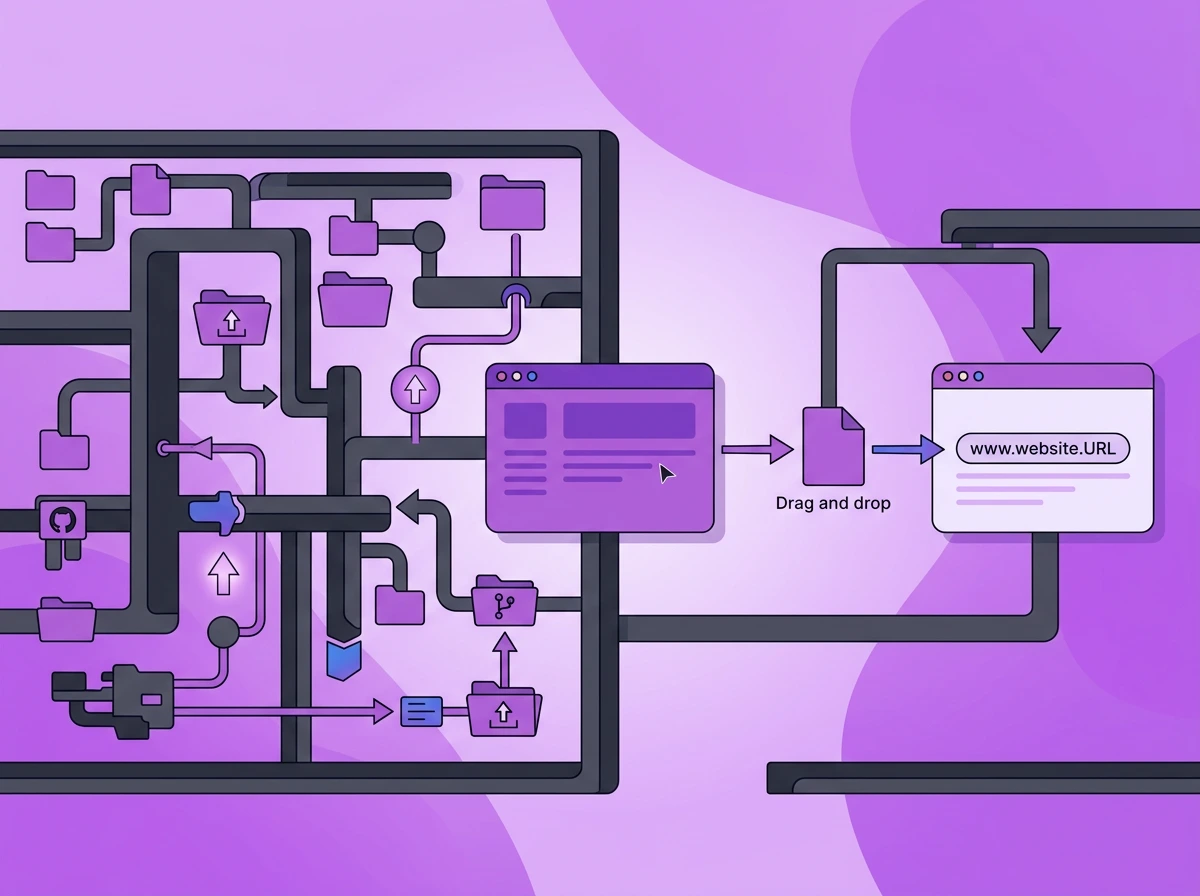
You’re looking for a tool to get your website live. You might have a file ready, or you want to create a website from scratch. That one difference makes Tiiny Host and Carrd two different tools. Each has a different target audience.
If you are searching for “Tiiny Host vs Carrd” to get a website online, you need to understand the comparisons from all angles. A lot of comparisons just list out the features. In this one, we lead with the question: Do you already have a file ready to publish, or do you want to build a website?
Tiiny Host and Carrd promise to get a website online within minutes, without needing a developer. Both of them differ in their functioning. With this comparison, you can make a quick choice.
Quick Answer:
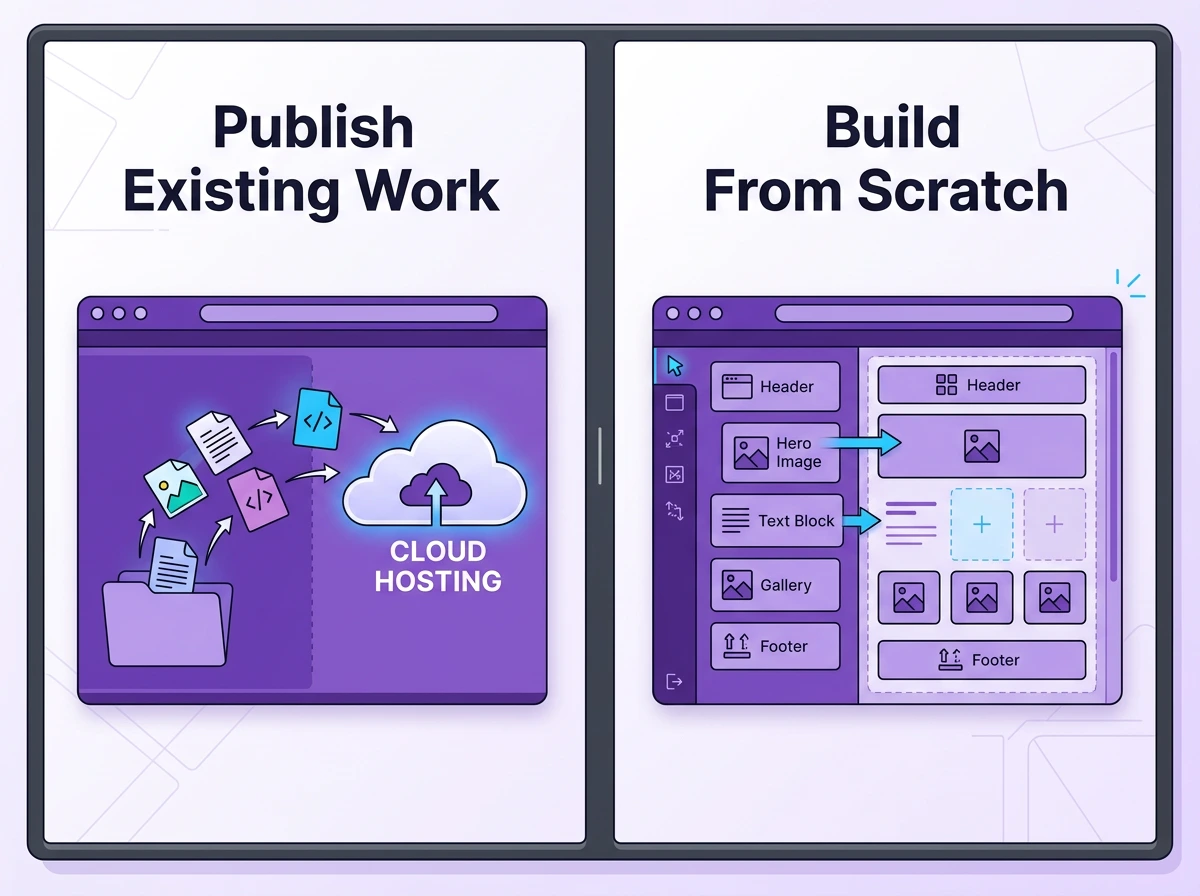
Tiiny Host will help you publish a website online or any files online. With an HTML or ZIP file, you just upload that and get a URL. On the other hand, Carrd lets you create a one-page site with a drag-and-drop editor. If you want to host a file online, your only choice is Tiiny Host. If you are starting from scratch, choose Carrd.
This comparison guide outlines the differences between Bring Your Work and Build Your Work. We’re writing this from Tiiny Host’s perspective, but we’ll tell you when Carrd is a better fit.

The Core Difference: One Question That Decides Everything
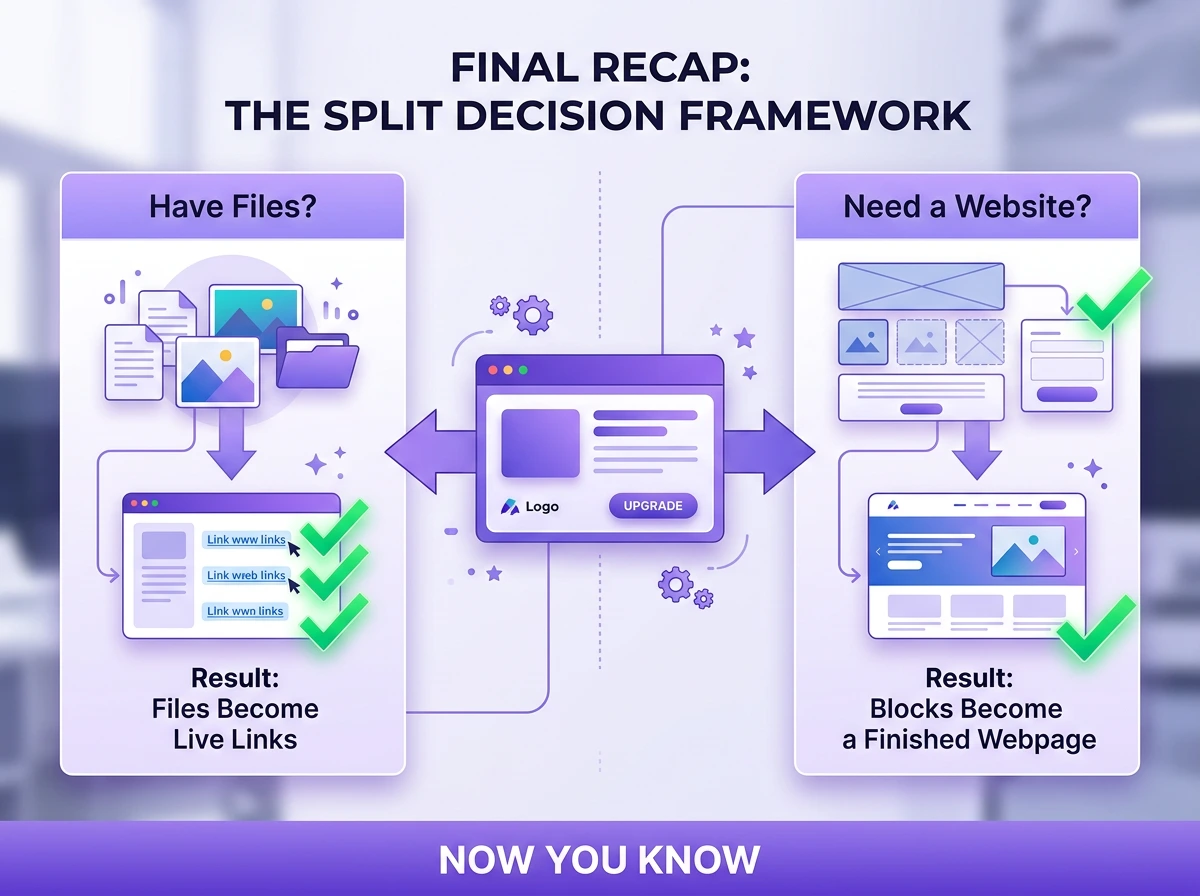
The tool you choose depends on a single question:
Have you already made the application, or do you still need to build a website?
Your answer to this question tells you which tool will fit your needs.
Already have a file ready? Upload it to Tiiny Host for free
Tiiny Host: You bring the work and get it live
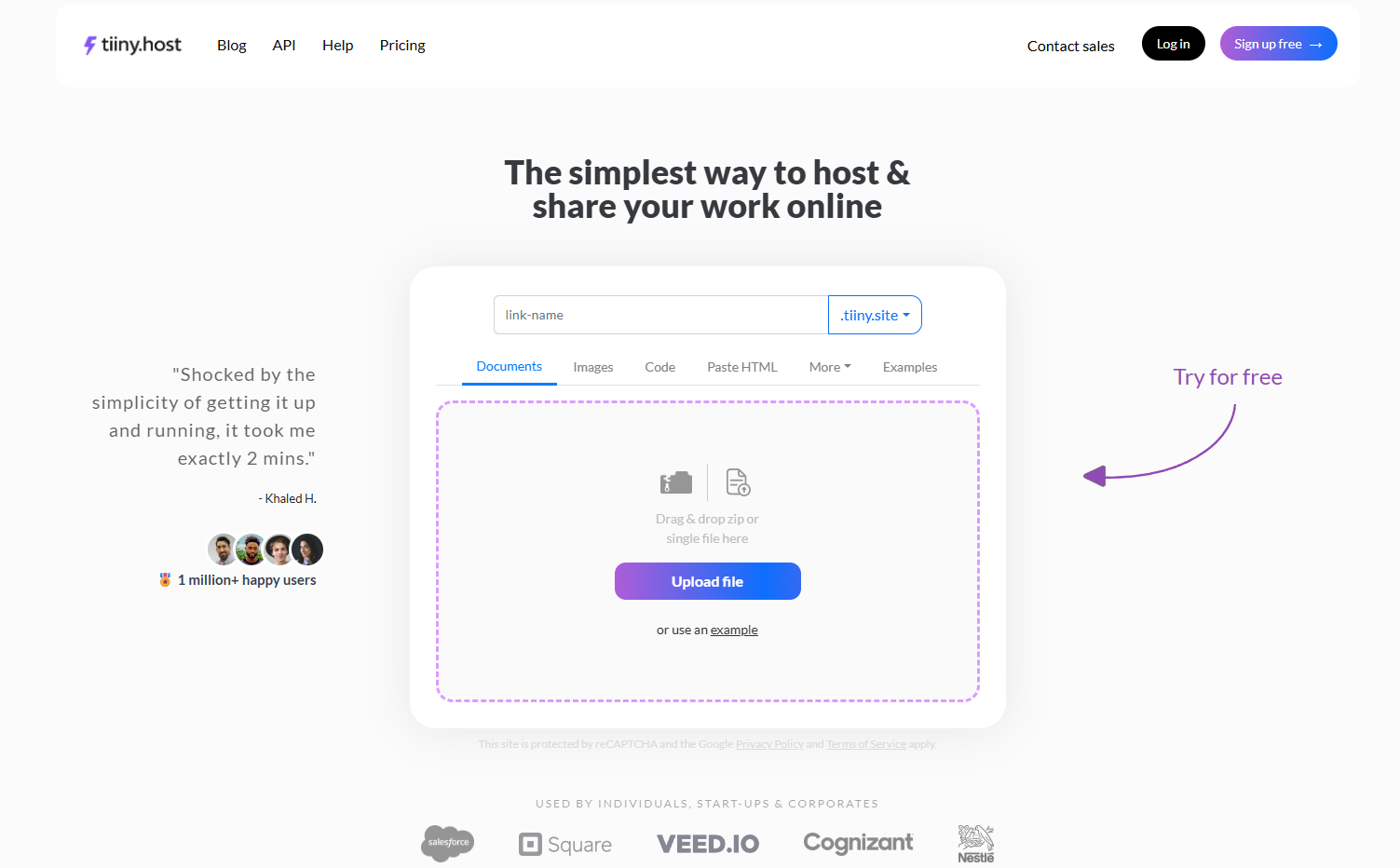
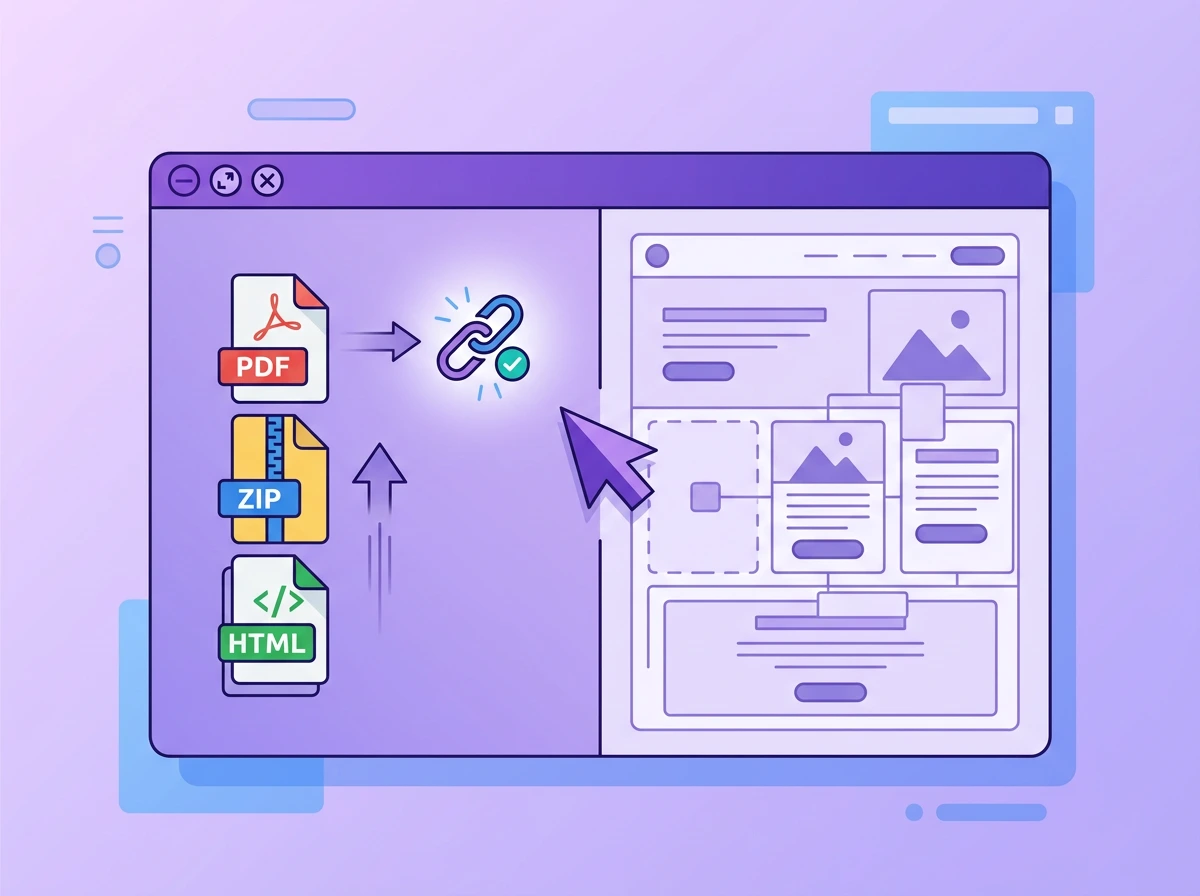
Tiny host is a publisher and a web hosting provider, not a builder. For Tiiny Host, you need an HTML code or a ready file which you can take live. The file can be an application you made with an AI tool, or static site code you wrote in your code editor. But, you are not limited to a website only, you can also upload PDF, Adobe Illustrator files, Canva Exports or any other file format!
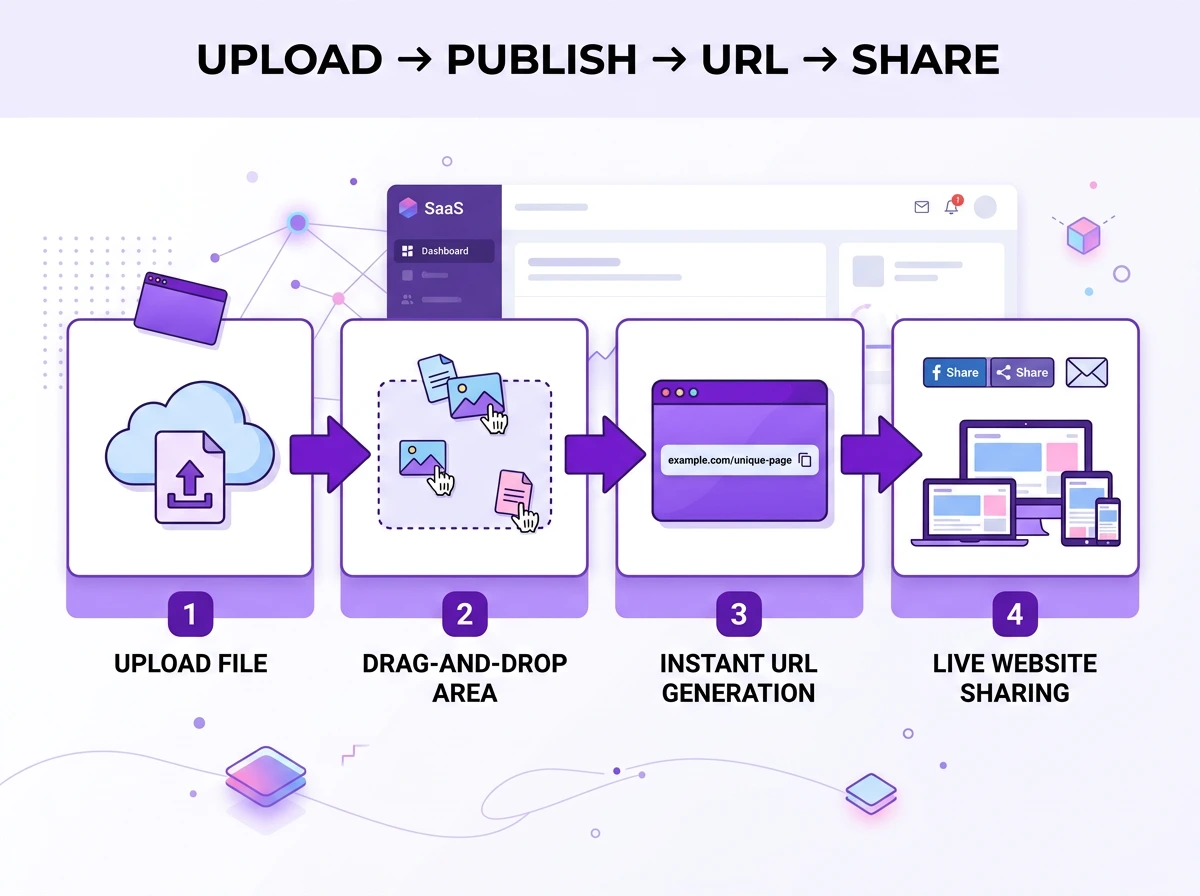
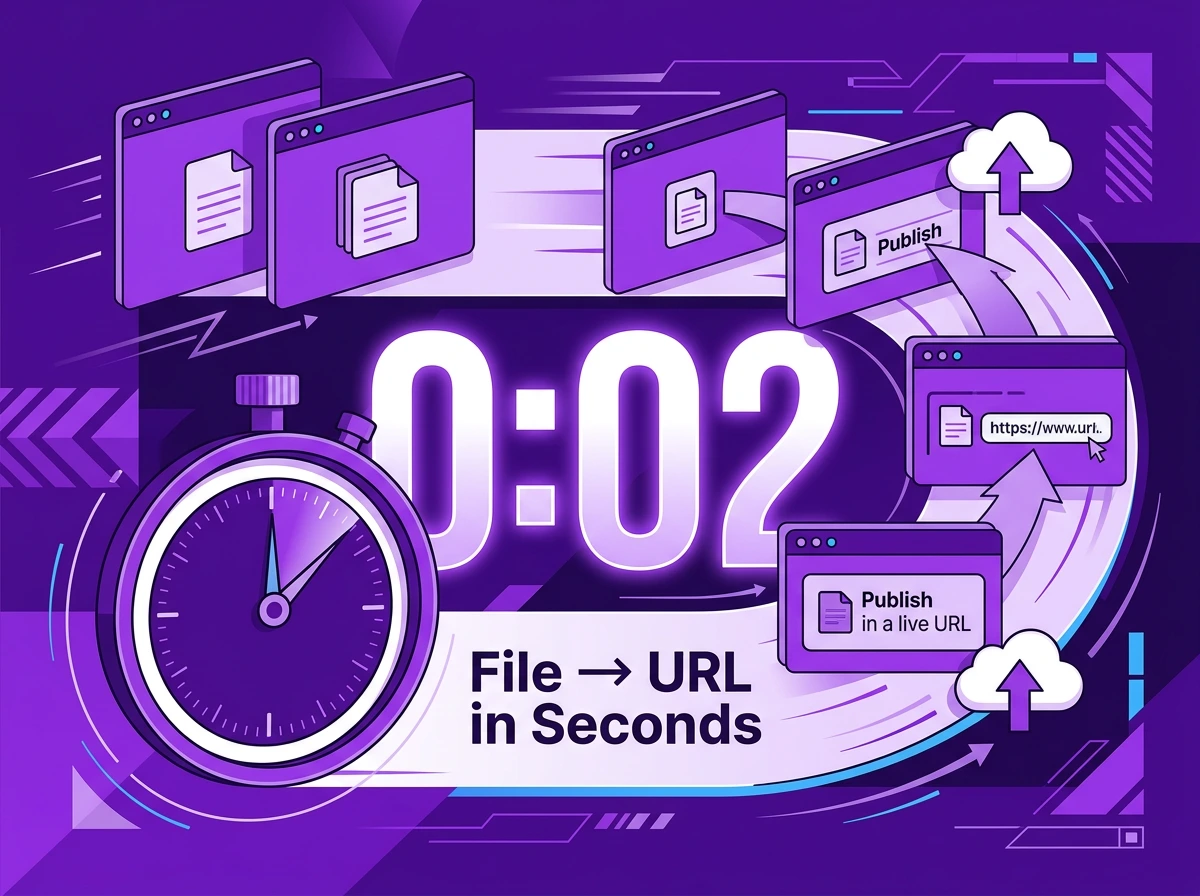
You just upload the file or drag and drop the file to get a URL. It would take you less than a few seconds from file to URL. Tiiny Host can be really helpful if you want to:
- Get a student or professional portfolio online
- Hosting the menu of a restaurant online to share with visitors
- Share design files internally with the marketing team
- Publish a prototype of your application to test it out
- Test out your PHP application
- Share your Figma or Canva files
Any file you have, like HTML, ZIP, PDF or Design files, can be turned into a URL without having any technical knowledge. You can password-protect your file, check analytics and even capture emails of the people who visit the link.
Once your work is ready, Tiiny Host will be your go-to for getting anything live.
Carrd: You Build From Scratch With the Tool
Carrd also takes a website online, but the approach is completely different. Carrd is a no-code website builder which also has a web hosting service included, much more like Squarespace, Wix or Lovable. The Carrd editor gives you a blank canvas where you can drag and drop sections, choose fonts, add copy, or embed like Stripe or Typeform. If you do not want to work on a blank canvas, you can also work with the templates that Carrd provides.
With Carrd, you can:
- Make your personal brand page
- Create a link-in-bio page with all the links present on one page
- Design a landing page for the upcoming campaign
- Make a coming-soon teaser
- Create your portfolio to share with recruiters
- Create a web project as a student
You can create single-page websites right from the tool. You cannot bring an external file and host it directly. If you want to upload files, you cannot. If you want to design something or create a website from scratch, Carrd is your tool.
Carrd is a design tool that also lets you host the website you create. With Tiiny, you can host everything you have created before. So even when your search terms might be similar, the audience does not overlap a lot.
Feature Comparison: What Each Tool Actually Does
| Feature | Tiiny Host | Carrd |
| Core workflow | Upload existing files | Built-in visual editor |
| File types supported | HTML, ZIP, PDF, PHP | Carrd-built only |
| Custom domains | ✓ Paid plans | ✓ Pro Lite+ |
| Password protection | ✓ Solo+ plans | ✓ Pro Plus only |
| Built-in analytics | ✓ All paid plans | ✓ Google Analytics (Pro Standard+) |
| Forms/lead capture | ✓ Email capture | ✓ Custom forms (Pro Standard+) |
| Payment embeds | ✗ | ✓ Stripe, PayPal |
| Drag-and-drop design editor | ✗ | ✓ Full editor |
| Multi-page sites | ✗ | ✗ One-page only |
| QR code sharing | ✓ | ✗ |
| Free plan site expiry | 7 days | No expiry |
| Free plan limit | 1 site, 3MB | 3 sites |
| Team collaboration | ✓ Pro plans | ✗ |
| Student plan | ✓ | ✗ |
| Best for | Publishing what you have | Building something new |
What each tool is Not Good For
Knowing the limitations helps you make a better choice when selecting the right tool. You might have an idea now which tool you want to choose. Here are a few things which Tiiny Host or Carrd cannot do.
Tiiny Host is not a website builder. You cannot design user interfaces using Tiiny Host. There is an editor that you can access at one of the upgraded plans that lets you edit HTML, CSS, JS and PHP files.
- It is not suitable for dynamic sites that need server and database integration.
- You cannot host e-commerce stores through Tiiny
- Not suitable for WordPress-style websites with CMS
Carrd doesn’t allow you to upload other files to host online. You cannot upload custom files to share with others.
- It does not support multi-page websites.
- For analytics, you have to connect third-party apps
- Not meant for delivery pipelines, so you cannot use it for client projects, as some of them might be multi-page.
Pricing: The Model Difference That Changes the Math
Now you know what the tools can do and where they lack. You can also look at the pricing to see which one suits your budget
| Plan | Tiiny Host | Carrd |
| Free | 1 site, 3MB limit, expires in 7 days | 3 sites, no expiry, Carrd branding |
| Entry Paid | ~$5/month (Tiiny plan) | $9/year (Pro Lite) |
| Mid Tier | ~$13/month (Solo) | $19/year (Pro Standard) |
| Top Tier | ~$31/month (Pro) | $49/year (Pro Plus) |
| Billing Model | Monthly | Annual |
Carrd offers more affordable plans overall, but the tool doesn’t let you host files online. If you want to publish a website from the code you have written, these prices won’t even apply to you.
Carrd: Annual flat fee
Carrd has annual plans and can be affordable for most people. The free tier of Carrd lets you make 3 sites with the Carrd branding.
Free plan
Carrd offers a free plan that supports up to 3 sites. On the free plan, the websites include Carrd branding, and you cannot link a custom domain.
Pro Lite Plan ($9/year)
The light version includes removing branding from some elements. You get website hosting for up to 3 sites, with the option to add custom domains.
Pro Standard Plan ($19/year)
With the Pro Standard, you can enable most of the tool’s features. You can have custom forms through MailChimp, ActiveCampaign, Kit and more. You can also check analytics across different apps and embed a widget, too. This plan allows the creation of 10 sites.
Pro Plus ($49/year)
You get everything in the standard version. With the Plus plan, you can also include password protection and download code files. It lets you create up to 25 sites and supports advanced redirects.
If you have a page you only create once and don’t touch often, one of the pro plans would be worth it.
Tiiny Host: Monthly plans for everyone
Tiiny host has a monthly and yearly billing model, which is for anyone who has to get files online often. Choose the plan based on the files you want to work with.
Once you upgrade to a plan, you can remove the Tiiny host branding. For most plans on Tiiny, you can get custom domain support. You can use an existing domain or purchase one at the most affordable price.
Free plan
On the free plan, Tiiny gives you 1 active site, which has a 3MB upload limit and expires in 7 days.
Tiny plan (~5/month)
With the Tiiny plan, you unlock exclusive subdomains and remove branding. You can also get access to the analytics and make a QR code from the links directly.
Solo Plan (~13/month)
The Solo plan unlocks 5 active projects and custom domains, too. The password protection is also included in the Solo plan for sensitive documents.
Right from the solo plan, you also integrated a code editor to help with files like PDF, HTML, CSS and JS. You can add integrations like Zapier and get API access to add projects directly via the API.
Pro Plan(~31/month)
This includes everything in the solo, plus higher storage. You can also add more team members with this plan, publish multiple sites and enable advanced collaboration features.
Student plan: There are discount prices available for students, too.
Custom plans: If you are a large agency or company, you can connect with the support team for a customised price for your needs.
If you are an agency running many marketing campaigns, Tiiny might help you. Further, if you have reports you have to share, files to get checked or share your design files, the monthly plans will be fair value for you. All your plans come with a custom domain and free SSL for the safety of your site.
But if you want to design things from scratch, Carrd is the right call.
Pricing verdict by use case
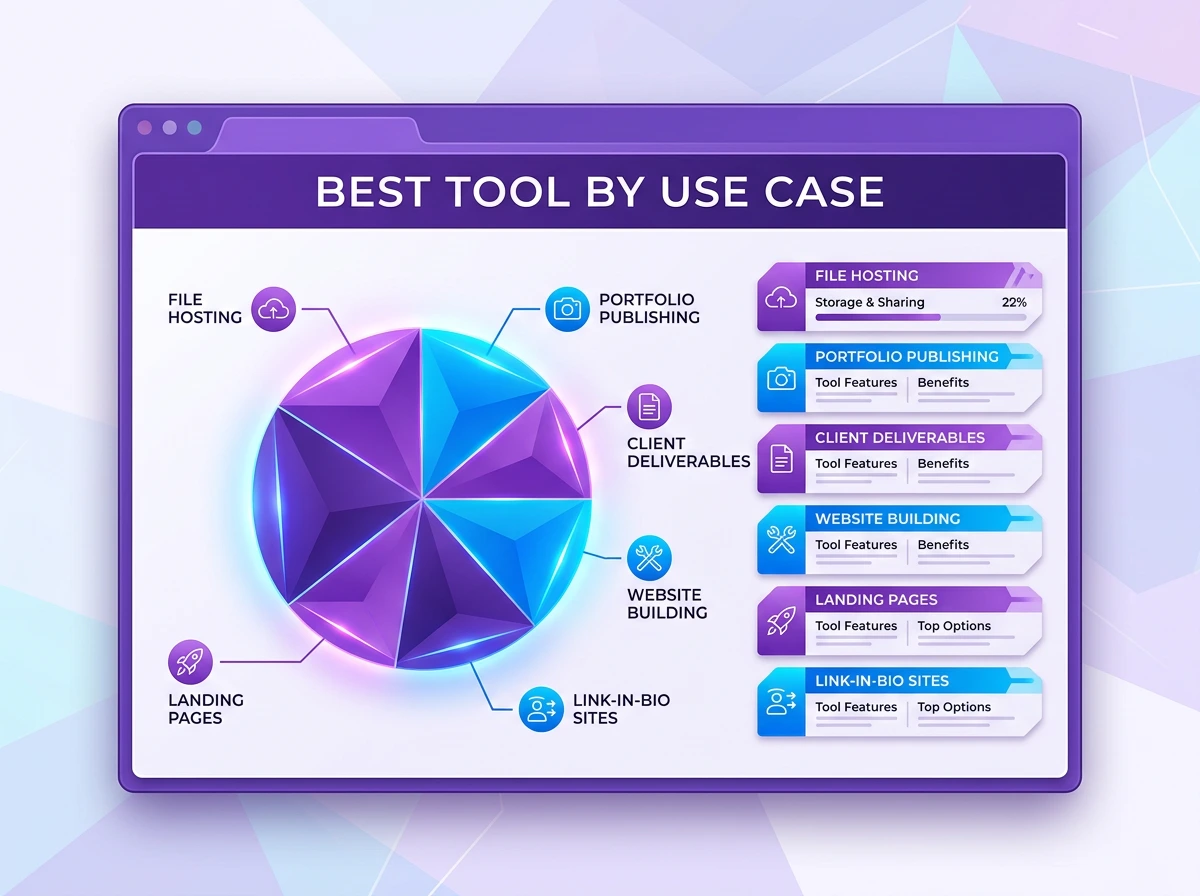
| Use case | Better value | Why |
| Personal brand page (one-time setup) | Carrd ($19/year) | Low annual cost, built-in design tools |
| Sharing a PDF or prototype weekly | Tiiny Host | File-first, purpose-built for this |
| Freelancer with 5+ client deliverables/month | Tiiny Host (Solo) | Multi-project, password protection |
| Student with one portfolio page | Carrd (Free) | 3 free sites, no time expiry |
| Agency managing client microsites | Tiiny Host (Pro) | Team collaboration, analytics, and multi-project |
| Creator with payment links + email capture | Carrd (Pro Standard) | Stripe embed, Typeform, $19/year total |
Use Cases: Which Tool Wins for Your Situation
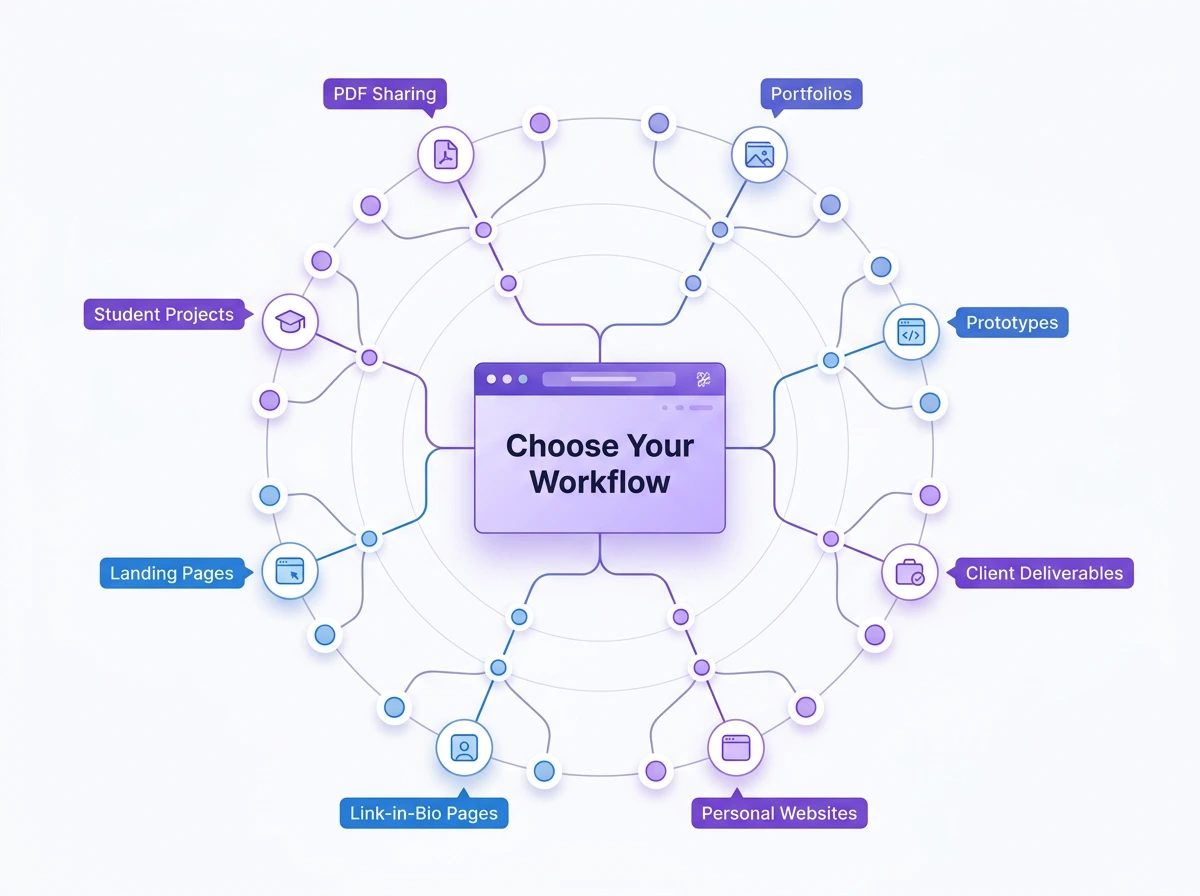
Sharing a PDF, Proposal or Prototype
Choose Tiiny Host
Whether you have to send your proposal to a client online or send a large file online, Tiiny Host should be your choice. You do not have to worry about file size, and you can check analytics too.
With Tiiny, you just have to upload, add a password, give a link name, and publish. Then you share the link wherever you want.
You do not have to worry about clumpy links that Google Drive or Dropbox gives you. Tiiny URL allows you to get a custom subdomain. If you do not like the branding, you can always add a custom subdomain.
The receiver can just get the link and does not have to know the backend. They can also check the file on any device.
So freelancers sending proposals, designers who have to take design approvals, and the developer team sharing prototypes can use Tiiny.
Carrd, on the other hand, doesn’t support uploading files, so you cannot use that.
Building a Personal Brand, Portfolio Page from Scratch or Building your First Website
Choose Carrd
If you need to create a page from scratch, Carrd can help you out with creating and web hosting.
Whether you are a yoga teacher or developer who wants to create a portfolio, Carrd can help you out. Influencers who have “all-in-one” links can create the page using the tool.
Another great use case, if your restaurant is opening soon, Carrd can create really good coming-soon pages.
You can create from scratch or well choose one of the templates. Your no-code website goes live within minutes. You just have to spend some time writing the copy.
With Tiiny Host, you cannot make a portfolio. You can host a portfolio if you already have the files. If you have yet to build one, you can choose Carrd. If you have built your portfolio using AI or on your own, you can check out Tiiny.
Freelancer, Small Business or agency delivering client work
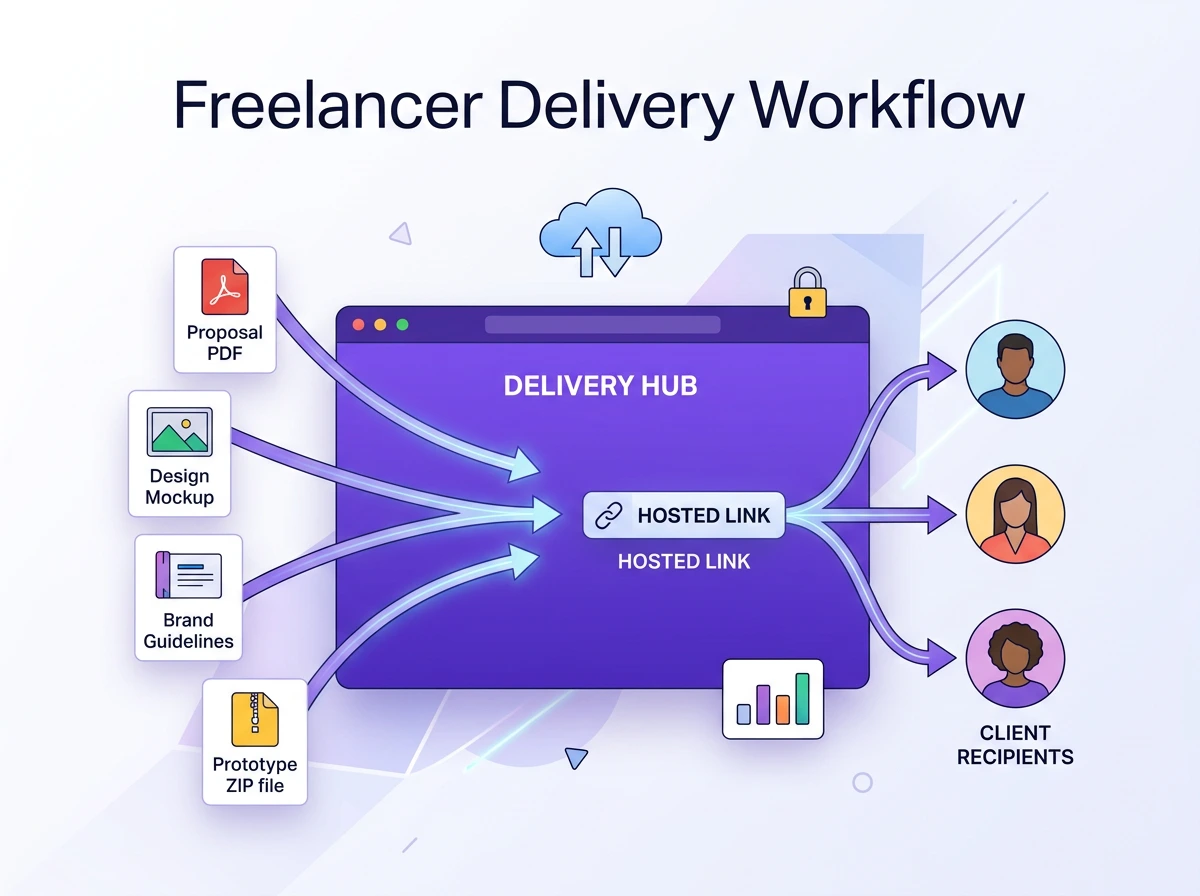
Choose Tiiny Host
If all your week goes into sorting the pitch decks, monthly reports, design mockups, brand guidelines and invoices to be shared with clients, just use Tiiny. Upload them separately and share the link.
If you want a collection, make a zip folder, add all the files to it, and share the link to that folder (Yes, your files will be searchable).
You can password-protect the filesif you are sharing reports or invoices. If you need tracking and analysis, just enable them from the dashboard.
If you are sharing files internally, the Pro plan can let you make collaborative files, too and add team members.
Publishing an AI-generated or exported Static site
Choose Tiiny
AI landing page builders like LeadPages, Framer, and Webflow, as well as AI builders like Claude, Lovable, and Bolt, let you generate the type of pages you want. You can download the HTML files or ZIP files from these tools and publish these websites using Tiiny Host.
You just upload any static website, and within two minutes, you get the URL. This is a great way to pitch ideas to people. You can also create prototypes on one page and share with Tiiny.
With Carrd, you can create landing pages or a website, but you cannot import the entire website from another platform.
Student Hosting Academic Work
Choose the Carrd Free version of Tiiny’s Student Plan
It depends on what type of content you want to publish and share.
If a marketing student wants to build a campaign page or portfolio from scratch, Carrd’s free plan will be the best choice.
For a computer science student with HTML files that need web hosting, a photography student with a portfolio or a design student with a PDF portfolio, Tiiny Host is the choice.
The decision depends entirely on whether you are starting from scratch or already have a file ready to publish.
FAQs: Tiiny Host vs Carrd
Can I build a website on Tiiny Host like I can on Carrd?
Not in the same way, to be honest. Carrd has a drag-and-drop editor with pre-built segments that you can edit online directly. If you want a no-code website, you use Carrd. If you are building a web project with AI builders or you have Figma files, Tiiny can host that instantly.
What types of files can I upload to Tiiny Host?
Tiiny Host supports code files, images, and documents such as text files, presentation files, and spreadsheets. Whether you have HTML, PHP, ZIP, PDF, Figma Exports, or Adobe Illustrator files, you can host them on Tiiny.
Is Carrd a good hosting solution for existing files?
Carrd is a site builder, not a file hosting platform. You can publish content you created in its editor. If you have files which you want to share online, Carrd cannot help you there. Tiiny Host will be helpful there.
Can I host an AI-generated website on Tiiny Host?
Yes, you can. There are AI builders like Bolt, Lovable, Wix ADI, Framer, Cursor and Claude that help you create websites in minutes. Once you export HTML files or ZIP files, you can upload and get them live within minutes. If you are using tools like ChatGPT, you can get your website live directly from their custom GPT without leaving the app.
Which is cheaper, Tiiny Host or Carrd?
It depends on the kind of website you are working with. If you are planning to create a coming-soon page, a link-in bio, or a single-page website from scratch, choose Carrd. It can help you a lot with making the whole page with the drag and drop editor.
If you are using AI to create your applications and website, or often share files with clients or colleagues, the Tiiny host would be your ideal choice. Without needing any third-party apps or having to pay, you get analytics and password protection for your sites starting at $9/month.
Does Tiiny host expire your site?
Only on the free plan, 7 days after publishing. That too can be used if you have demos or prototypes; you can share them. If you want long-term publishing, you can choose paid plans.
Which is better for SEO, Tiiny or Carrd?
Neither of them has been built keeping SEO as the first preference. Tiiny Host sites load fast via CDN, which can help with the performance. If you have a single file shared as a website, the search engine won’t have enough context. If you have a website or a multi-page website, SEO can be explored even with Tiiny. Carrd’s single-page format faces similar constraints, but if you include on-page SEO, it might help.
If your goal is to create SEO-driven content, a CMS like WordPress or a builder like Webflow might be a better fit.
The Final Verdict
Choose Tiiny Host if:
- You have files you generated with AI or files that are already prepared, ready to go online.
- You often have to share deliverables with clients or collaborators.
- Speed is your end goal; you want the files to go online fast and the links to be shared across places.
- You want password-protection and analytics without having to add any third-party software.
- You are a freelancer, designer, or artist who wants to get your portfolio online.
- You want a platform where the whole team can collaborate and share their work in one place.
Choose Carrd if:
- You are creating a website or portfolio from scratch
- You want a no-code website with a drag-and-drop editor and control over your design
- Creating a bio page or an all-in-one links page is your priority
- The lowest annual cost is what matters to you
- You are a solo creator or student who is working on fewer websites
I don’t believe Tiiny Host and Carrd are competitors. They both work for different sets of audiences.
Final Thoughts
The Tiiny Host vs Carrd question can become confusing. That is till you understand the workflow and use-case difference.
Carrd is one of the best tools out there if you want to build a clean one-page site from scratch. You get control over designs and good features at a very good price.
Tiiny Host is the best tool for you if your file is ready and you want to share it. If you are hitting file-size limits or have just created a beautiful website with AI, Tiiny will help you publish it. It gets your files into a link for you.
If your file is ready, you do not need to wait anymore. Your work is ready to be shared online. Just upload your file and get the URL. You won’t even need a credit card to start with.