Understand exactly what your clients or stakeholders think about your project without the email back and forth.
Free to start · No credit card
Used by 2M+ users & trusted by teams at

Review without the ceremony
Ask for feedback, not a favour
Frictionless feedback mode means you're more likely to get feedback you need.
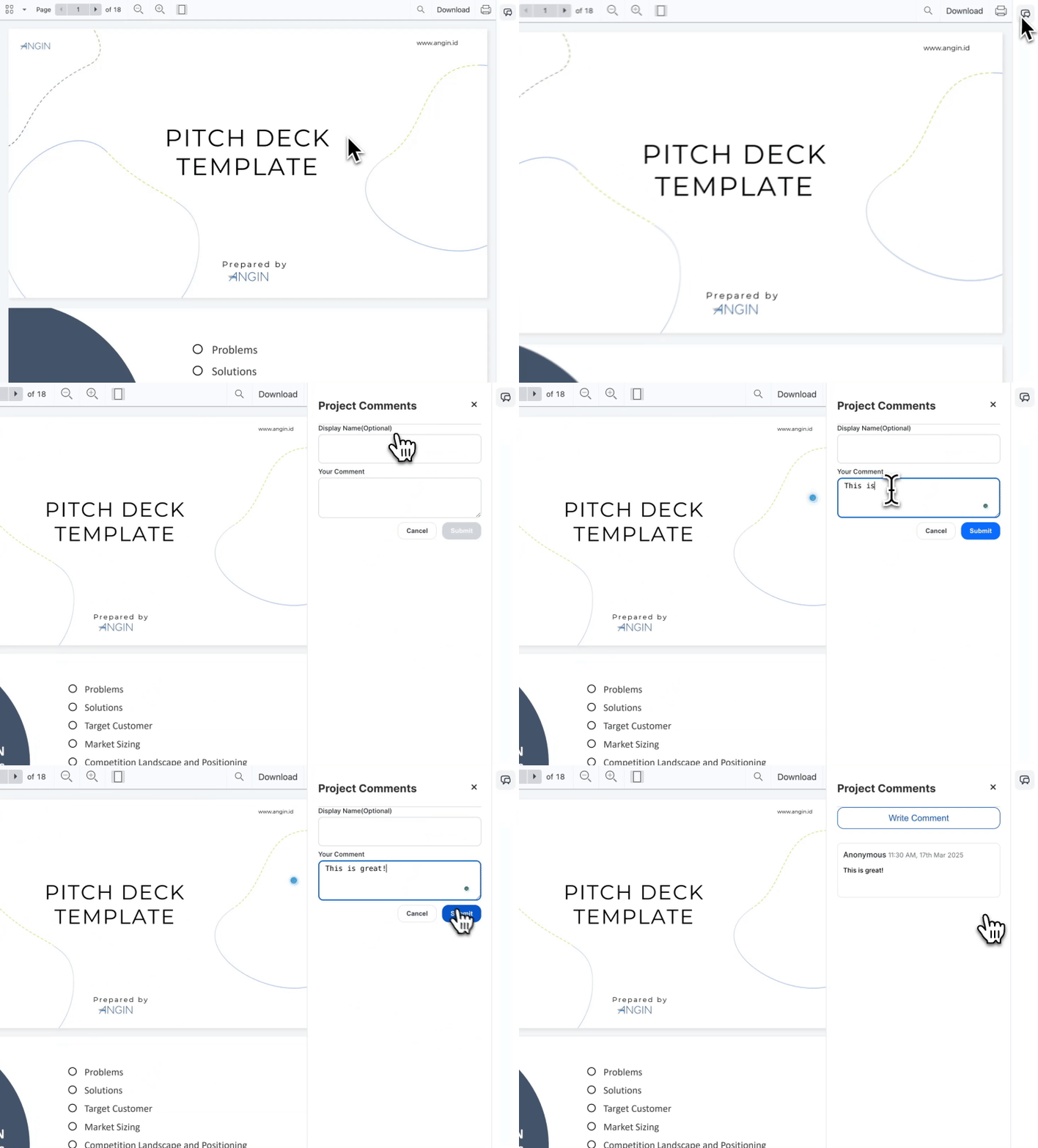
Easy access
No sign up required
Just share the link and your reviewers can comment right away. Reviewers don't need to sign up for an account so you get feedback faster.
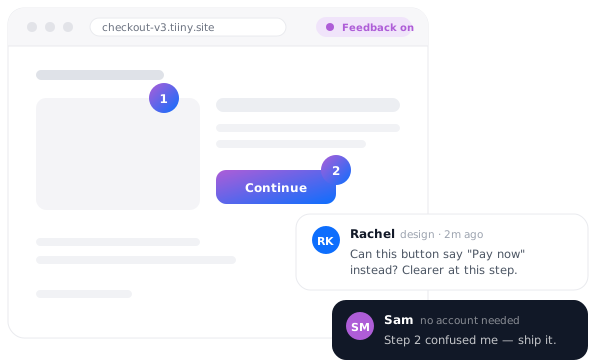
Pinned annotations
Clear and specific feedback
Never be confused again by a cryptic or misplaced comment. Reviewers can pin comments to exactly where they want to give feedback.
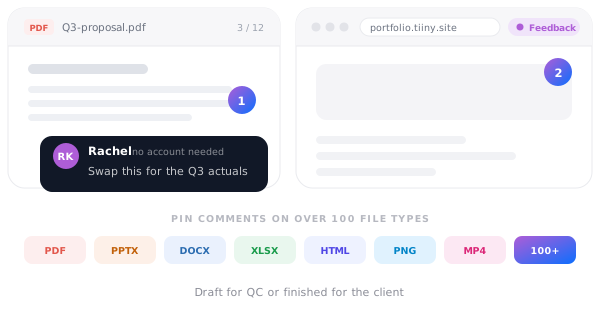
Multi-file support
Improve anything
Don't just improve drafts. From presentations, to PDFs and HTML, you can share over 100 different file types in your portfolio with reviewers. Whether it's a draft for QC or the finished product for a client, tiiny's got you covered.
What people put up for comment
Anything that gets reviewed before it gets approved.
Clickable prototypeWeb page · pinned comments
Design conceptsImages · comments per option
Contract draftPDF · clause-level notes
Pitch deckDeck · slide-by-slide feedback
Course moduleWeb page · reviewer notes
Campaign pageWeb page · sign-off before launch
Rave reviews
It took me a couple of hours to build, 30 seconds to host on Tiiny, and a couple of hours later I had the feedback I needed.
★ ★ ★ ★ ★
NJNarain JashanmalIndependent product advisor, ex-Meta and MUBIRead the story →
Everything else I looked at basically required developer resources or was too basic/complicated.

Turn on feedback mode and anyone with the link can leave comments directly on the page, pinned to the part they're talking about. They don't create an account and they don't need to be free at the same time you are, so the notes come back while you're doing something else.
Do my stakeholders need a Tiiny Host account?
No. They click the link and it opens. That matters most for executives, customers and anyone outside your company who would have abandoned a sign-up flow rather than look at your work.
Does it work on documents or only web pages?
Both. The same pinned commenting works on documents and decks as well as on full HTML pages, so a report review and a prototype review run the same way.
Can I keep the review private?
Yes. Add one-click password protection to anything not ready for a wider audience and share the password separately from the link. All uploads and downloads are encrypted with industry-standard TLS/SSL.
Can I update the page while people are reviewing it?
Yes. Swap the file or edit it in the browser and the link stays identical, so the URL already in your Slack thread immediately shows the new version. Previous versions are kept, so you can switch back if a conversation calls for it.
Can my whole team see the comments?
Yes. Team collaboration is available on Pro, where you invite members from the Team section of your dashboard, so the review doesn't live in one person's private link.