- The Short Answer
- Side-by-Side Comparison
- How They Actually Work
- What Each Can Actually Publish
- Features to look for in Surge.sh and Tiiny Host
- Pricing for Both Tools
- Which Is the Right Hosting Solution for You?
- Frequently Asked Questions
- The Verdict
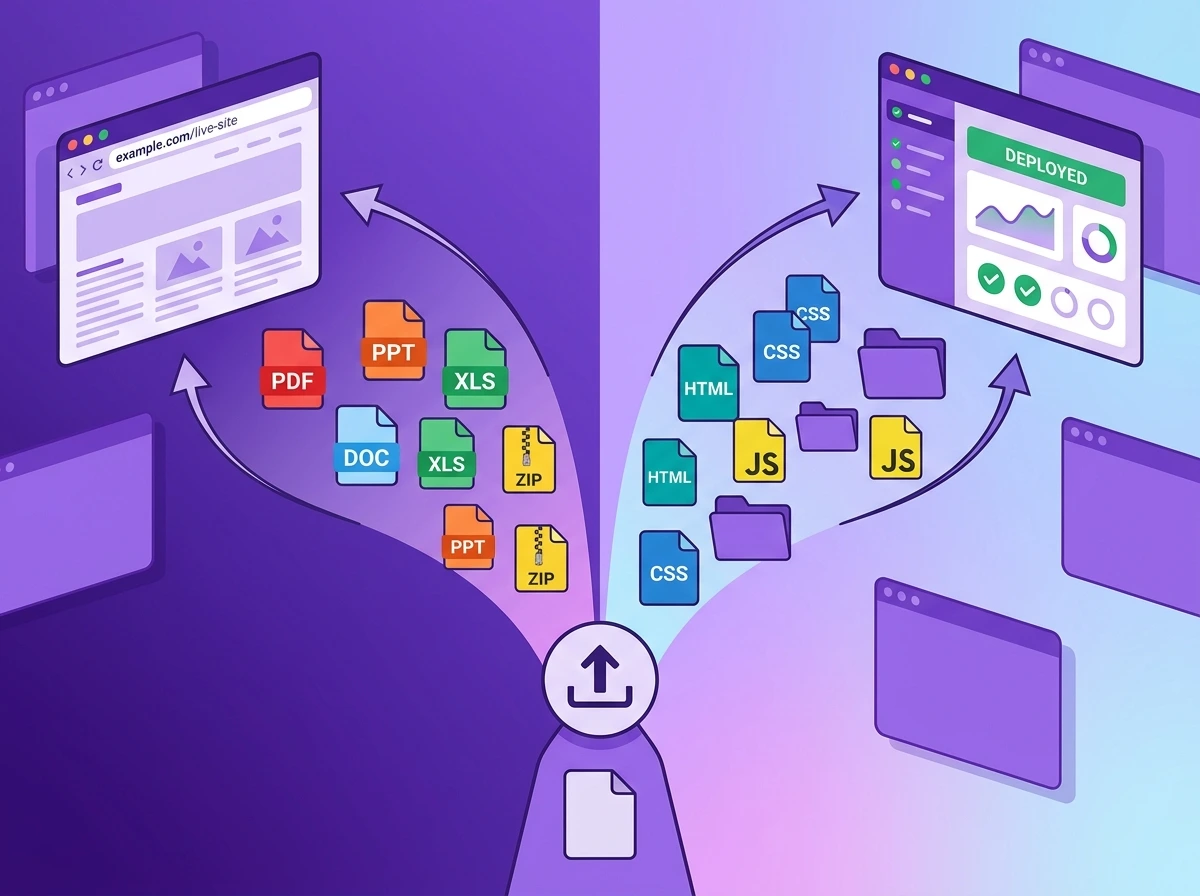
Tiiny Host and Surge get your file online in under a minute. Well then, you might wonder which is the best static site host from these two? The comparison is not between what outputs they give, it is actually in their workflow.
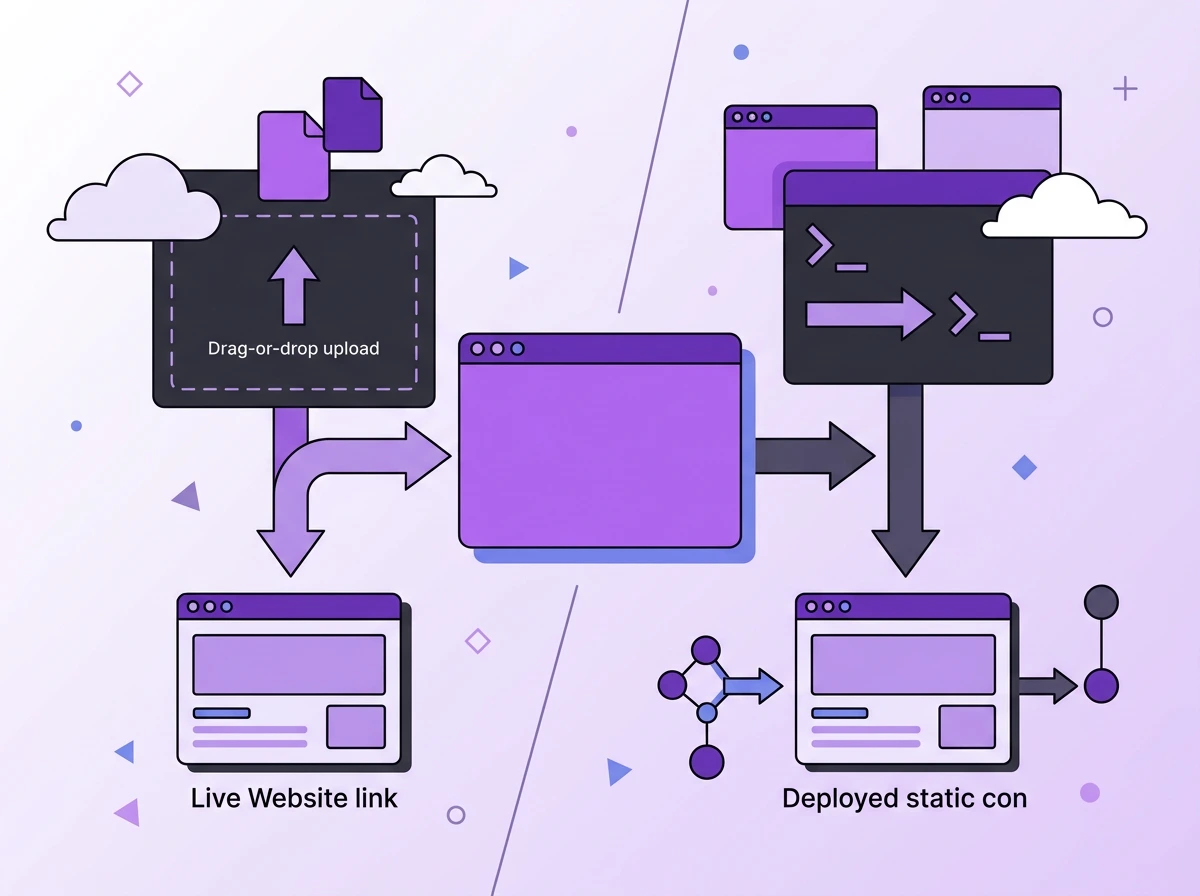
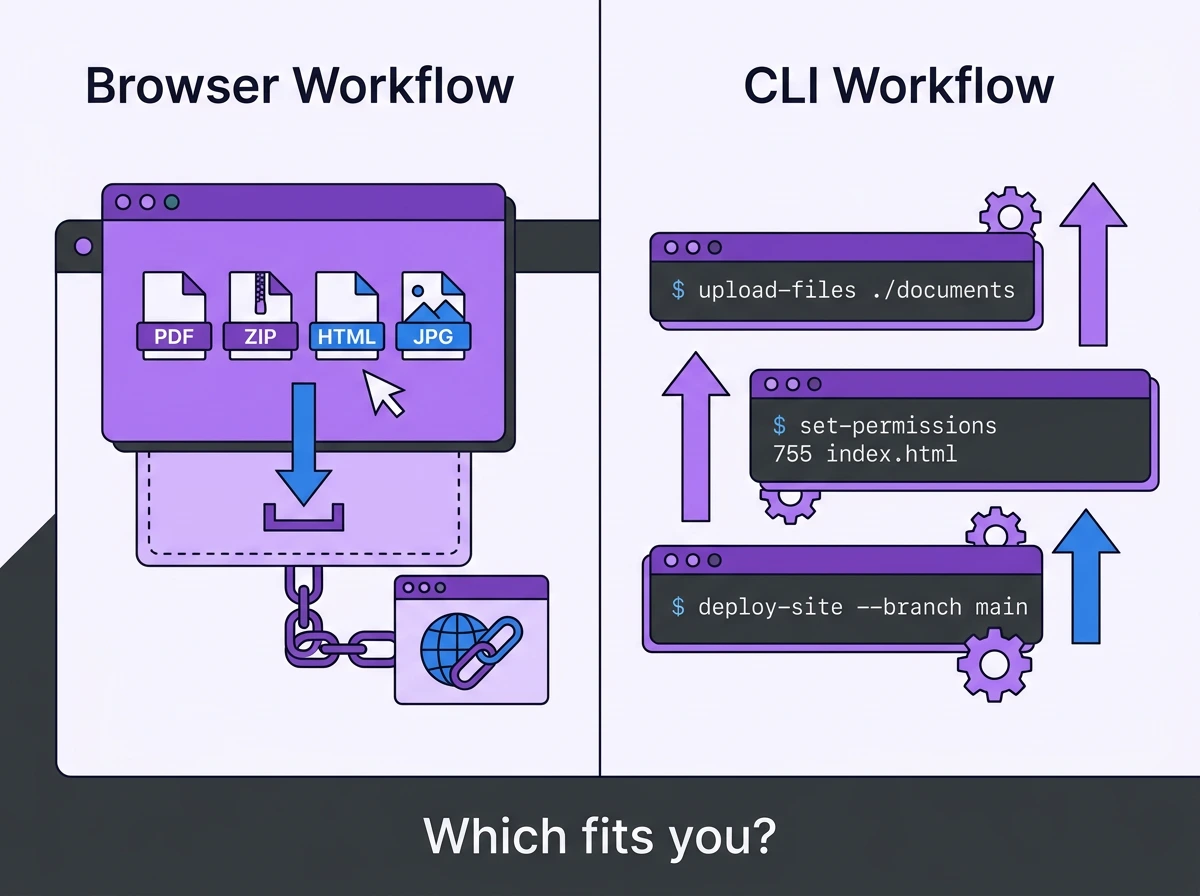
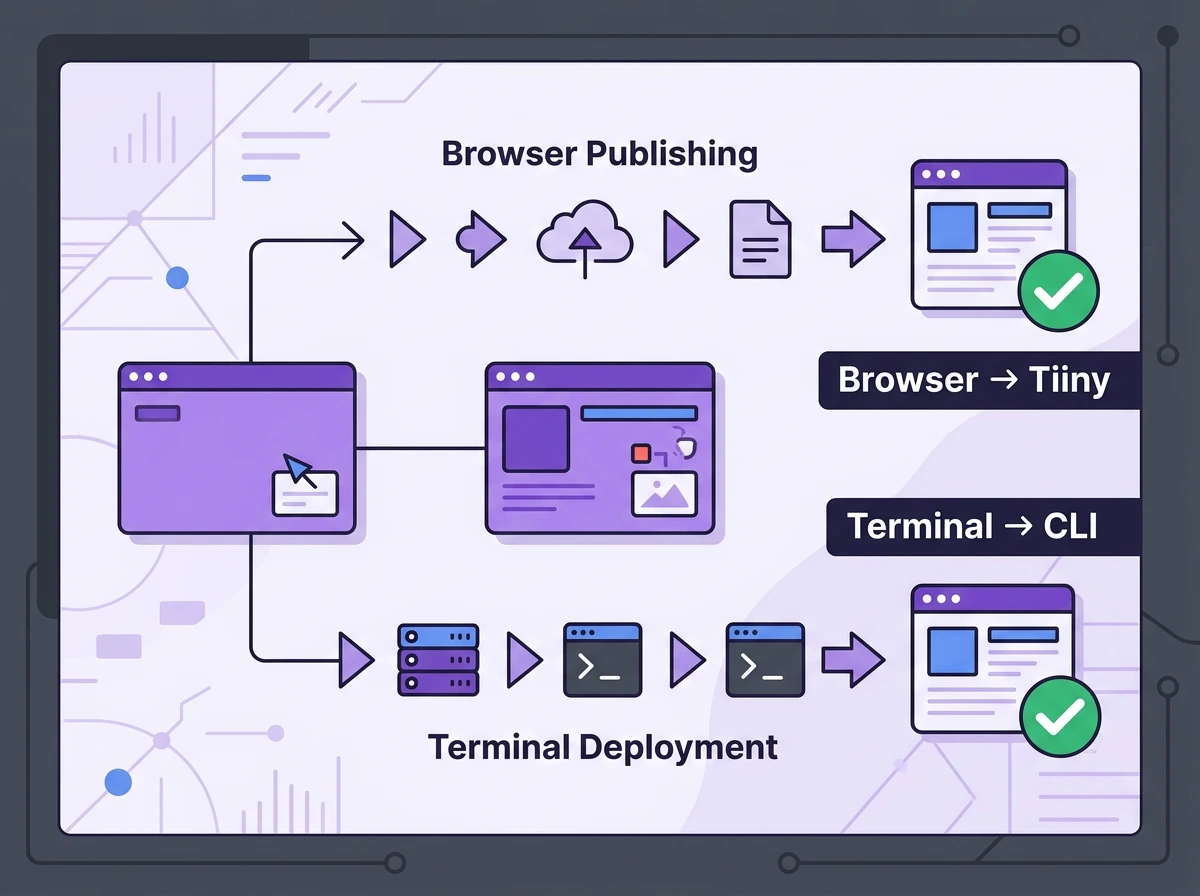
With Surge.sh, all your work is done through the terminal. To use Surge, you install a package, run a command, and your site goes live. This won’t be an issue for developers, but what about everyone else?
Tiiny Host works directly in your browser. You upload or drag and drop a file, get a link and start sharing. You do not need Git or a terminal to get your file online with Tiiny Host.
Ask yourself one question: Do you work with terminals often or not? That’s how you will choose the tool best for you.
This guide will break down both the tools honestly. Surge wins for some users and Tiiny for others. By the end of the guide, you will know which one fits how you actually work.
Jump to the comparison table or the decision guide if you’re in a hurry.
The Short Answer
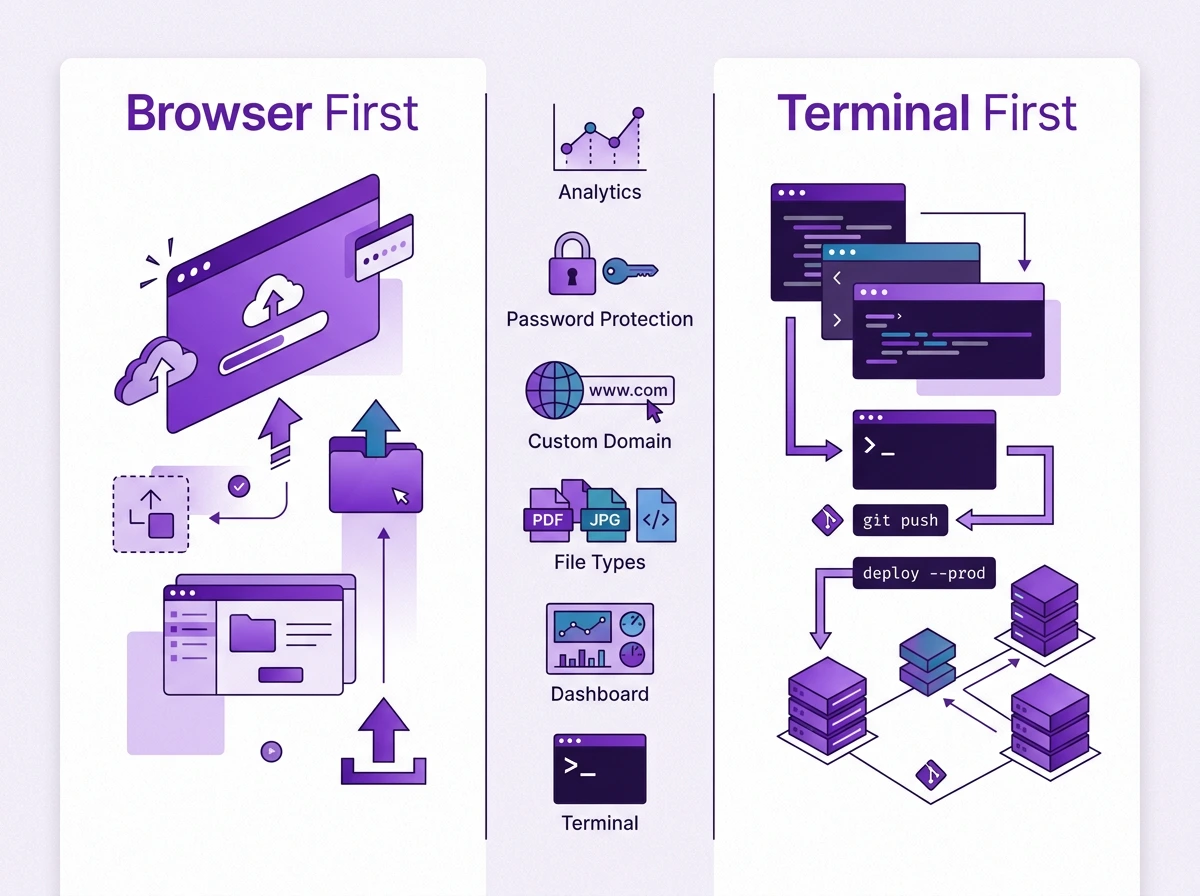
Tiiny Host is a drag-and-drop static hosting platform for everyone. You can host any type of file without having to work with CLI or Git. Surge.sh is a single-command CLI tool made for frontend developers. It works from the terminal on your system and lets you deploy static sites fast. Surge wins for developers and anyone who works with a terminal. Tiiny Host wins for anyone who just wants to drag and drop their files and wants other features too.
Side-by-Side Comparison
| Tiiny Host | Surge.sh | |
| How you publish | Drag-and-drop in browser (+ Chrome extension) | surge command in terminal (needs Node.js + npm) |
| Who it’s for | Non-developers, designers, marketers, students | Front end developers |
| What you can publish | HTML sites, ZIPs, PDFs, images, video, LLM-generated code | Static sites only (HTML/CSS/JS, generator output) |
| Custom domain | Yes | Yes (free via CNAME) |
| SSL Certificate | Free on all plans | Free on *.surge.sh subdomains; custom-domain SSL is paid |
| Password protection | Yes (paid plans) | Paid plan only |
| Analytics | Built-in | None native |
| Free tier | 1 site, 7 days, 3MB file limit | Unlimited projects, no time limit |
| Paid entry point | $9/mo (or $5/mo billed annually) | $30/mo (Professional) |
| Best for | “I just want it live, no terminal” | “I deploy from the command line anyway” |
How They Actually Work
Publishing with Tiiny Host
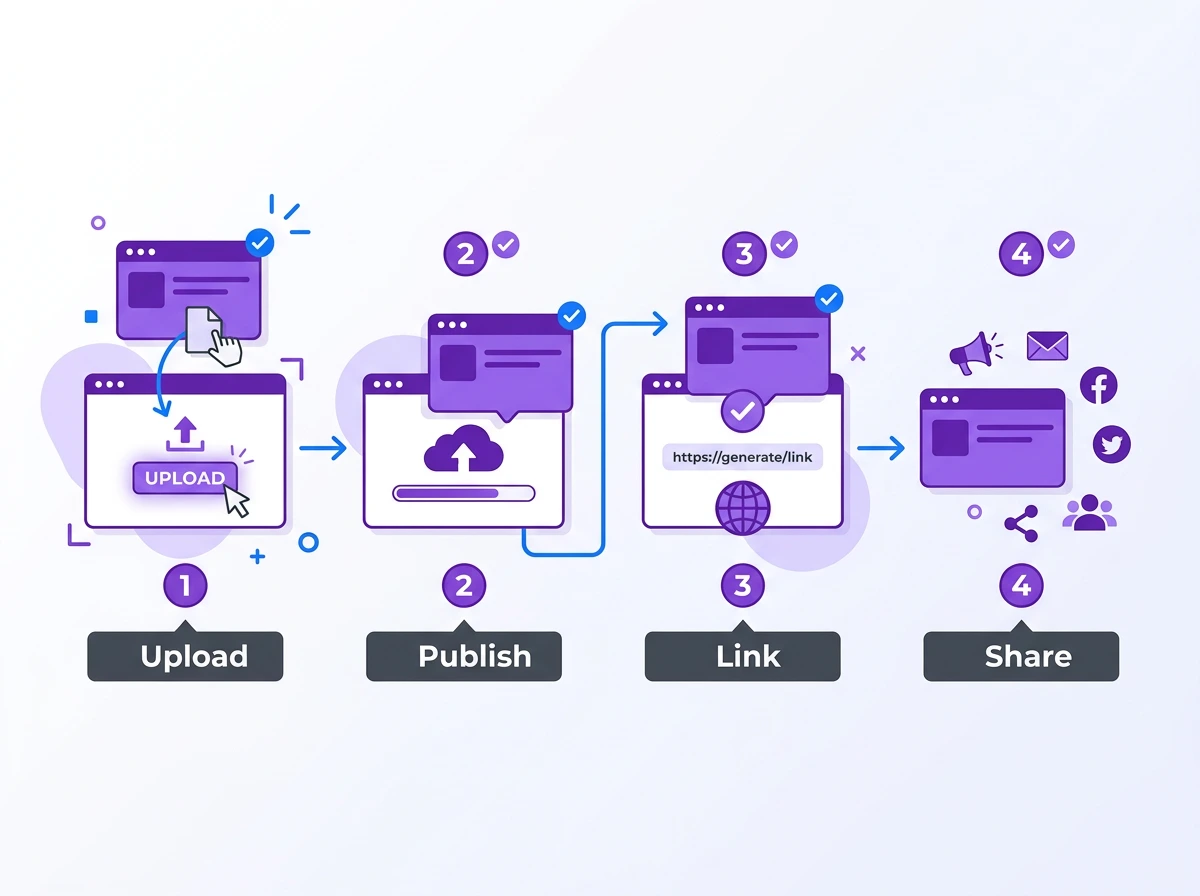
You can host using Tiiny in less than two minutes.
- Open Tiiny.host on your browser
- Drag and drop your file
- Give a link name if you want a customised subdomain, or leave it as is
- Hit Publish to get your file live as a link
That’s literally it. You get a link for your file and start sharing it. You can upload and share the files from any device and share the link anywhere, too.
Tiiny Host can be useful whether you want to share a prototype or a PDF resume. Tiiny Host can help out:
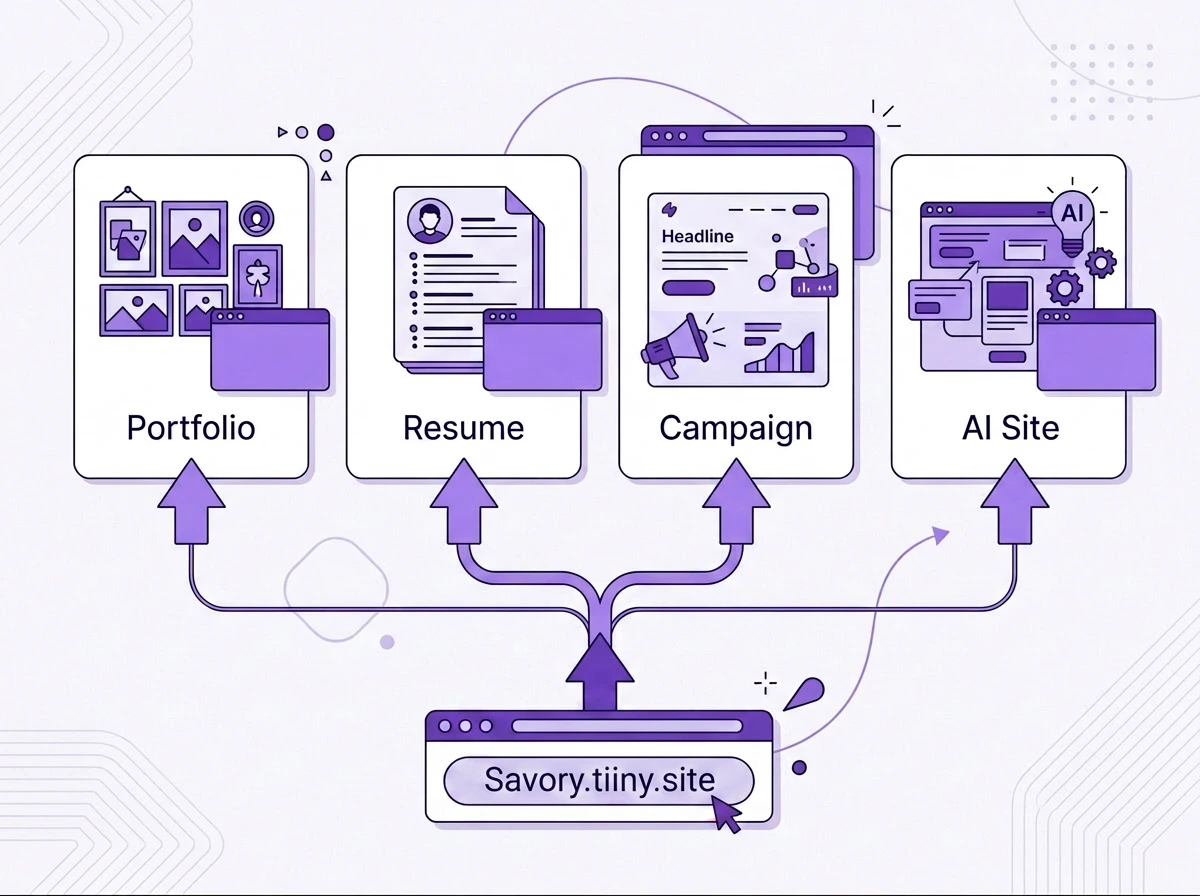
- A designer who wants to share a design file with other team members
- A student submitting the class project
- Getting a landing page live for a marketing campaign
- Hosting a page you created using AI tools
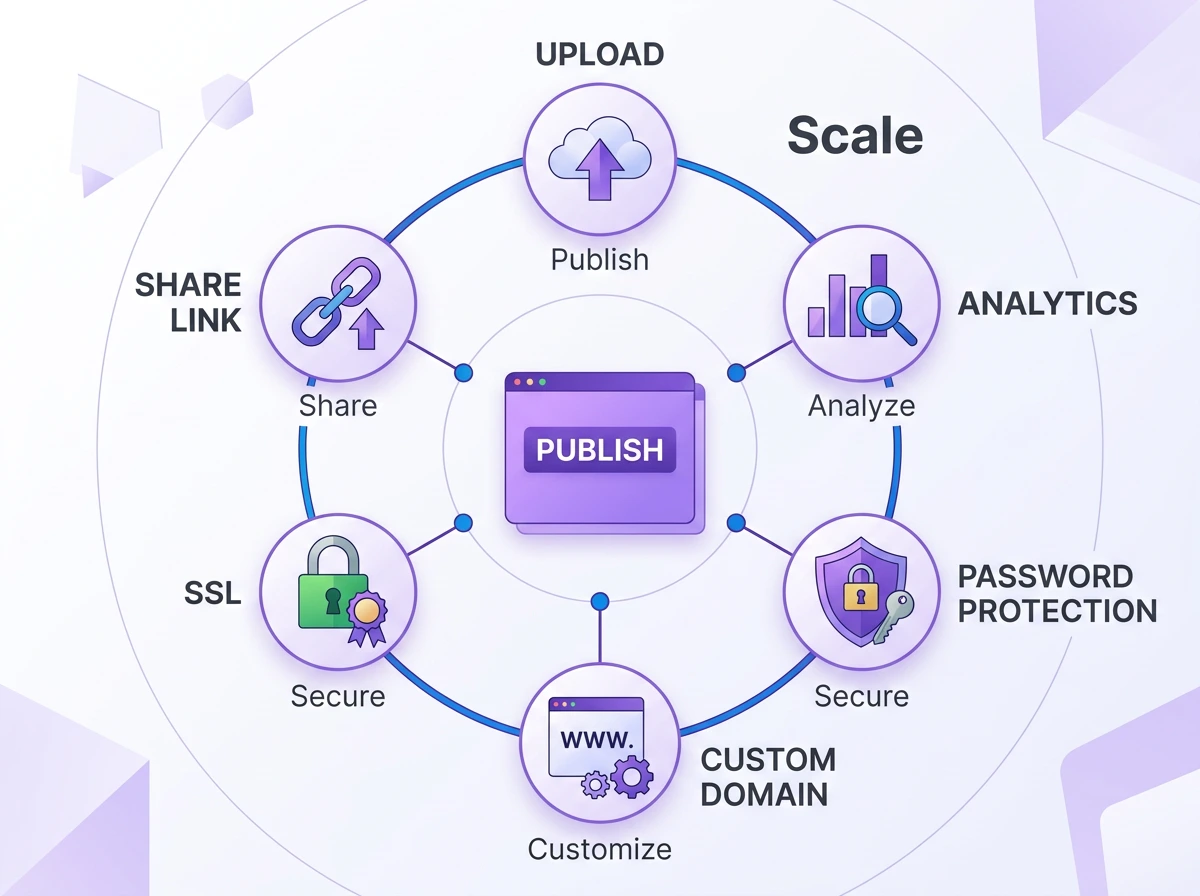
Tiiny host has built-in analytics without the need for any third party integrations. There is also the option of password protection, and you get free SSL for all the sites. All the features of Tiiny can be used from the dashboard itself.
Tiiny also supports deployment directly from VSCode and even ChatGPT through their extension and customGPTs.
They also have a support team that will help you out whenever you get stuck, or you can check their help desk.
The only area where Tiiny Host lacks is in deploying dynamic websites. If you have database and server needs, there are other ecosystems like Netlify or Vercel that can help. If you have any static websites, single-page applications or documents, Tiiny can help you out.
Publishing with Surge.sh
Surge works from your terminal. All actions that you perform happen through commands. Installing Surge is only one command away.
Install Surge using:
npm install --global surge
You can then navigate to your project folder and run:
surge
With that, Surge assigns a random subdomain (with extension .surge.sh) and gets your frontend live within seconds.
You can create your surge account, get your website live, change subdomains and more through the terminal. Their documentation has all the steps in detail to get the site live. You can set up GitHub deployment and actions as well with Surge.
If you are a developer or technical student, you might already be familiar with working in a terminal. Developers can deploy the frontend sites without switching any context. For computer science or technical students, Surge can be great to get hands-on practice for deploying through the terminal.
If you are not a developer, Surge is not an ideal choice. You need Node.js installed, a package manager, and you have to learn basic commands of the terminal.
There will be a learning curve if you want to start working with Surge. There is no interface for you to work with; everything is in CLI.
What Each Can Actually Publish

Apart from the difference in how the workflow is, the tools diverge in the type of files each of these can publish.
Surge is a static-web-only publisher. Static web files built using HTML, CSS and JavaScript can be hosted using Surge. If you are building projects for practice or portfolio, or have a Gatsby or Jekyll build, or any front-end projects with a clean output folder, Surge will be a great fit.
If you want to publish something other than a website, Surge is not the best tool for you.
Tiiny Host is a browser-based static web hosting platform. You can publish your static websites, but you are not limited to that. Tiiny supports more than 100 file formats, so you can host large video files, images, reports, portfolios or proposals. You can deploy a website generated using ChatGPT directly from the chat.
For marketers, social media managers, students, small business owners and freelancers, Tiiny can be very useful as it is built for simple static web hosting. You don’t need any technical knowledge, a terminal or git.
Features to look for in Surge.sh and Tiiny Host
Custom Domain Names & SSL
Both tools give you free SSL for the subdomains. There is a little difference when you have to connect a custom domain.
Surge lets you connect a custom domain for free, but if you want to use SSL for that, you need their professional plan at $30/month. You can connect a custom domain on Tiiny when you upgrade to the Solo plan, which is for $13/month. On Tiiny, SSL is included in both free and paid plans.
Security is an important factor when your site is public or shared with a client. With SSL included for your sites, your site becomes secure by default.
Password Protection
Password protection helps you share important documents with internal teams, investors or your clients. Only people with the password can see the file.
Tiiny Host includes password protection on paid plans. The access to password protection begins with the Solo plan (starting at $13/month). Surge also offers password protection on its professional plan (priced at $30/month).
Analytics
Tiiny Host has built-in analytics for visitors. On the Tiiny’s dashboard, you can check the traffic, page views and unique visitors. You do not need to download or install any third party apps for the same. The built-in analytics are available when you upgrade to the Tiny (starts at $5/month) or one of the advanced plans.
Surge also has some analytics available on the professional plan. You can also use Google Analytics or other third-party tools.
If you are familiar with Analytics tools, you can set it up easily with Surge. If you do not want to work with extra steps, you can use Tiiny Host.
Storage and Scale
Tiiny Host has storage caps on each of its tiers. The free plan is capped at 3MB. The last tier they offer right now has a cap of 10000MB for each file you upload. For most files, this would work perfectly fine. If you have a website or folder where you want to upload files that are larger, you can also opt for their custom plans.
Surge has no storage caps on any of the tiers. You get unlimited projects, but then it is limited to static websites only. If you are a developer, you can experiment and upload various sites.
Both tools serve your files from a CDN, so the site loads quickly wherever the visitor is.
If you have a large-scale infrastructure that has storage and dynamic web hosting, neither tool is right for you.

Pricing for Both Tools
Pricing for Tiiny Host
| Plan | Monthly | Annually | What you get |
| Free | $0 | — | 1 site, 7 days, 3MB file limit, Tiiny branding |
| Tiny | $9/mo | $5/mo | 1 site, 25MB uploads per site, built in analytics, no branding |
| Solo | $18/mo | $13/mo | 5 sites, 75MB uploads per site, custom domains, link tracking, in-browser editor, password protection |
| Pro | $38/mo | $31/mo | 15 sites, 10000MB uploads per site, advanced features |
The free plan can be a great starting point for anyone who wants to try out the platform. The plans start as low as $5/month, which can be affordable for most people. If you plan to use Tiiny for more projects, you can upgrade to the solo or pro plan as well.
Pricing for Surge
| Plan | Price | What you get |
| Free | $0 | Unlimited projects, subdomain SSL, custom domains via CNAME |
| Professional | $30/mo | Custom-domain SSL, password protection, custom redirects, and collaboration tools |
Surge free tier lets you host unlimited projects. It is a great tool for developers and anyone who can work with a terminal. You can switch to the professional plan if you really want to work with Surge for a long time.
The real pricing comparison
For any developer, using Surge would make sense. The free tier lets you experiment as much as you like without any barriers. You might want to pay for their Professional plan if you actually plan to use it for the long term or need the features.
Tiiny Host is ideal for any non-developers. The plans start at $5/month, which anyone just starting out can afford as well. Everything you do on Tiiny happens on a browser, and as the tool is built for everyone, it is easy to work with too. You do not need to set up anything with Tiiny, just upload and get the link.
Which Is the Right Hosting Solution for You?
Choose Tiiny Host if you
- Do not want to work with the terminal and directly through browser.
- Have a file you need to get online: a website or any other document.
- Have a team that needs to share files internally and add feedback
- Need to publish and share files like PDFs, portfolios, decks, AI-generated websites or more.
- Want to have analytics and password protection without any third party apps
- Are you a designer, marketer, student, freelancer or small business owner who needs to get their files online fast?
Choose Surge if you
- Already have worked in the terminal and like doing so
- Often deploy and experiment with front-end sites
- Want unlimited static projects so you can experiment whenever you want
- Don’t need a visual dashboard, analytics or a GUI of any kind
- Are you comfortable with setting third party tools for things like analytics
Surge gives you an edge in the developer workflow. With just a single command and using GitHub Actions, you can deploy websites fast. There is no need for any workflow with Tiiny.
Ready to get your file online? Upload and get URL for your file within seconds on Tiiny Host
Frequently Asked Questions
Is Surge.sh free?
Surge.sh has free and paid tiers. Their free plan is good enough for most front-end developers out there. It includes unlimited static projects, custom domains and subdomain SSL.
Does Surge.sh require coding?
All the deployment you do on Surge is done through the terminal. There is no UI which lets you do things visually. You need to understand terminal commands and will have to work with Surge commands when working with it. So even if you create your website using AI tools, you still will need to write some commands to get the website online.
Is Tiiny Host free?
Tiiny Host has a free tier, which is great to test out the platform. The free version has a 3MB file limit, and you get a free domain when you publish. The paid plans start at only $5/month, which can be quite affordable for everyone.
Can I use a custom domain name for my website with Tiiny Host and Surge.sh?
Yes, both tools allow you to connect to a custom domain name. On Surge, you can use a custom domain directly using CNAME. To maintain security and get SSL for the domain, you have to upgrade to their professional plan. Tiiny Host allows you to connect a custom domain name starting from their Solo plan, with SSL included.
What’s the best Surge.sh alternative for non-developers?
Tiiny Host would be the answer. If you don’t want to use the terminal, you do not have to look anywhere else. You can upload your file and get it live in less than two minutes. You get features like analytics, password protection and a custom domain without having to install any other apps.
If you also need features like built-in forms, there are tools like static.app for static website hosting, too, that you can check out. Carrd is another no-code option worth checking out for building simple one-page website
What’s the best Surge.sh alternative for developers?
There are tools like GitHub Pages, Cloudflare Pages and Netlify Drop that allow you to deploy your web projects online. On top of that, these tools also let you use other apps in the ecosystem while you use the static hosting features.
Read: Tiiny Host vs Cloudflare Pages
Can I publish a PDF with Surge.sh?
It is possible but not as a PDF file format as is Surge.sh supports static site files: HTML, CSS and JavaScript. If you try to publish a PDF as is, it will result in a 404. You can wrap it in HTML, turn it into a webpage, and share it online.
The Verdict
Surge.sh can be a powerful tool for developers. Surge’s free tier is a great option for developers to test out the sites they have built.
Tiiny Host is a good tool for non-developers to host their websites and files. Everything happens on the browser itself, and so you don’t need to download anything or write any code.
If you are working with the terminal, choose Surge. If you want to work from the browser and want to publish without writing any commands, choose Tiiny.