- What Each Tool Is Actually Built For
- Feature-by-Feature Comparison
- The Real Difference - What “Doing it Yourself” Actually Costs
- The Decision Guide
- Frequently Asked Questions
- The Verdict
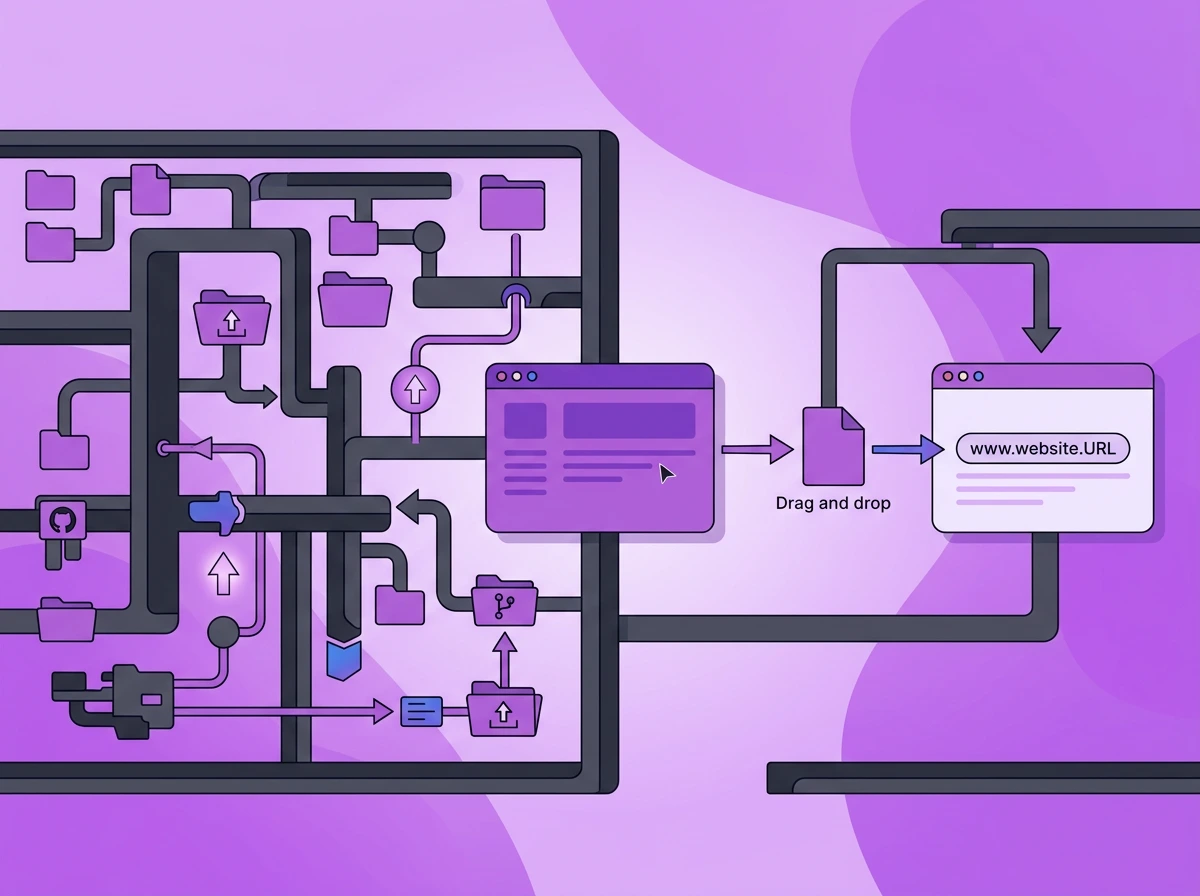
When people look for options to host their static sites online, they often get confused between Tiiny Host and Cloudflare Pages. Each of them hosts a static site and provides a URL. While they look similar, they are not. One of them feels like you are parking a car, while for the other, it feels like you are building one from scratch.
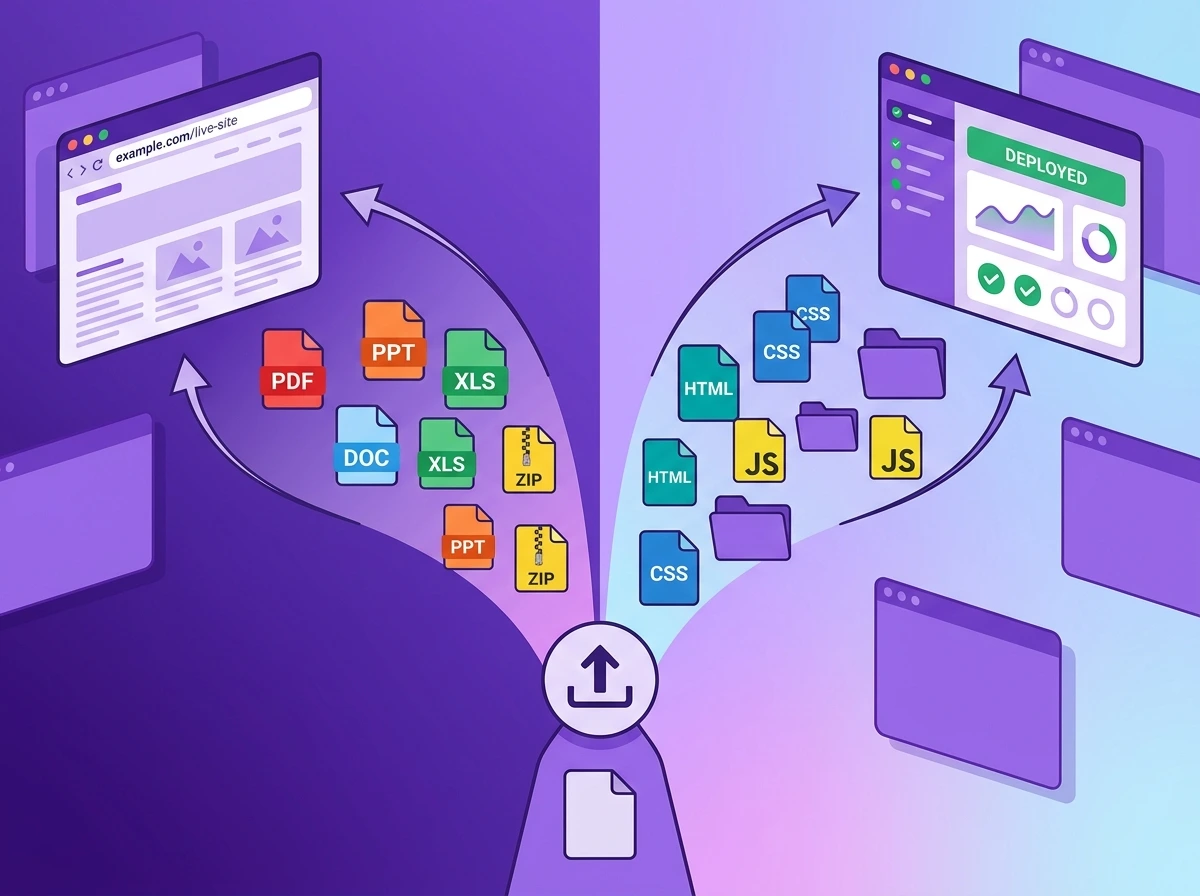
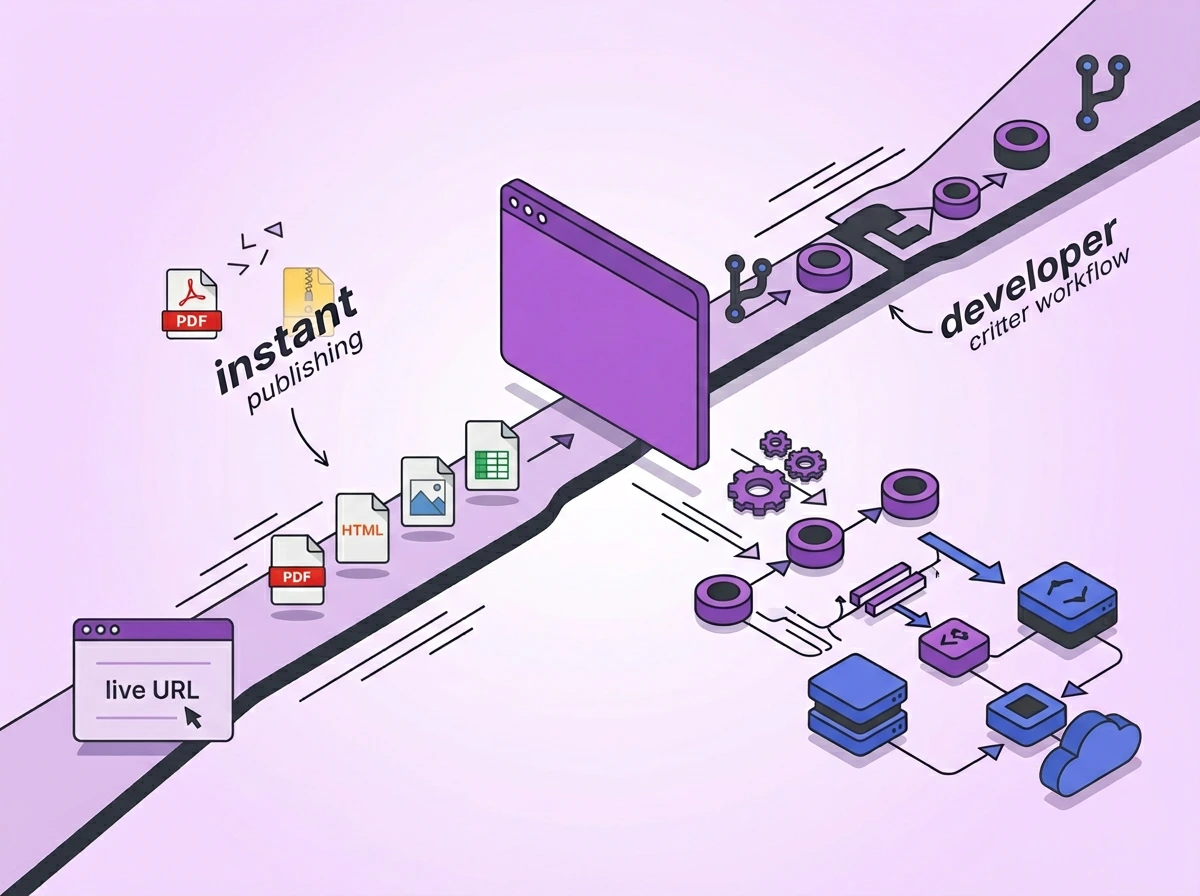
Tiiny Host and Cloudflare Pages aren’t really competitors. They are built for a different set of users. Tiiny Host is for the people who want no-code hosting for a file they want to get online. Cloudflare Pages is a bit more developer-focused, with advanced deployment cycles and Git integration.
The difference is much more than the features and pricing here. It is about the experience and how “doing it yourself” differs across platforms.
The article is not written to give you only one winner. It maps each tool to the user it was actually built for. You will get a feature breakdown, a real look at what it costs to set both up, a use-case verdict, and a decision guide.
TLDR:
Tiiny Host and Cloudflare Pages are free static site hosting platforms. They are made for different user types. Tiiny Host is a file publishing tool and static website hosting tool for non-technical users. You just upload a file and get a URL to share. Cloudflare Pages is designed specifically for developers. It helps managers manage pages on Cloudflare through Git repositories and connect to GitHub or GitLab.
What Each Tool Is Actually Built For
Tiiny Host: Static Hosting Built for the Outcome, Not the Process
Tiiny Host is a drag-and-drop file hosting tool. It is created for anyone who wants a file online. With Tiiny’s instant publishing, you can turn your documents, images and even code files online without any technical knowledge.
A freelancer can use Tiiny to share their PDF proposal with the client. If you work in an agency, you can share your reports and keep all your files in one place. A student can host their HTML file for personal projects and share it as a link.
All you need to do is bring the file to tiiny.host, and you can get a URL for it. Tiiny supports more than 100 file types, including HTML, ZIP, PDF, Canva, Figma designs, and even Excel sheets.
Tiiny Host has no-code hosting, so the user doesn’t need to be a developer or need help from anyone. There are no configurations you have to make, or learn Git or the terminal.
The Do It Yourself in Tiiny Host means you host the file yourself within a few minutes without losing control. You do not have to put any effort into building or maintaining once your file is hosted.
On paid plans, Tiiny Host also gives you features like password protection, built-in analytics, custom domain names, QR Code generation, free SSL, email capture and link tracking. Even without the plans, you can host your file for free and share the URL.
Cloudflare Pages: Developer-First Hosting Platform
Cloudflare Pages is a hosting platform for developers primarily. This is the tool developers or technical teams use when they want Git integration and auto-deployment for their code.
Cloudflare Pages connects to a GitHub or GitLab repository, runs the build and deploys the code directly. The biggest advantage for the teams is that their global edge network has 300+ locations. With their CI/CD pipelines, scaling becomes easy.
It also connects to every other tool in the Cloudflare ecosystem. This takes your site from just a static website to a working application. With Cloudflare Workers for serverless logic, D1 for databases, R2 for storage and KV for key-value data, you can create scalable systems.
Cloudflare is a great choice for developer teams, JAMstack builders (site built from JavaScript, APIs and prebuilt markup instead of server building each page on request), production site teams and frontend developers who want continuous deployments.
Feature-by-Feature Comparison
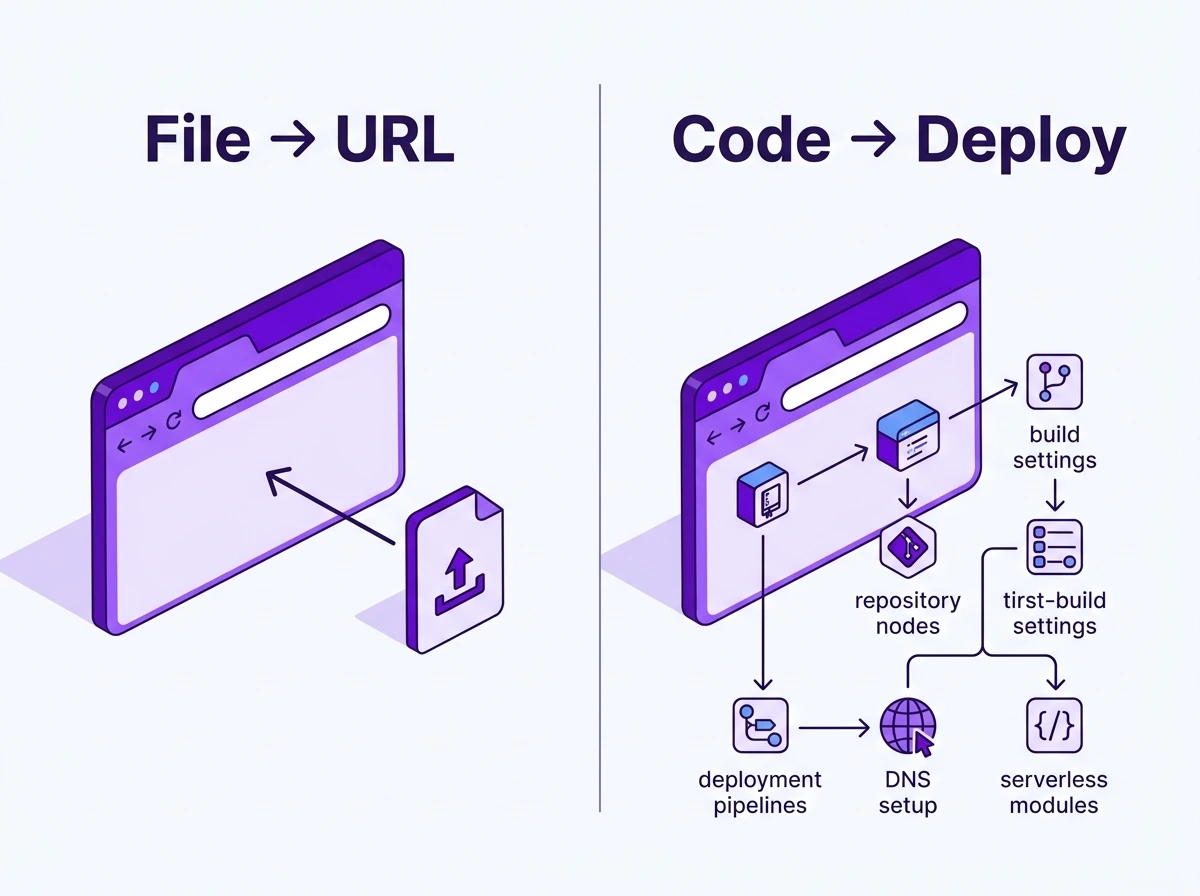
Tiiny Host is a great tool with anyone who comes with a file. It might not be the tool for people who want dynamic sites or git integration. On the other hand, if you just want a static site, a PDF or a design file online, you might not want to learn technical things.
| Feature | Tiiny Host | Cloudflare Pages |
| Deployment method | Drag and drop: file, ZIP, PDF | Git-connected: GitHub or GitLab |
| Technical requirement | None | Git knowledge required |
| Time to first live URL | ~10 seconds | 10–30 minutes |
| Free tier: storage | 3 MB, 1 site | Unlimited sites |
| Free tier: bandwidth | Limited | Unlimited |
| Custom domain | Paid plans | Free |
| Password protection | Paid plans | Not native |
| SSL Certificate | Included even on the free plan | Included even on the free plan |
| Built-in analytics | All paid plans | Separate Cloudflare product |
| PDF hosting | Native | Possible, not native |
| QR code generation | Yes | No |
| Serverless/dynamic | No | Yes, via Workers |
| Global edge CDN | Yes | Yes, 300+ locations |
| Best for | Files, prototypes, non-developers | Code-managed production sites |
Where Tiiny Host Wins
- Speed to get the site live: You can just drag and drop the files to Tiiny Host to get the link. You do not even need build configurations or pipelines for the setup. In less than two minutes, your file gets hosted.
- Host any file type online: You do not need to use code files. While you can upload HTML/CSS/JS files, you can also upload PDFs, ZIP, CSV, or exports from Webflow or Framer. Cloudflare Pages lets you host static sites and any other websites built with the JAMstack.
- Password Protection: When you share important documents or reports internally or with clients, you might want to gate the access. Tiiny Host allows you topassword-protect your website or documents. On Cloudflare, you either have to use Cloudflare Access (Free access allowed for only the first 50 users) or build a system on your own.
- QR Code generator: For every project you host on Tiiny, you can share the project link as a QR code directly from the dashboard. It can be useful for restaurant owners, small businesses, event pages, or any flyers you wish to print.

Where Cloudflare Wins
- Unlimited bandwidth: Even on the free plan, Cloudflare gives unlimited bandwidth. This would be very beneficial for website dynamic content and varying traffic.
- Git-driven workflow: Cloudflare Pages auto-deploys every time you push code. It also generates a URL for each branch. This means the development team can easily review changes before taking them live. You can also connect your GitHub and GitLab to Cloudflare Pages.
- Global edge performance: There are 300+ global CDN edge locations. This means the load time remains consistent for the global audience. For any product site, this would matter a lot.
- Scale pathway: Workers, KV, D1, and R2 for serverless and storage will help you easily manage your web application.
The Real Difference - What “Doing it Yourself” Actually Costs
Features and pricing tell only one part of the story. Along with the features, you also have to see how easy it is to work with the tool. According to the intended user type, the complexity should remain the same.

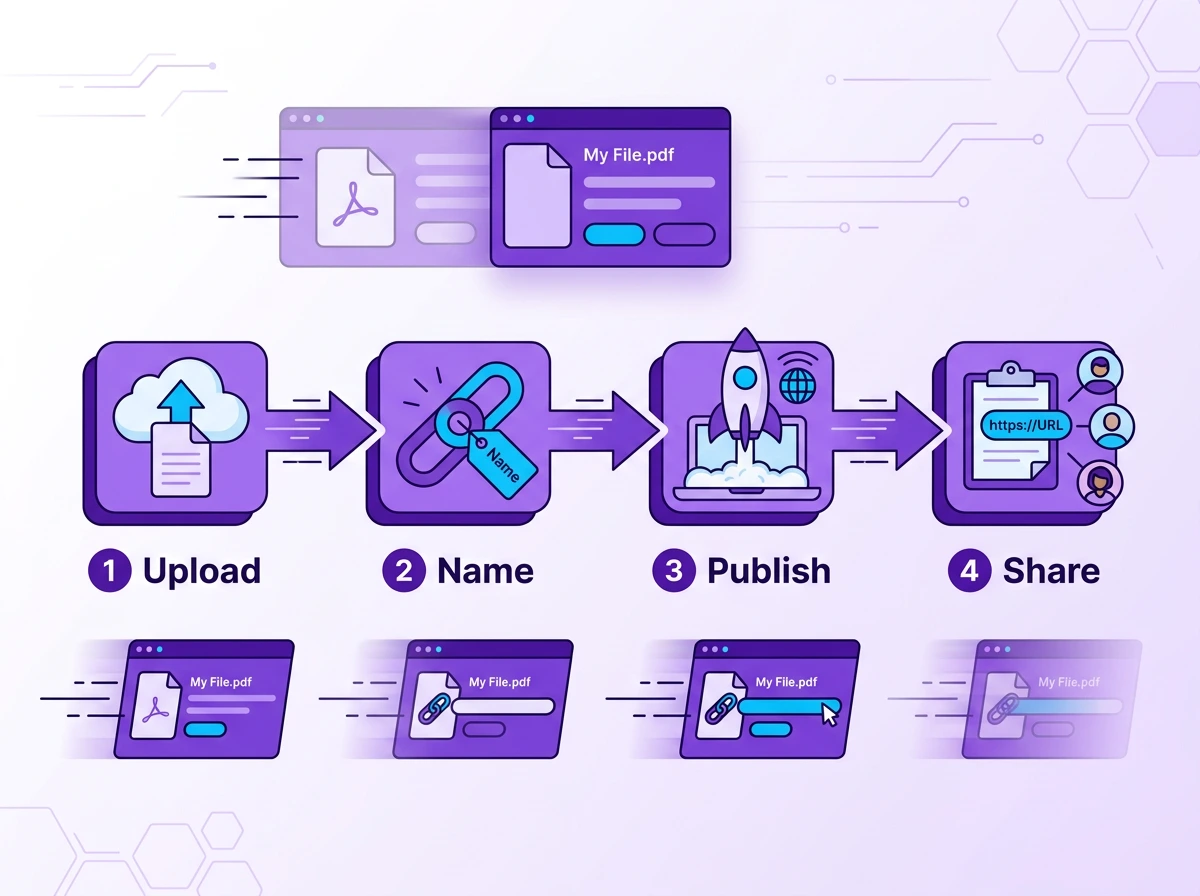
With Tiiny Host, it takes four steps to make a file into a URL. Cloudflare Pages is more developer-focused and usually takes about 7 steps to publish an application.
| Tiiny Host | Cloudflare Pages |
| Drag and drop or upload your files | Create a GitHub account |
| Choose a link name (optional) | Create a repository |
| Hit Publish | Push your files to the repository |
| Log in or sign up if you want to save for work for longer | Connect the repo to Cloudflare Pages |
| Configure build settings | |
| Wait for the deployment to complete | |
| Set up DNS for a custom domain | |
| 4 steps. ~10 seconds. Zero prerequisites. | 7 steps. 10–30 minutes. Git knowledge required. |
For any developer fluent in Git, the first few steps to publish using Cloudglare Pages become invisible to them. For a marketing manager or a non-developer student with their portfolio, they should not be searching for each step and working through it. The first workflow would be easier for them.
Pricing of each tool
Tiiny Host
| Plan | Price (billed annually) | What you get |
| Free | $0 | 1 site, 3 MB limit, expires in 7 days |
| Tiny Plan | ~$5/month | Analytics, QR codes, no Tiiny branding, exclusive subdomain |
| Solo Plan |
~$13/month | 5 projects, custom domains, password protection, code editor, Zapier and API access |
| Pro Plan |
~$31/month | Everything in Solo has higher storage, team members, and collaboration |
| Student | Discounted | Available on request |
Cloudflare Pages
| Plan | Price | What you get |
| Free | $0 | Unlimited sites, 500 builds/month, 100 custom domains per project, unlimited bandwidth |
| Pro | $20/month (annually) / $25/month | 5 concurrent builds, 5,000 builds/month, 250 custom domains per project |
| Business | $200/month (annually) / $250/month | 20 concurrent builds, 20,000 builds/month, 500 custom domains per project |

What “Free” Actually Costs on Each Platform
Tiiny Host free plan
On the free plan, Tiiny host gives you a 3MB file size limit, one site, and a custom subdomain. This site expires after 7 days. Tiiny can be a helpful free web hosting option if your file needs to be shared for a short time. The paid plans start as low as $5/month.
Cloudflare Pages free plan
Developers can use the Cloudflare free plan to host their application. The free plan comes with unlimited bandwidth and 500 builds per month. This is very generous for developer students and teams just starting out.
Time cost
Cloudflare Pages has a free tier, but it has a long onboarding process. With that, there is also a learning curve for non-technical people. On top of that, if the file you want to share isn’t a website or code, you cannot use Cloudflare for that.
The Decision Guide
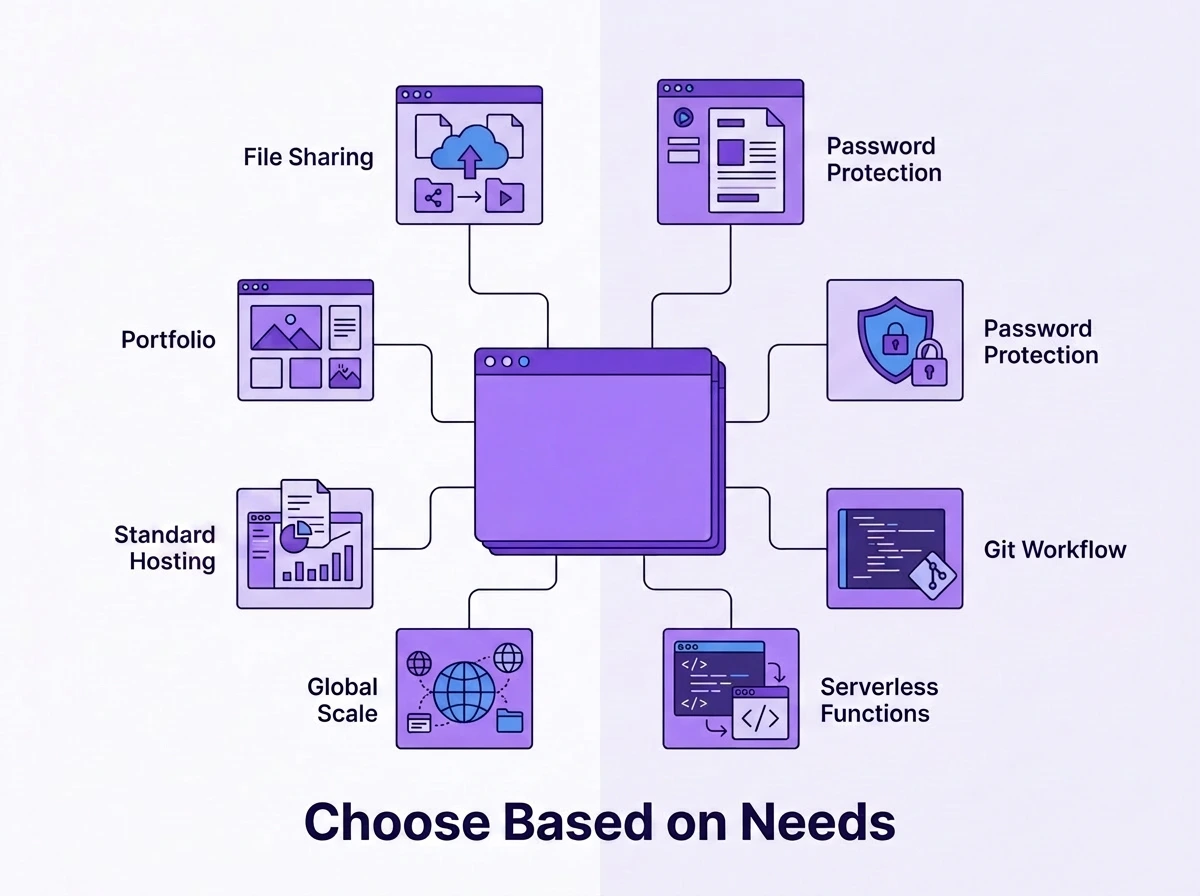
Choose Tiiny Host if:
- You have a file and want to go live with it within the next few minutes.
- You are a non-technical individual and don’t want to go through a learning curve or technical onboarding.
- You are a marketer who wants to share client proposals, deliverables and reports.
- You are a freelancer who needs to share files with others.
- You are a small business owner with a website or landing page and want to take it live.
- You’ve exported a site from an AI website builder and want it to be live instantly.
- You want to have a professional portfolio or an artist portfolio which you want to show to the public.
- Git is not a part of your workflow, and there is no reason for you to learn that.
- You need password protection for your website and files.
- You want built-in analytics and a custom domain for your website and personal brand.
- You want to host a PDF file as a link.
- You want static site hosting for your HTML/CSS/JS
- You are a developer, but you just want to share a prototype.
If you already found yourself nodding through the list, it’s time to upload your file to Tiiny Host.
Choose Cloudflare Pages if:
- You are a developer, a member of a technical team or work with one regularly.
- You are familiar with Git, GitHub, GitLab, branches, and everything technical.
- You are building more than a static site, a web application or a production site with regular updates.
- You need serverless functions and auto-deployment for your website.
- You have a large team, but starting with a tight budget, you can get unlimited bandwidth at no cost.
The Overlap: Where Either Tiiny or Cloudflare Pages Could Work
If you have a simple HTML file or want static site hosting, either platform can work for you. A web development or technical student can skip Tiiny Host and learn Git and Cloudflare pages. On the other hand, if a developer wants to skip Git setup and just wants to share a simple website, they can reach out to Tiiny.
Here, the decision is up to you. You can pick the one based on your technical knowledge and how long it will take to get your website live.
Which is a better value for your situation

| Situation | Better option | Why |
| Sharing PDFs or reports regularly | Tiiny Host | No friction, purpose-built for file sharing |
| Developer running multiple projects | Cloudflare Pages (free) | Unlimited sites and bandwidth at no cost |
| Freelancer with regular client deliverables | Tiiny Host (Solo) | Password protection, analytics, multiple projects |
| Student who needs a portfolio link fast | Tiiny Host | Live in under a minute, no Git knowledge needed |
| Dev team shipping a production site | Cloudflare Pages | Auto-deploy on push, scalable, generous free tier |
| Agency managing several client microsites | Tiiny Host (Pro) | Team access, analytics, and easy file management |
Frequently Asked Questions
Is Cloudflare Pages harder to set up than Tiiny Host?
For non-developers, it can be significantly difficult to set up. Cloudflare Pages requires a GitHub or GitLab account and knowledge about Git, repositories and branches. You can upload the static site, too, but you cannot work with anything other than code files. For developers, it would be easy to set up.
Can I use Cloudflare Pages without Git?
Yes, you can. Cloudflare Pages has a Direct Upload option where you can drag and drop the file without setting up a repository. You will still need a Cloudflare account and familiarity with the platform’s setup flow. If you do not want to configure anything technically, Tiiny Host can be a good alternative.
Is Cloudflare Pages really free?
Cloudflare Pages is one of the more generous free tiers available. There is unlimited bandwidth and sites, and also 500 builds per month. For developers, this can be a gold mine. For non-developers, the setup can take hours, so for them, Tiiny can be much more practical.
Does Tiiny Host have a free plan?
Yes. Tiiny Host has a free plan which allows you to get a file online for a week. The free plan gives you 1 site with a 3MB file limit. You can upgrade for as low as $5/month to get all the features.
What is the difference between Tiiny Host, Netlify, GitHub Pages and Cloudflare Pages?
Netlify, GitHub Pages and Cloudflare Pages are all built for developers with Git-based deployment at the core. Tiiny Host is for non-technical people who want their files online. If you already have a file, Tiiny Host can help you here.
Also Read: Tiiny Host vs GitHub Pages
Can Tiiny Host handle high traffic?
Tiiny Host uses a CDN to ensure your files have high uptime worldwide. Any file that you have hosted can be accessed without any performance issues. As you move to higher plans, the bandwidth increases and the websites can handle high traffic too.

The Verdict
Both of the tools can be really helpful for a different set of users. You have to choose based on your technical knowledge and how quickly you want the website to go live.
- Cloudflare Pages is a cloud hosting service for developers or technical students. It can help you set up workflows. It also has GitHub and GitLab integration to help you deploy directly from repositories.
- Tiiny Host is built for anyone with a file to share. You don’t need any technical knowledge or setup to use Tiiny Host. You can get the site live in under 2 minutes. You also get password protection and analytics without any additional integration.
- If your work involves sharing documents, prototypes, reports, or exported AI sites, Tiiny Host can help you set up the link in seconds.
- If your work involves technical workflows and Git, Cloudflare Pages can help.
When you have to “Do it Yourself”, the effort and ownership matter; you already know which will take less effort and give you full ownership.
Upload your first file to Tiiny Host ->
Comparing more options? Check out Tiiny Host against Netlify Drop