- What are Tiiny Host and Netlify Drop exactly?
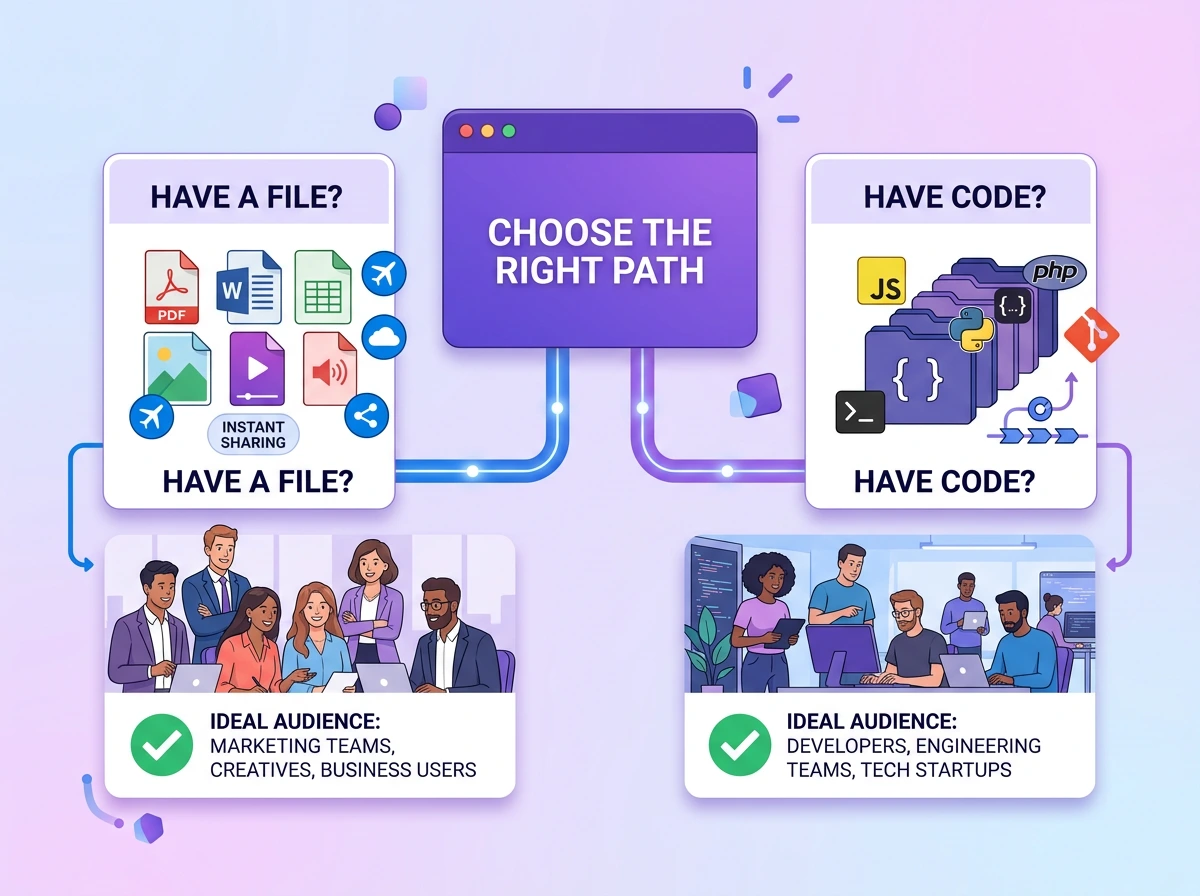
- The File-First vs Code-First Framework
- Feature-by-Feature Comparison: Tiiny Host and Netlify Drop
- Pricing Comparison
- Use Case Verdicts
- Sharing a PDF, Report, or Presentation Online
- Hosting a Portfolio, Static Sites or Personal Website
- Delivering Client Work: Freelancers and Agencies
- Prototype Deployment and Developer Demos
- Students, Academic Submissions, and Event Pages
- Small Business: Business Site, Menu, Brochure, or Price List
- Publishing an AI-Generated Website
- Frequently Asked Questions
- Advanced Considerations
- The Verdict
- Final Thoughts
Most comparisons of Tiiny Host and Netlify Drop present the tools as alternatives. They are not.
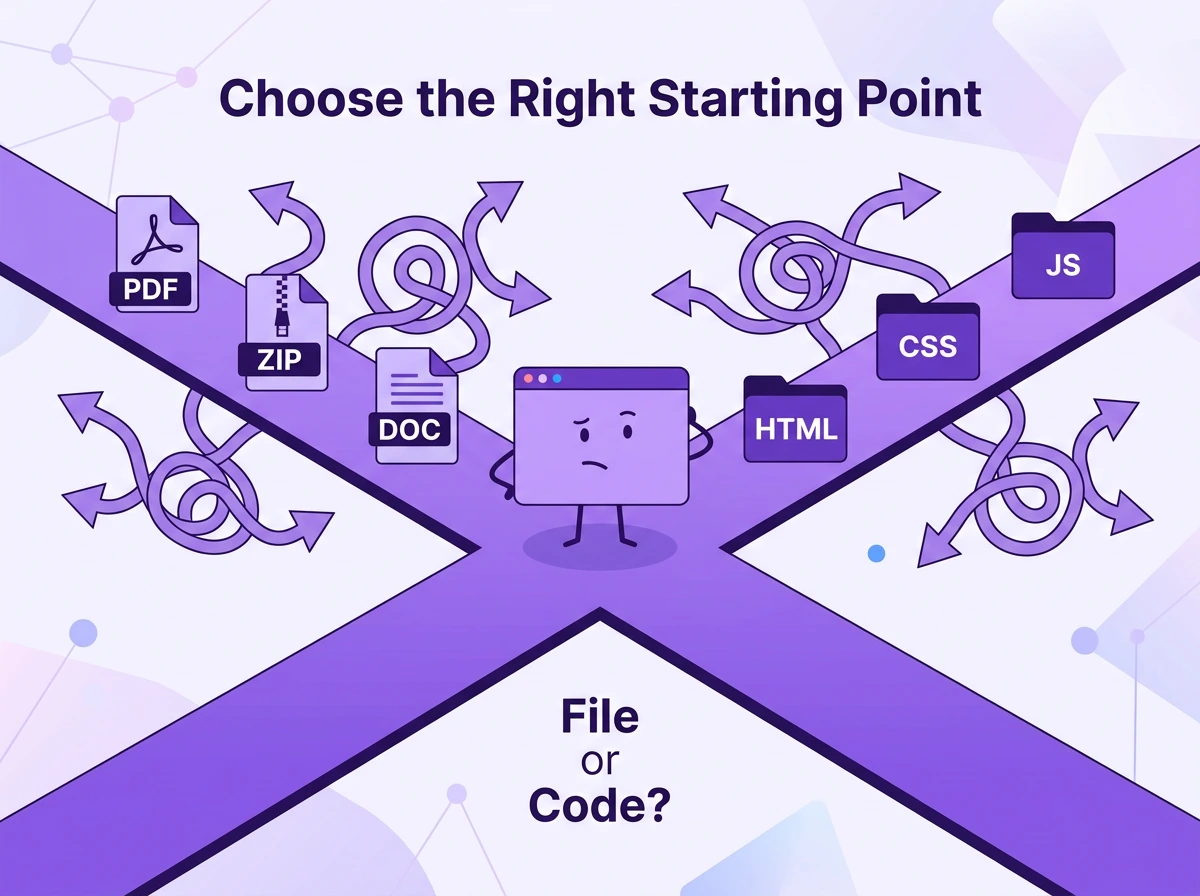
Both Tiiny Host and Netlify Drop let you drag and drop a file to get a live URL. One is for file-first use cases, and the other for code-first. Choosing the wrong tool will limit what you can achieve.
We have a simple framework for you, a way for you to pick the right tool in five minutes.. The framework includes a feature breakdown, verdicts based on your use case, and a tool recommendation.
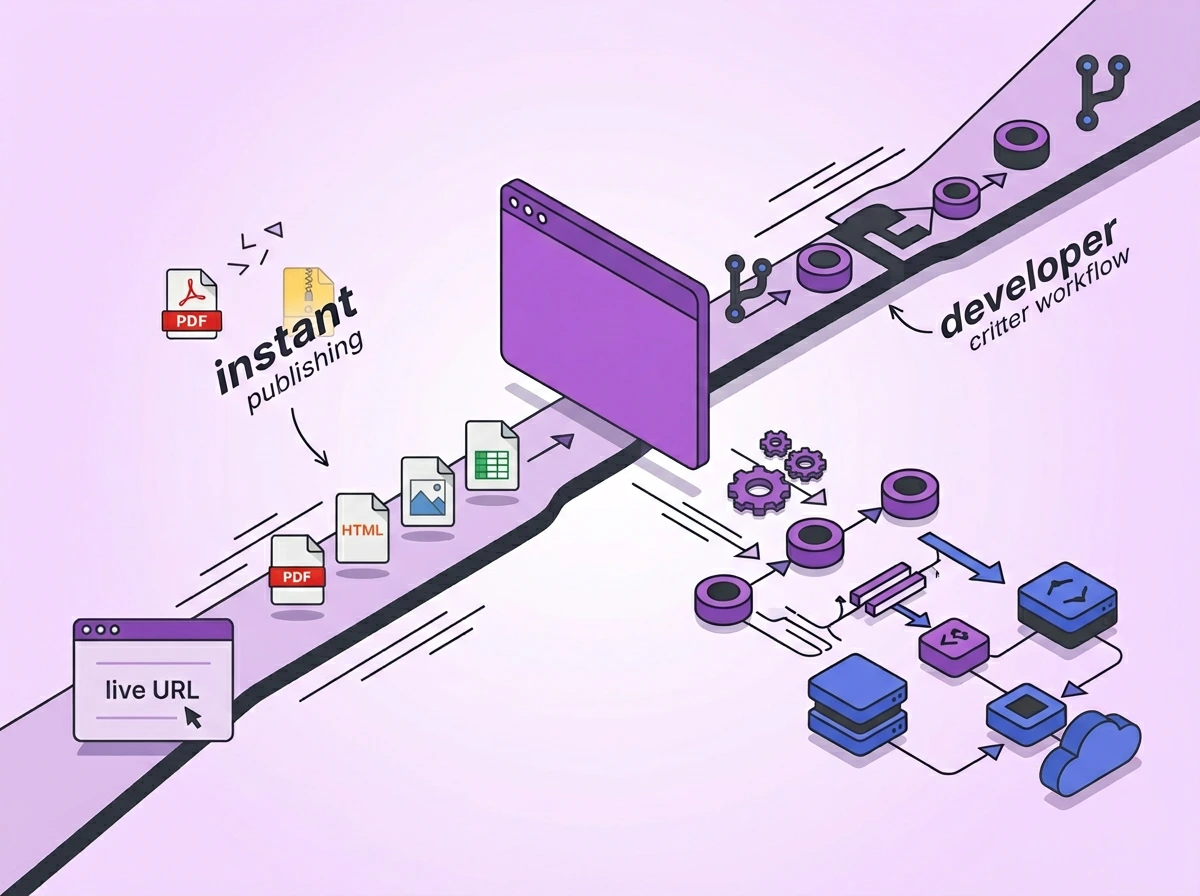
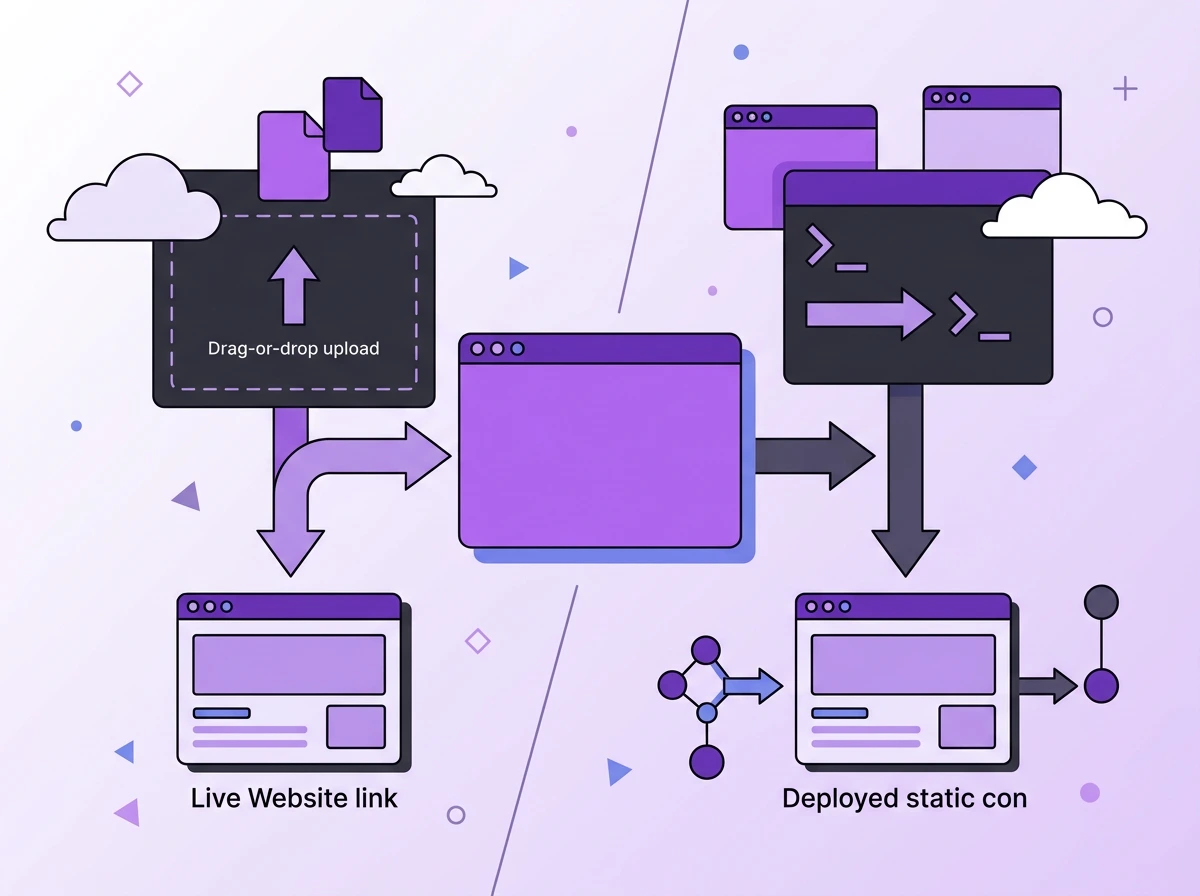
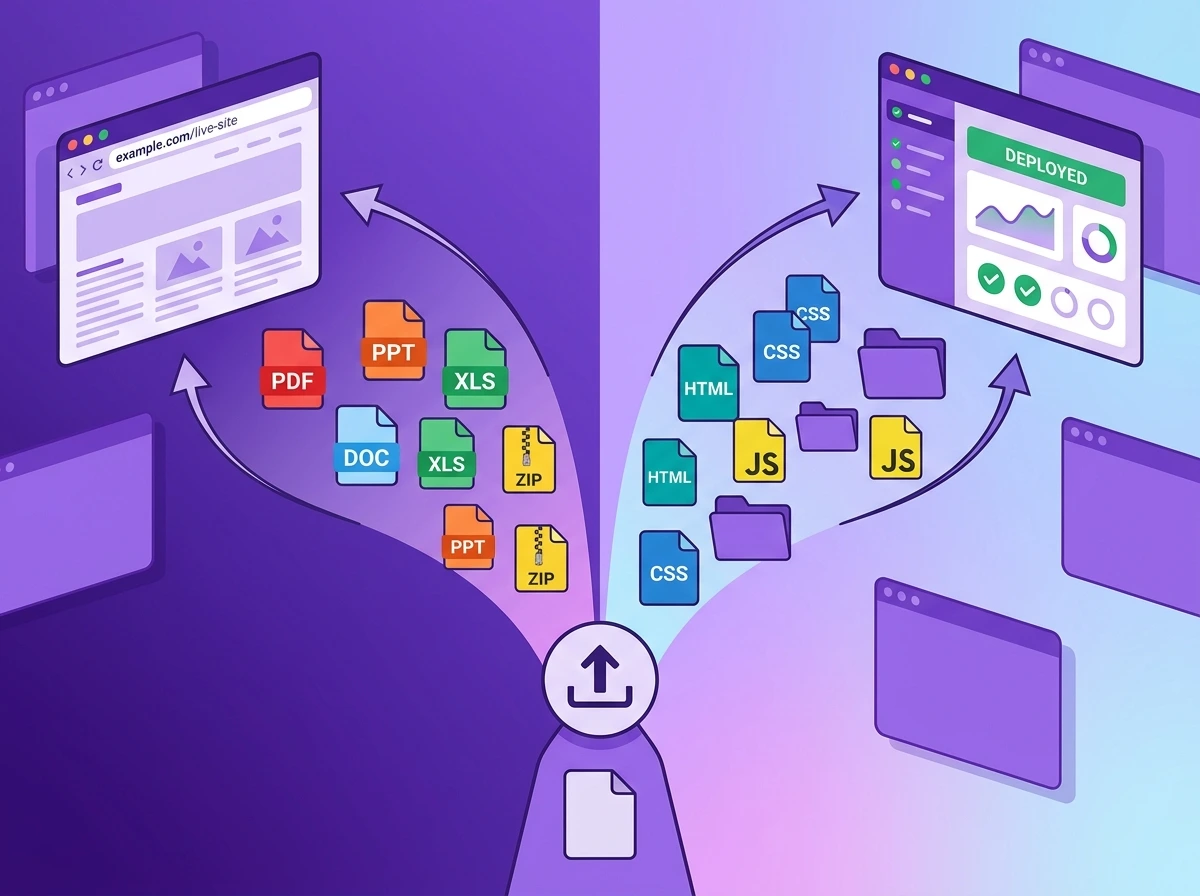
Tiiny Host is a file-first hosting tool. It lets you upload and publish files such as HTML, PHP, PDFs, or ZIPs within seconds. Developers and non-developers can host their files on Tiiny Host. Netlify Drop is a code-first deployment tool. It lets you drag and drop code files and deploy them to Netlify. One allows you to upload any file you want; the other starts with code files.
What are Tiiny Host and Netlify Drop exactly?
Tiiny Host: File-First Web Hosting
Tiiny Host is a file hosting tool and hosting provider built for anyone who wants to put a file online. It can be an HTML file you coded, a ZIP exported from AI builders, a PDF report, a portfolio, any static content or even a Canva design.
You can get any of these files online without writing any code or needing a developer. You upload the file via a simple web interface, get a URL to the file, and share it wherever you want. All of this is done under 2 minutes. You do not need an account to get started, but with an account, you can track your file with built-in analytics and upgrade further.
Once the file is live, you can share it without worrying about size limits, but that is not all. When you upload the files, you get custom domain support for better personal branding. If you are sharing sensitive information, you can password-protect it. You can use built-in analytics without installing any third-party apps and track visits using UTM parameters, all from your dashboard.
Whether you are a developer or not, you can find a way to use Tiiny Host.
Netlify Drop: Code-First Web Hosting
Netlify Drop is the easiest way into the Netlify developer platform. It is designed for static site hosting. You can upload an HTML, CSS, and JavaScript folder, and it would be hosted online. It is one of the more popular options for free static site hosting among developers.
You don’t need an account to get started with Netlify either. To save or modify the files further, you have to create a free Netlify account. Once you sign up or log in, you can manage all your deployments from the Netlify dashboard.
Netlify Drop works easily as a deployment tool. The tool is great for the development team, as the Pro plan allows unlimited team members. Netlify removed per-seat pricing in April 2026 and so when you upgrade to $20 per month plan, you can have as many members as needed.
It is important to note that even with unlimited team members, you might have to pay more. Netlify has moved to a credit-based system as of September 2025. Netlify’s free tier offers 300 credits. Once the monthly credits are exhausted, you will have to pay more to continue working.
One advantage would be for developer teams who need Git Integration, CI/CD pipelines, or branch deploys offered by the Netlify ecosystem. Netlify Drop only supports deploying static hosting, but it can use core Netlify features to host the backend and database.
| Tiiny Host | Netlify Drop |
|---|---|
| What it accepts | What it accepts |
| ZIP files | HTML/CSS/JS folders |
| HTML/CSS/JS folders | Static site builds |
| PDFs | JAMstack output directories |
| Images and document formats | Files you have built |
| Any file type you have |
The File-First vs Code-First Framework
What “File-First” Really Means
Most non-developers out there do not think, “Oh, I need to deploy a static site.” They are thinking about sharing files with someone.
A person with no technical experience would think to:
- Share a financial report with the team
- Host the design portfolio online to share
- Upload the restaurant menu to share with customers
- Share design files or Excel files for internal evaluation
- Publish a book online and share it with everyone
For all these, you do not have code written, nor do you need to write any. File-first tools are made for this purpose. They start with the files you already have. Code-first tools, on the other hand, start with codebase files.
So, Tiiny Host asks you: What is your file?
And Netlify Drop asks you: Where is your HTML file?
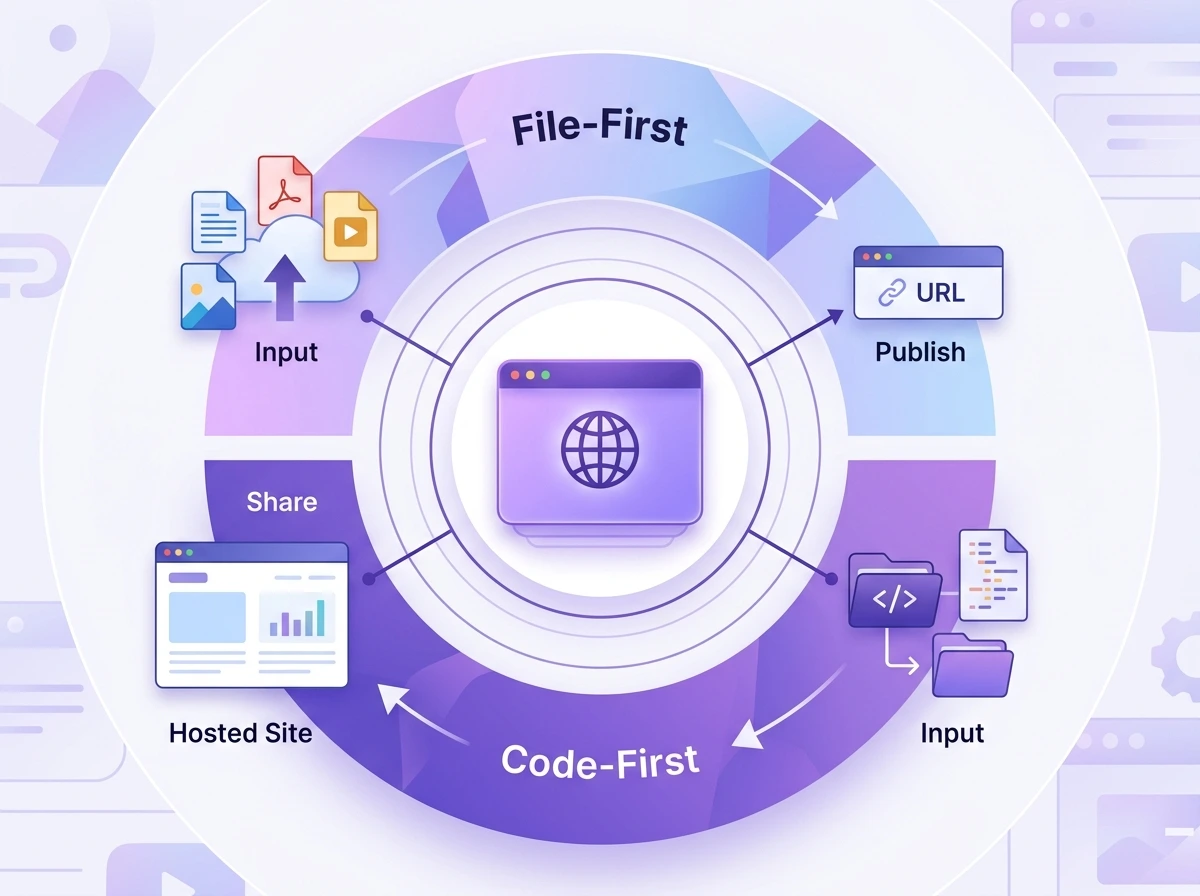
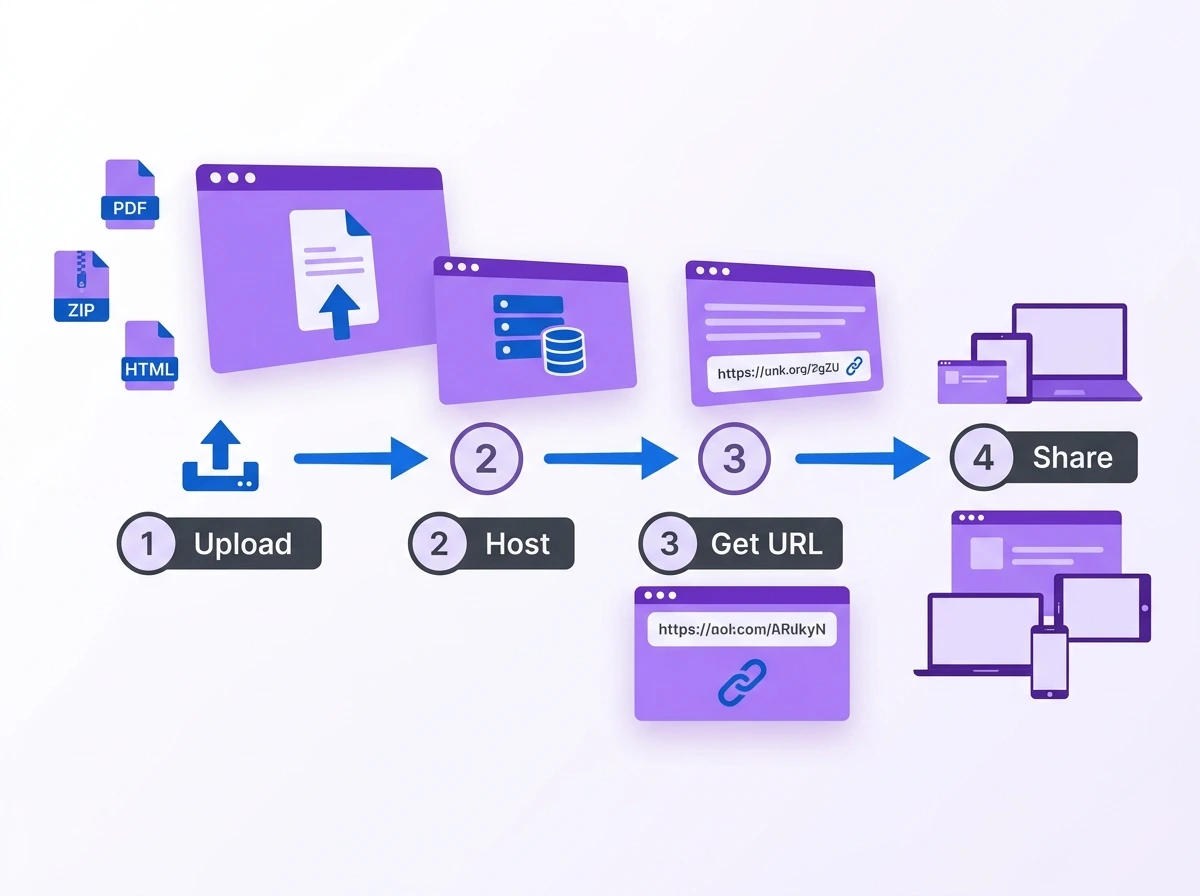
The starting point is where each of them differs. With Tiiny Host, you will bring the file and get a URL to share at the end. With Netlify Drop, you upload code files and get your site live. Both of them will give you a live URL. Tiiny will give you a link for every type of file, while Netlify Drop will give you a link for only HTML/CSS/JS files.
Here is what each journey looks like in practice.
| Step | Tiiny Host (File-First) | Netlify Drop (Code-First) |
| 1 | You have a file. | You write or generate your HTML, CSS, and JS. |
| 2 | You drag it into Tiiny Host. | You organise it into a folder with an index.html file. |
| 3 | You name your link. | You drag the folder into Netlify Drop. |
| 4 | You get a URL. | You get a URL. |
| 5 | You share it. | You share your website. |
Where the Framework Breaks Down
The tools here have an overlapping set of audiences. Non-developer users can technically use Netlify Drop for their simple HTML files. Tiiny Host takes any files and gives out a URL so that developers can publish their static websites.
The file-first and code-first framework is according to default design assumptions, not hard limits.
If a developer or team is using the Netlify ecosystem already, they would use Drop to share static files. Any non-developer who has created an HTML file with AI builders can use Netlify, too. If you are using any other ecosystems like GitHub or Cloudflare Pages, Drop might not be a good option. In that case, the Netlify alternatives are worth exploring.
Feature-by-Feature Comparison: Tiiny Host and Netlify Drop
| Feature | Tiiny Host | Netlify Drop |
| Deployment method | Drag and drop (files, ZIP, PDF) | Drag and drop (HTML/CSS/JS folder) |
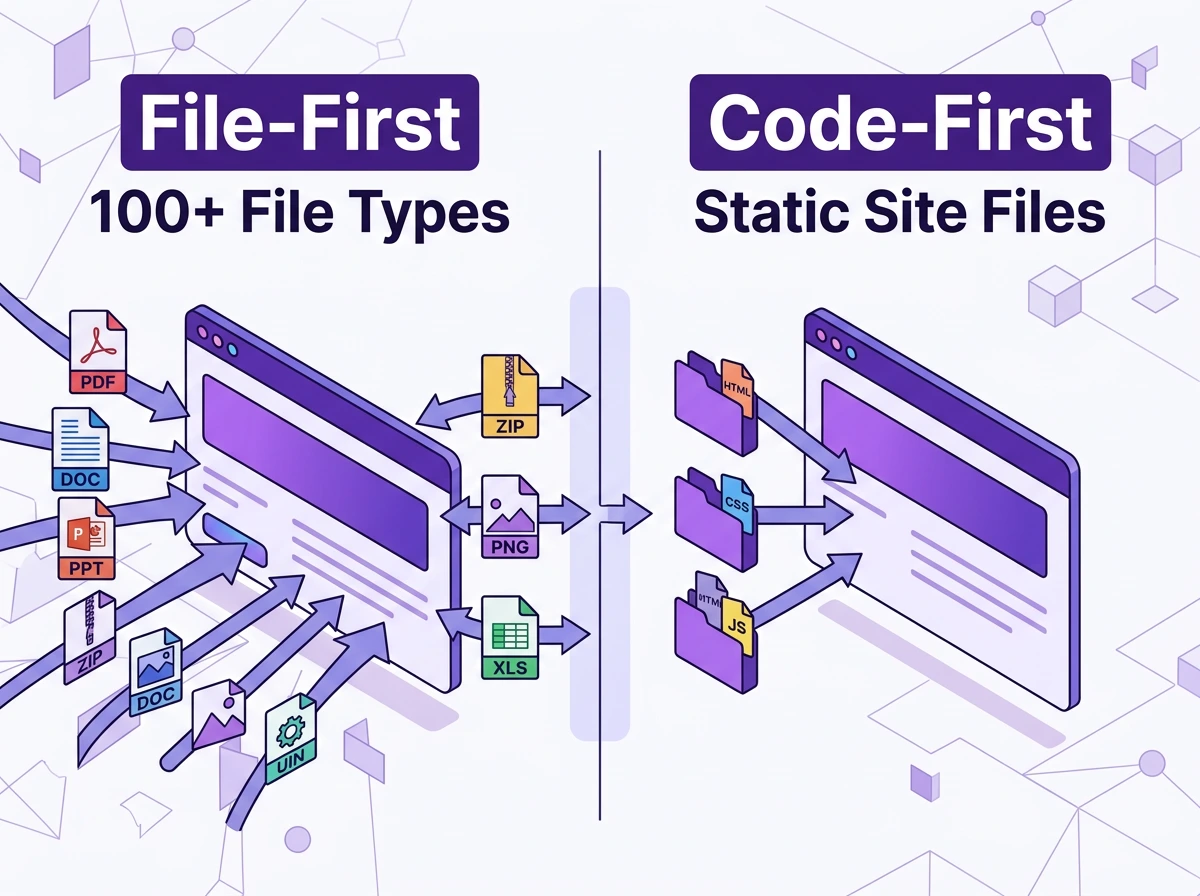
| File types supported | ZIP, HTML, PDF, images, docs and over 100+ file types | HTML/CSS/JS folders (unzipped) |
| An account is required to start | No | No |
| Free tier | Forever (1 file that expires in a week) | 300 credits/month |
| Custom domains | Paid plans | Paid plans |
| SSL | Yes (global CDN served) | Yes (automatic HTTPS) |
| Analytics | Paid plans | Paid plans (add-on) |
| Password protection | Paid plans | Paid plans (Pro+) |
| Branding removal | Paid plans | Paid Plans |
| Email capture/lead gen | Paid plans | No |
| QR code generation | Paid Plans | No |
| Git / CI-CD integration | No | Yes - core feature |
| Serverless functions | No | Yes (Netlify Functions) |
| Paid plans start at | ~$5/month (billed annually) | $9/month (Pro, credit-based) |
| Best for | Non-developers, file publishers, Developers | Developers, JAMstack builders |
Tiiny host gives you features like password protection, email capture, and analytics when you upgrade to beginner plans. Netlify Drop also integrates with Netlify features if you are familiar with the ecosystem. Both tools also have a set of limitations you should know about.
What Each Tool Is Not Good For
Tiiny Host
- Tiiny Host is not a website builder, and you cannot design things from the platform.
- It does not support dynamic sites that need a server or a database.
- If your content needs to be built and not uploaded directly, Tiiny is not your starting point.
Netlify Drop
- Netlify Drop does not support file hosting besides static sites.
- You cannot upload files like PDF, Adobe Illustrator, reports and Excel files.
- It does not have features such as email capture and visitor tracking.
- It is not made for dynamic sites.
Pricing Comparison
Tiiny Host offers pricing based on features. With every plan, you get more capabilities to help you make the best out of your hosted website. The paid plans unlock analytics, custom domains, password protection, feedback mode and collaboration support.
Netlify has pricing according to usage. With the credit-based plan, you get charged when you use bandwidth, compute and build minutes. There are also Netlify monthly plans you need to purchase to unlock certain features. With these plans, you get some credits to use. Once the credits are used, you have to pay additionally for them.
Tiiny Host Pricing
| Plan | Pricing (Annually) | Key features |
| Free | $0 | 1 site, 3 MB limit, 5GB bandwidth |
| Tiiny | $5/month | Analytics, QR code, no Tiiny branding, exclusive subdomain |
| Solo | $13/month | 5 projects, custom domains, password protection, code editor, Zapier and API access |
| Pro | $31/month | Everything in Solo, plus higher storage, team members, and advanced collaboration |
| Student | Discounted | Available on request |
| Custom | — | For large agencies and companies, contact support |
Netlify Drop Pricing
| Plan | Price | Key features |
| Free | $0 | 300 credits/month, deploy from AI/Git/API |
| Personal | $9/month | 1,000 credits/month, smart secret detection |
| Pro | $20/month | 3,000 credits/month, unlimited team members, 30-day analytics, private org repos |
| Enterprise | Custom | 99.99% SLA, SSO, high-performance builds, 24/7 dedicated support |
While Netlify Drop starts at as low as 9$/month, most features like password protection and real-time analytics would need the Pro plan.
Netlify functions on a credit-based system. Each plan gives you a certain number of credits to use per month. Once these credits are finished, the credits you use above are billed differently. Once the credit balance is finished, they are recharged in small batches. This makes it difficult to put a definite price on the plans.
Netlify recommends that the folder size be 50 MB and individual files be less than 10MB. Going over these upload limits might cause deployment issues. Netlify recommends that you use their CLI if you have larger files to work with.
Pricing verdict by use case:
| Use case | Better value | Why |
| Sharing a PDF or report regularly | Tiiny Host | File-first, purpose-built for this |
| Freelancer with 5+ client deliverables/month | Tiiny Host (Solo) | Multi-project, password protection, analytics |
| A developer is deploying a static site | Netlify Drop Or Tiiny Host |
Git workflow, CI/CD, credit-based usage |
| Student with one portfolio page | Tiiny Host (Free) | No setup, live in under a minute |
| Agency managing client microsites | Tiiny Host (Pro) | Team collaboration, analytics, and multi-project |
| The developer team is shipping regularly | Netlify (Pro) | Flat fee, unlimited seats, full ecosystem |
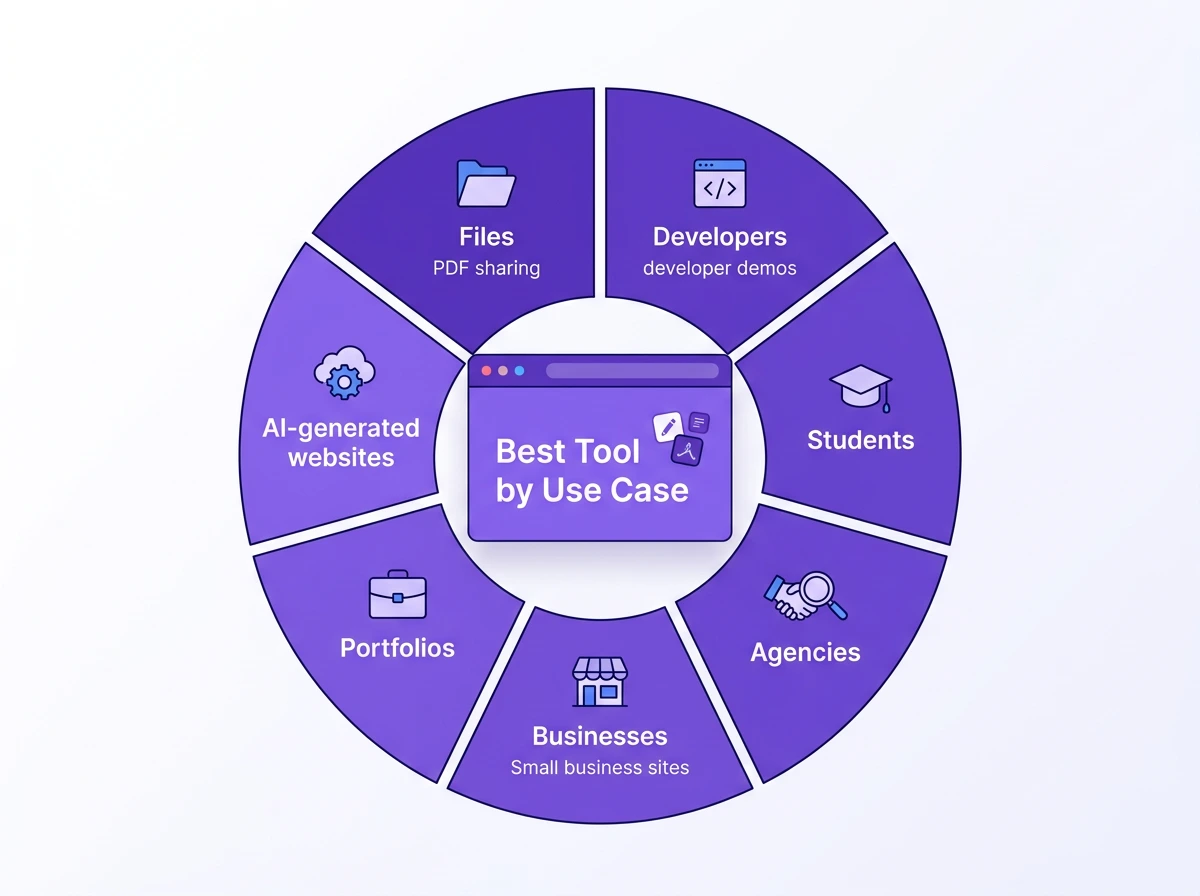
Use Case Verdicts
Sharing a PDF, Report, or Presentation Online
Choose Tiiny Host
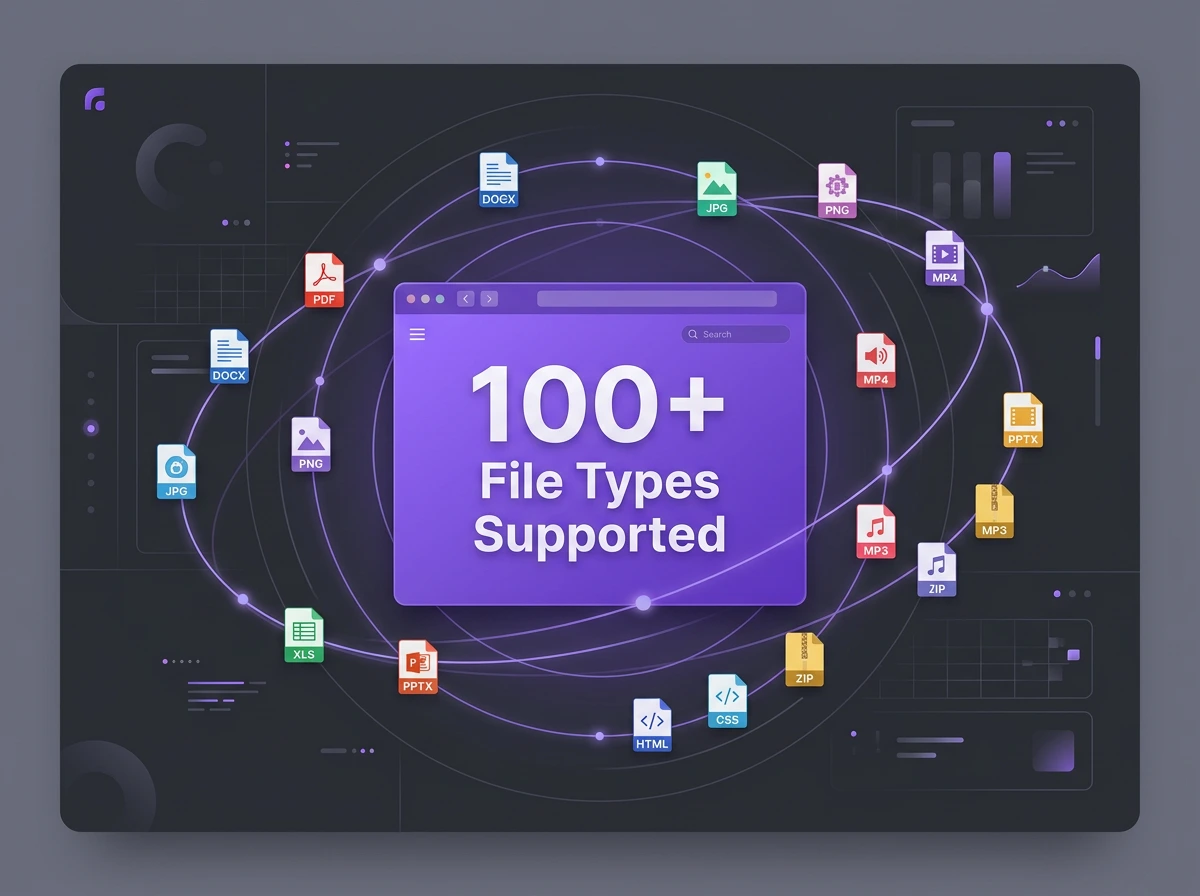
Tiiny Host lets you share more than 100 different file formats. Once uploaded, enter a preferred name for your link, then publish it. With this link, you can share your PDFs, reports, presentations, Excel sheets, and much more. The audience won’t even need an account to see the file.
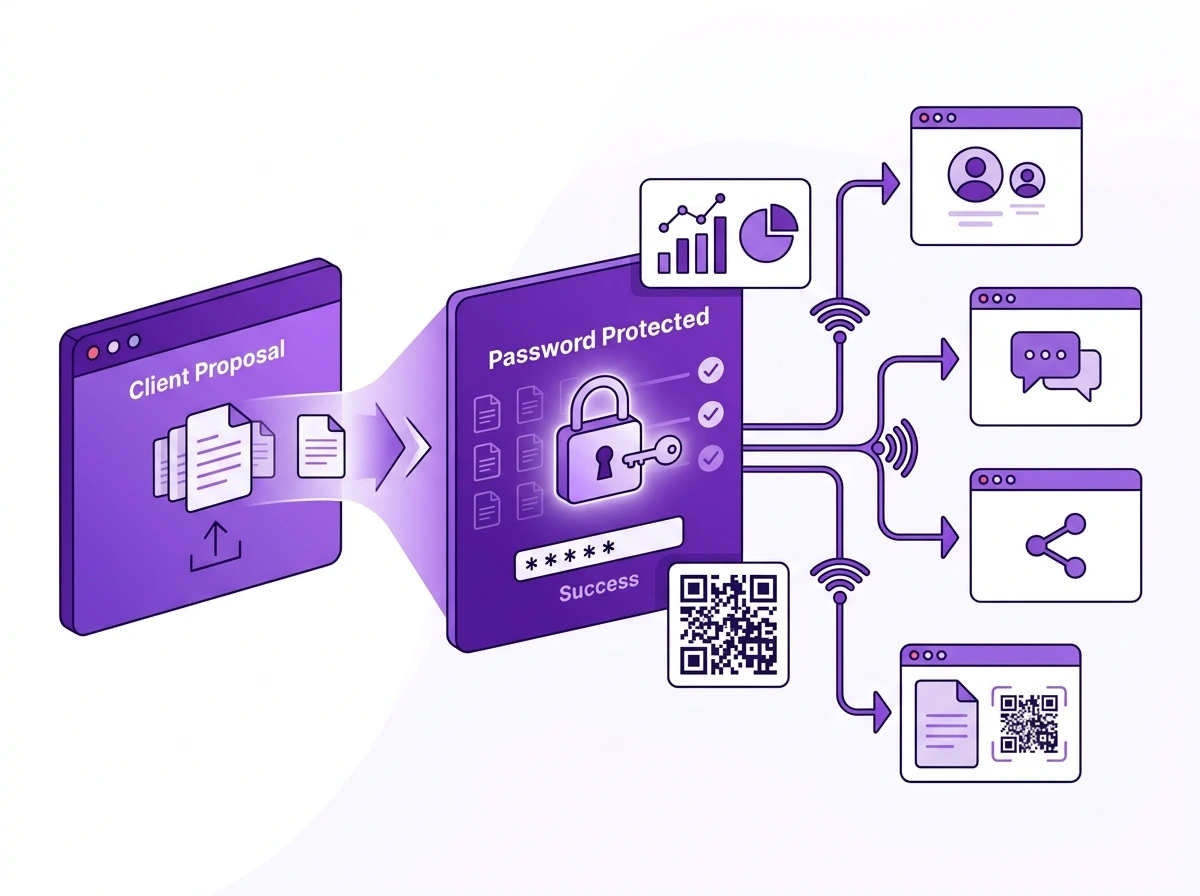
A marketing manager sharing their reports with the team would want a link to the report. Designers or Artists who have PDF portfolios can share them with just a link. A consultant who wants to share a proposal with a client can use a password-protected link.
Try Tiiny Host free and get your PDF online in under a minute.
Hosting a Portfolio, Static Sites or Personal Website
Depends on your needs
If you exported your portfolio from sites like Framer or Webflow, or from AI builders like Bolt or Lovable, you can upload the ZIP directly to Tiiny. Portfolios created by designers, non-technical professionals and students can be hosted using Tiiny.
If you are a developer and want more control over version control, you can use Netlify Drop. If you are already familiar with the Netlify ecosystem, Drop will be your obvious choice.
If you have generated the website using static site generators like Jekyll, Gatsby or Hugo or made one using HTML, CSS, Next.js or other JS frameworks, you can choose either.
Delivering Client Work: Freelancers and Agencies
Choose Tiiny Host
If you usually have to share pitch decks, monthly reports, design mockups, and brand guidelines with clients, you have to choose Tiiny Host. You can upload the files and share the link within minutes. You can also add password protection for important information.
Tiiny’s feedback mode adds another layer for client work. When you share your file with them, they can leave comments directly for any file hosted. It can be helpful for internal comments and edits, and client feedback when you share the preview before final handoff.
The collaboration features also let your whole team upload your work, so one person doesn’t have to manage things.
Prototype Deployment and Developer Demos
Choose Netlify Drop
Developers often need rollbacks, branch deploys and management, Git integration and serverless functions. Netlify’s ecosystem has all of these. If you have your project in a repo, Netlify Drop connects directly to your Git workflow.
Even with a simple static site uploaded to Netlify Drop, you can use other features of the ecosystem.
If you want auto-deployments and version control, Netlify Drop is your choice.
Students, Academic Submissions, and Event Pages
Choose Tiiny Host
Tiiny Host lets you upload reports, research papers, books, or event flyers. With the platform, you do not need a terminal or knowledge of Git. Even with the free tier or Tiny plan, you can host most files needed for students or for short-term use.
If you are a computer science or web development student working on opensource projects, it is a good idea to build using Git and GitHub. You might give Netlify a try. If you just want to share one file, like the CV or portfolio, Tiiny Host can help with that.
Small Business: Business Site, Menu, Brochure, or Price List
Choose Tiiny Host
Small business owners do not have to learn coding to get their websites live. They can use static site generators or AI to make websites and share them using Tiiny. With Tiiny, they do not have to learn anything technical either.
It is a great tool to upload PDF menus, one-page brochures or price lists as PDF or Excel. You can get a custom domain once uploaded and share it with everyone. Restaurant owners can convert links into QR codes so visitors can scan them and see on their devices.
Publishing an AI-Generated Website
Depends on what you need after publishing
Both tools can publish a site built with an AI builder.
If you have built your site with Bolt, Lovable, v0, or Framer AI, you have a ZIP file or coding files ready. Here, you can choose one you feel you would be more comfortable with.
While using Tiiny Host, you can upload a ZIP file from an AI tool and upload it directly. For prototypes created or sites using these, Tiiny’s host can get your websites live in minutes.
Netlify also supports the same workflow. On top of that, Netlify also has an in-tool build-with-ai feature that would let you create and deploy applications.
Frequently Asked Questions
Can I use Netlify Drop without knowing how to code?
Yes, if you have a code file like HTML/CSS/JS, you can use Netlify. For any changes you want to make once the page is live, there is a bit of a learning curve to understand the ecosystem. For anyone who doesn’t have developer experience, Tiiny Host might be easier to browse through.
Is Tiiny Host good for developers?
Yes. Tiiny Host can be a good tool if you have made single-page applications or static sites. If you have a deployment pipeline, Tiiny Host can work as a sharing layer. Developers who need CI/CD, Git integration and more version control features, Tiiny might not be an ideal choice. It is the right tool for sharing prototypes, design samples or ideation presentations.
Does Netlify Drop expire?
No, the Netlify Drop does not expire.
Netlify Drop offers 300 free credits per month. The free tier has a credit limit, and if your site is low on traffic, you won’t have to worry about the file. If you have a large file or are working with heavy traffic, you should switch to Netlify’s deployment workflow rather than Netlify Drop.
To get more features, you need to upgrade to one of the paid plans.
What file types does Tiiny Host support?
Tiiny Host supports more than 100 file types. It supports code files such as HTML, CSS, JS, and PHP. You can also upload them as ZIP folders. You can upload documents like PDFs, Word documents, and Excel files. You can also upload design and image files, such as Canva exports and Adobe Illustrator files. If you want a file online, Tiiny host can get it online for you.
Does Netlify Drop work without an account?
You can upload the file online and get it live temporarily. To save it to your account or make edits, you need to log in or sign up.
Which has better analytics?
Both tools offer analytics on paid plans, but serve different needs. On Tiiny Host, analytics cover page views, visitor count, link tracking and QR code generation. These are helpful for publishing files. Netlify’s analytics are more developer performance tools, such as real user monitoring.
Can I host a PDF on Netlify Drop?
No. Netlify Drop accepts HTML, CSS and JavaScript files only. A PDF won’t be rendered unless wrapped in an HTML file first. So you have to do additional steps. Tiiny Host doesn’t need you to wrap the file in HTML; you can just publish it.
Advanced Considerations
Team Workflows and Collaboration
Netlify Pro has a flat fee with unlimited team members. This makes Netlify Drop a strong option for developer teams. Tiiny Host also has team features which can be suited for agencies, small businesses, and small teams. For non-developers, Tiiny makes a stronger option.
Security and Access Control
At the publishing level, Tiiny Host and Netlify Drop have free SSL on the hosted website. You can configure password-protect for your files when you upgrade to paid plans. Netlify offers role-based access control at higher tiers, but that might not be relevant for using Netlify Drop.
Both tools serve files through a global CDN. The pages will load fast for all the visitors wherever they are. The bandwidth for the sites can be added by upgrading the plan on Tiiny Host and paying for more credits on Netlify drop.
Ecosystem Lock-in
Netlify Drop gets you into the Netlify ecosystem. When you start using the ecosystem, there are plugins and other developer tools that you would use. Once you do that, you likely stay in. Tiiny Host is intentionally portable. Your files are not locked. You can always move them anywhere you need.
The Verdict
Choose Tiiny host if:
- You are a non-developer, designer, marketer, agency owner, student or small business owner.
- You have your file ready and want to host it online.
- The file you want is an HTML file, or it can be a non-code file like a PDF, an image, or a document.
- You need password protection and analytics without downloading any third-party tools.
- You are sharing reports, proposals or documents that might require approval.
- You want to get your files live without any help from developers.
Choose Netlify Drop if:
- You have code files you want to host.
- You are already familiar with the Netlify ecosystem.
- Your projects use JAMstack or static site generators.
- Developer integrations such as Git, CI/CD, and branch management are important to you.
- You have a team of developers who collaborate often.
Also Read: Tiiny Host vs GitHub Pages
Final Thoughts
Tiiny Host and Netlify Drop are not competing for the same users. There might be a small set of people where they overlap, but for most,t they do not. The file-first vs code-first framework is what keeps them different.
There is no need for a big checklist.
If you have a document, an image, a PDF, a ZIP file from the AI builder, a portfolio folder, or a report, Tiiny Host will get them online for you in under a minute.
If you have more developer-focused workflows and want to work with the full Netlify ecosystem, Netlify Drop should be your starting point.
Most people already have the file ready, but they are just confused about what to choose.
Try Tiiny Host to turn your file into a URL in under two minutes.