Host OpenAI Codex Projects
Take the site Codex built in your repo or terminal to a live link in seconds
The step Codex leaves to you
OpenAI Codex can build a whole front end from a prompt, in the Codex app, the CLI, your IDE or as a cloud task. What it doesn't do is host the result. Codex hands you files, a diff or a pull request, and turning those into a URL usually means a hosting account, a repo connection and a build pipeline. With Tiiny Host you run the build, zip the output folder and drag it on, and the project has a public address before you've finished writing the pull request description.
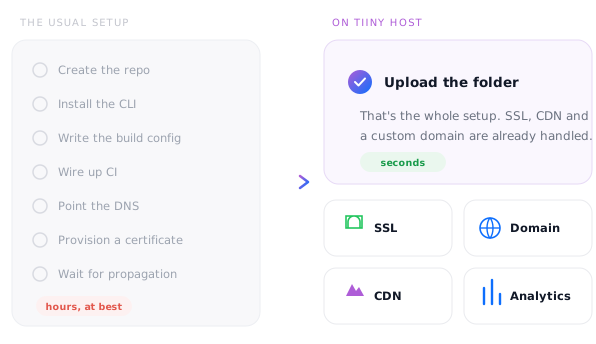
Host your Codex project in 3 steps

1. Drop in your build
Run npm run build (or ask Codex to), zip the output folder so index.html is at the top level, and drag it onto Tiiny Host.

2. Choose a link name
Use the project or branch name, so reviewers know what they're looking at.

3. Click launch
Paste the live link into the pull request and reviewers can click through the change.
Hosting that stays out of your way
📦 Any static build
Plain HTML, React, Vue, Svelte, Astro or a static Next.js export. If it builds to static files, it runs here.
⚡ No pipeline to set up
No repo connection, build settings or CI to configure. Upload the folder and you're done.
🤖 Or let Codex publish
Connect the Tiiny Host MCP server and Codex can publish and update the site itself.
🌐 Custom domain
Put the project on app.yourcompany.com with SSL on Solo and above, or keep the free tiiny.site address.
🔒 Password protect
Share a work-in-progress build with a client or your team behind a password (Solo and above).
💬 Feedback mode
From the Tiny plan, reviewers pin comments on the live page with no GitHub account or sign-up.
Tiiny Host vs setting up a Git-based host
Git-based platforms are built for teams shipping production apps. When you just need a Codex project online and shareable, most of that setup is overhead.
Free for one project
Host one Codex project free for as long as you log in once every three months. Move to Solo when you need several projects live, unlimited daily uploads and your own domain.
- ✓ 1 live site
- ✓ HTML and zip uploads up to 3 MB
- ✓ 5,000 visits and 5 GB bandwidth a month
- ✓ Free yourname.tiiny.site address with SSL
- ✓ Publish from Codex over MCP
- – Shows a small Tiiny Host banner
- Tiny $5 · no banner, 25 MB uploads, analytics, QR codes, feedback mode
- Solo $13 · 5 sites, unlimited uploads, custom domains, password protection, code and visual editors, API
- Pro $31 · 15 sites, email capture, team members, priority support
- Pro Max $74 · unlimited sites, 2 TB of storage
How big can my site be?
Per-file upload limit by planA built front end is usually somewhere between a few hundred KB and a few MB. Small projects fit the free plan's 3 MB. Apps with lots of images or large libraries often need Tiny's 25 MB or Solo's 75 MB, so check the size of your output folder before you upload.
Let Codex publish the site itself
Add the Tiiny Host MCP server to Codex, sign in once, then ask it to publish or update your site. Prefer scripts? One POST to the upload endpoint returns a live link, ready to drop into a build step.
curl -X POST https://ext.tiiny.host/v1/upload \
  -H "x-api-key: $TIINY_API_KEY" \
  -F "files=@dist.zip" \
  -F "domain=codex-project.tiiny.site"

# → https://codex-project.tiiny.site
# PUT the same domain to replace itCodex builds worth sharing
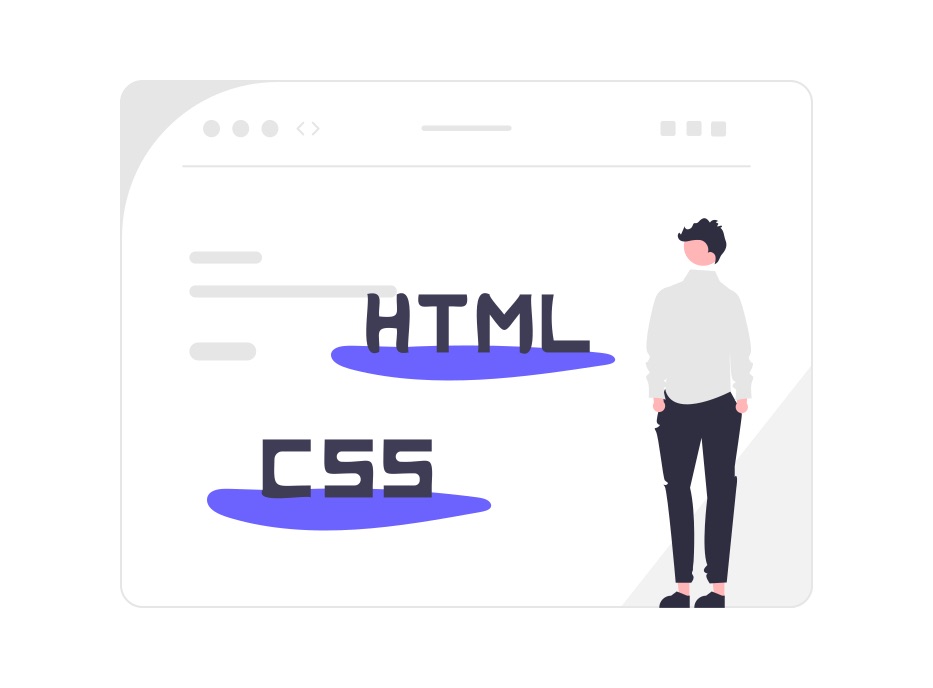
Web apps & tools
Front ends Codex built for calculators, internal tools and single-page apps.

Landing pages
Marketing sites and launch pages, live the same day Codex finishes them.

Previews for review
Share a build with stakeholders before anything is merged, and collect their comments on the page.
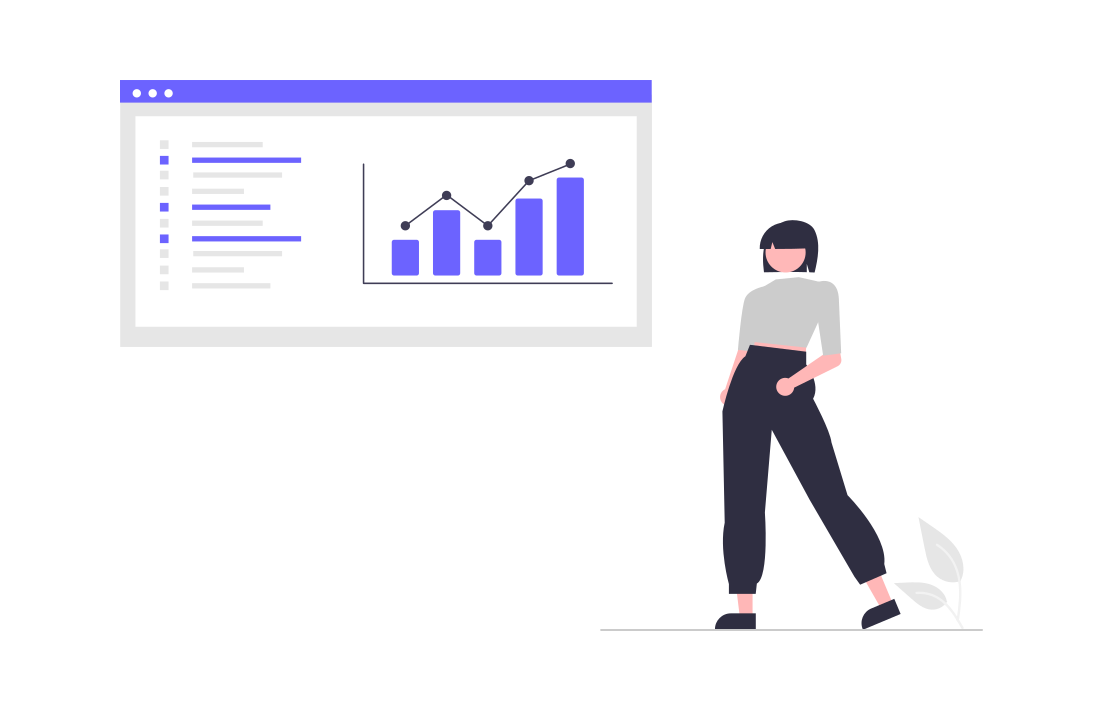
Dashboards
Data visualisations and reporting front ends your team can open from a bookmark.

Docs & static sites
Documentation and content sites generated with Astro, Eleventy or Hugo.

Games & experiments
Canvas games and creative coding experiments, playable from one link.
AI Coding Resources: Best AI Apps For Coding
A roundup of AI coding assistants and what each one is best at.



