- The Three Categories
- The Three Question Decision Tree
- Which Category is Right for Your Situation?
- Comparison Table for each category
- Tool Recommendations by Category
- Things to take care of when choosing a tool
- FAQs: AI Website Builder vs. No-Code Builder vs. File Publisher
- Which is better, AI or no-code builders?
- Are AI app builders and no-code builders actually different anymore?
- Can I host a file as a website without building anything?
- How do AI builders handle SEO?
- What actually happens when you try to leave a platform (What is Vendor lock-in)?
- Can I use WordPress as the no-code builder?
- Are AI website builders free?
- What is the easiest way to publish an HTML file?
- Create Your Website and Get it Live
Most people searching for “AI Website Builders vs No Code builders” are asking the wrong question. That is exactly why you end up with a tool that fights you instead of helping.
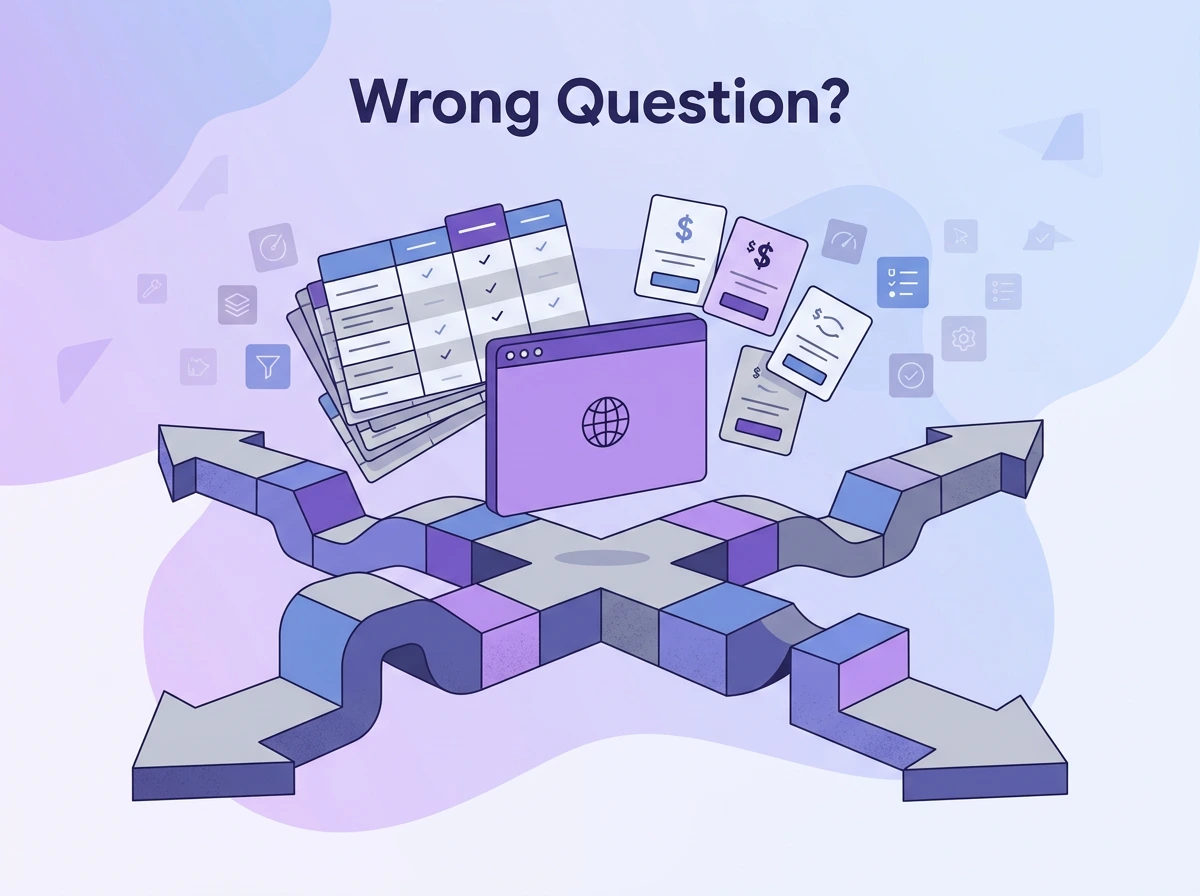
So instead of just listing feature tables, pricing tiers, and speed benchmarks, we will go a step further. While most articles just present these, they don’t ask one question to their readers: what do you already have?
Are you working on an idea from scratch? Do you have a finished file that you want to share online? Or do you have a vision which needs to be executed?
In this article, I will walk you through a simple decision tree which will help you find the exact pick. Further, I will also break down AI and no-code builders that will help you choose the best tool. By the end, you will have a way to go ahead easily.
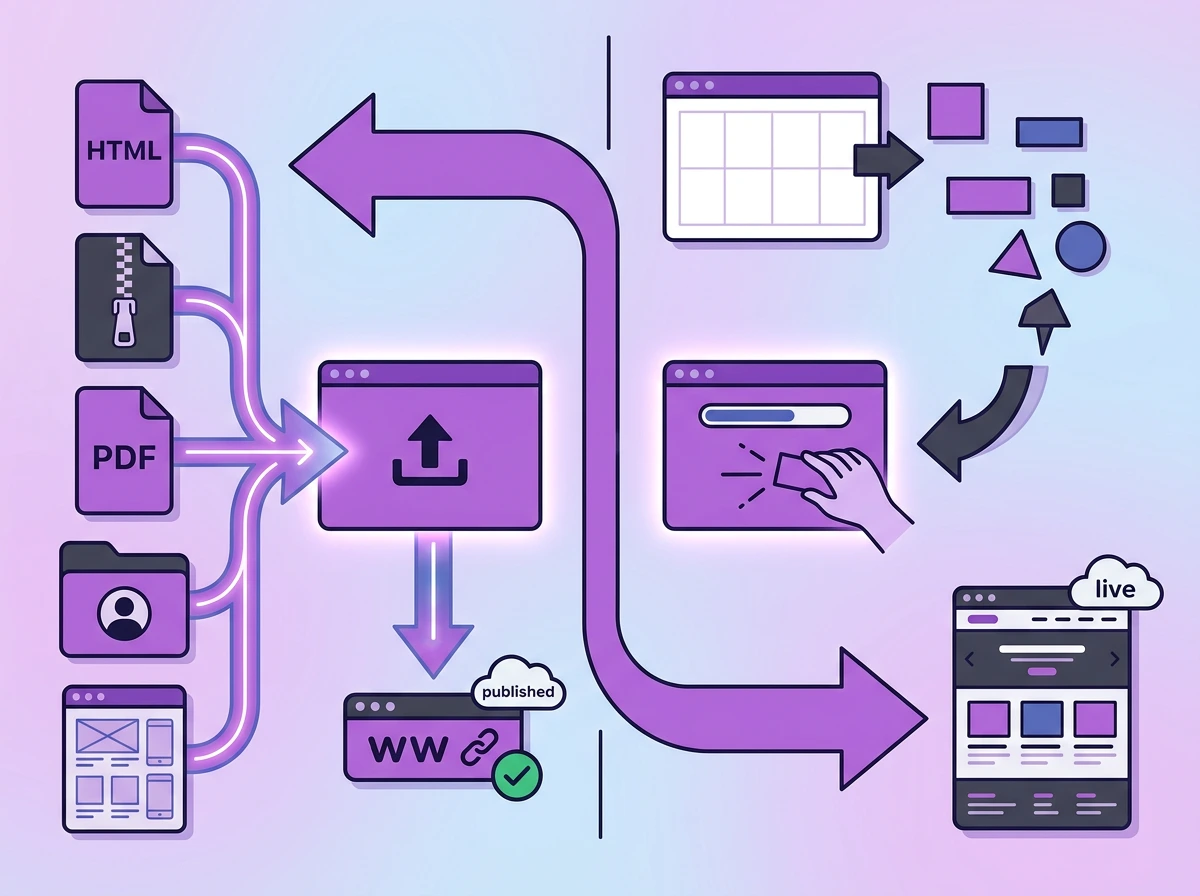
The Three Categories
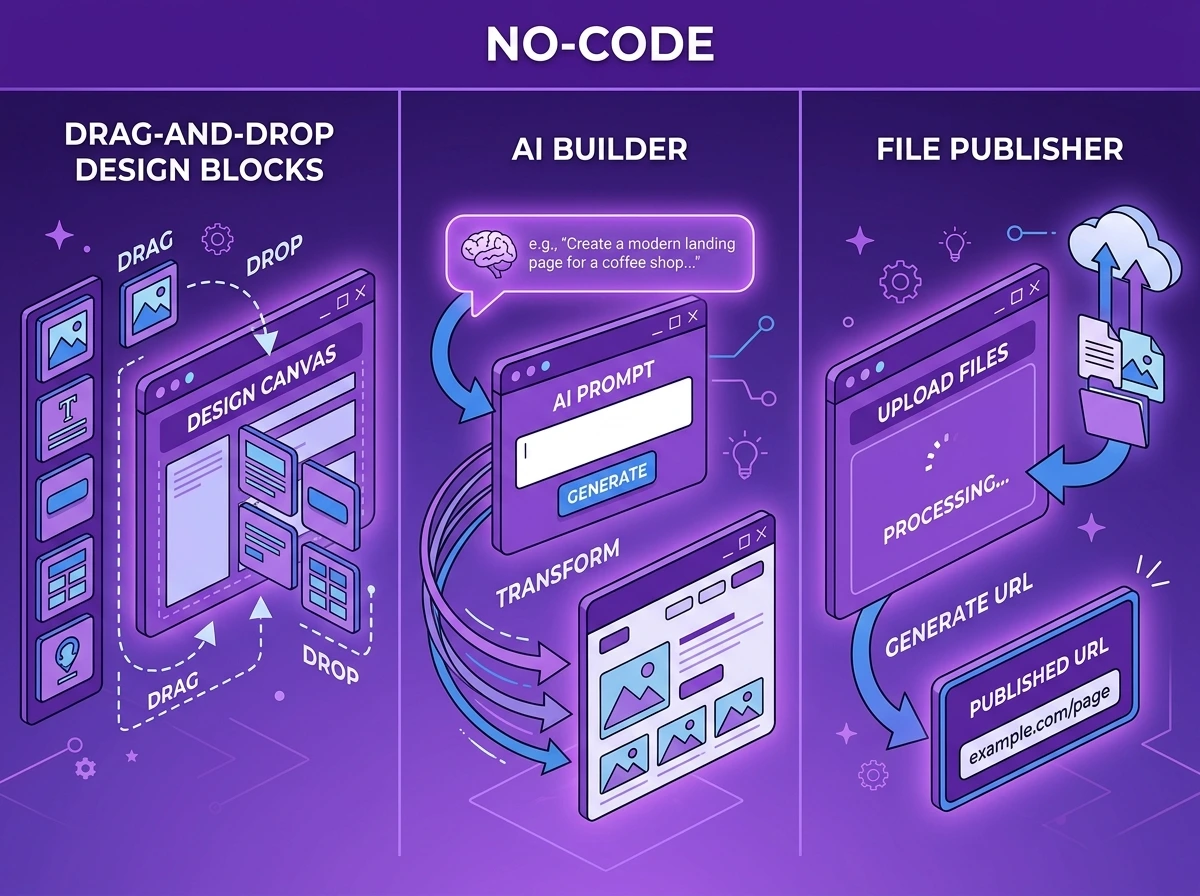
Before you pick a tool, it’s important that you know which category of tool you are looking for. No code platforms, AI builders and file publishers have different starting point. The workflows differ too accordingly.
No-Code Builders: You are the one assembling the Design
A no-code website builder is a visual drag-and-drop user interface where you construct a website on your own without actually writing code. You assemble the site yourself using the pre-built elements like headings, links, sections, backgrounds, themes, and more.
You get a lot of options from which you pick or drag and drop. You can place the blocks and sections where you want them, and it will look the same for the visitors.
The starting point is always an idea you have. You might have a vision in mind on how you want the page to look, the colour schemes and what to include on the page. Many no-code tools also offer templates you can choose from or take inspiration from.
It is equally good if you have some ideas for your page, or you just want to experiment directly through the tool’s interface.
Typical users: designers, agencies, startups, building full-sites, and anyone who needs a multiple-page site but doesn’t know how to code.
Tools: Webflow, Squarespace, Wix, Bubble, Framer
AI Website Builders: AI Generates the Whole Page for You
An AI builder helps you get ideas for execution within a few minutes. You just describe what you want or give an initial vision board, and the AI generates the web app for you. You do not have to drag-and-drop, and you do not have to write HTML or CSS files either.
You can write a prompt like “Create a landing page for an AI development for beginners seminar in Austin with warm colours and also have a booking form.” The AI generates a page for you which you can directly publish and share.
You can create portfolios, landing pages and multi-page websites with AI tools too. The speed is an advantage here; you get to finish the draft with just a few prompts very quickly. The trade-off is customisation. You can reprompt to make changes or describe what you want. Usually, the AI makes the changes to reach the outcome. For any design-heavy vision, the outputs might not reach the accuracy needed.
A small business owner who wants a website up faster would choose AI website builder. For them, speed is more important than customisation. If they want something with a specific design, it would be the opposite.
Typical users: Small business owners, founders who need a landing page, and anyone testing a concept.
Tools: Framer AI, Durable, Lovable, Hostinger AI, LeadPages, Wix ADI
Also Read: 7 Best AI Landing Page Builders in 2026
File Publishers: When you already have files
A lot of people already have their files. You might have made a website using Claude AI or generated it using one of the no-code builders, and now you are looking to share it. Once the website is ready, your next step would be publishing it.
A website or file publisher can take your files to a final link that you can share with anyone. You can send files over email without worrying about the file size or link your website to your social media.
Google Drive, Dropbox, or built-in exporters in no-code tools or AI builders give you shareable links. Most of them are long, messy extensions that are not appropriate for a professional setting.
File publishers like Tiiny Host are built for this exactly. Whether you build a website using ChatGPT or on Replit, you can just publish using Tiiny Host in less than two minutes. Apart from the speed of publishing, you can also connect a custom domain and even check analytics.
Typical users: consultants sharing proposals, freelancers sharing their work, individuals sharing their portfolios, and agencies hosting project files.
Tools: Google Drive, Dropbox (ideal for storing files and sharing with friends or family), Tiiny Host (best for storing, sharing or collaborating)
What about free options like GitHub Pages?
Tools like GitHub Pages, Netlify and Cloudflare Pages usually host a static site for free. You need technical knowledge of Git, GitHub and version control for that. With publishers like Tiiny Host, you do not have to worry about any technical knowledge or writing code.
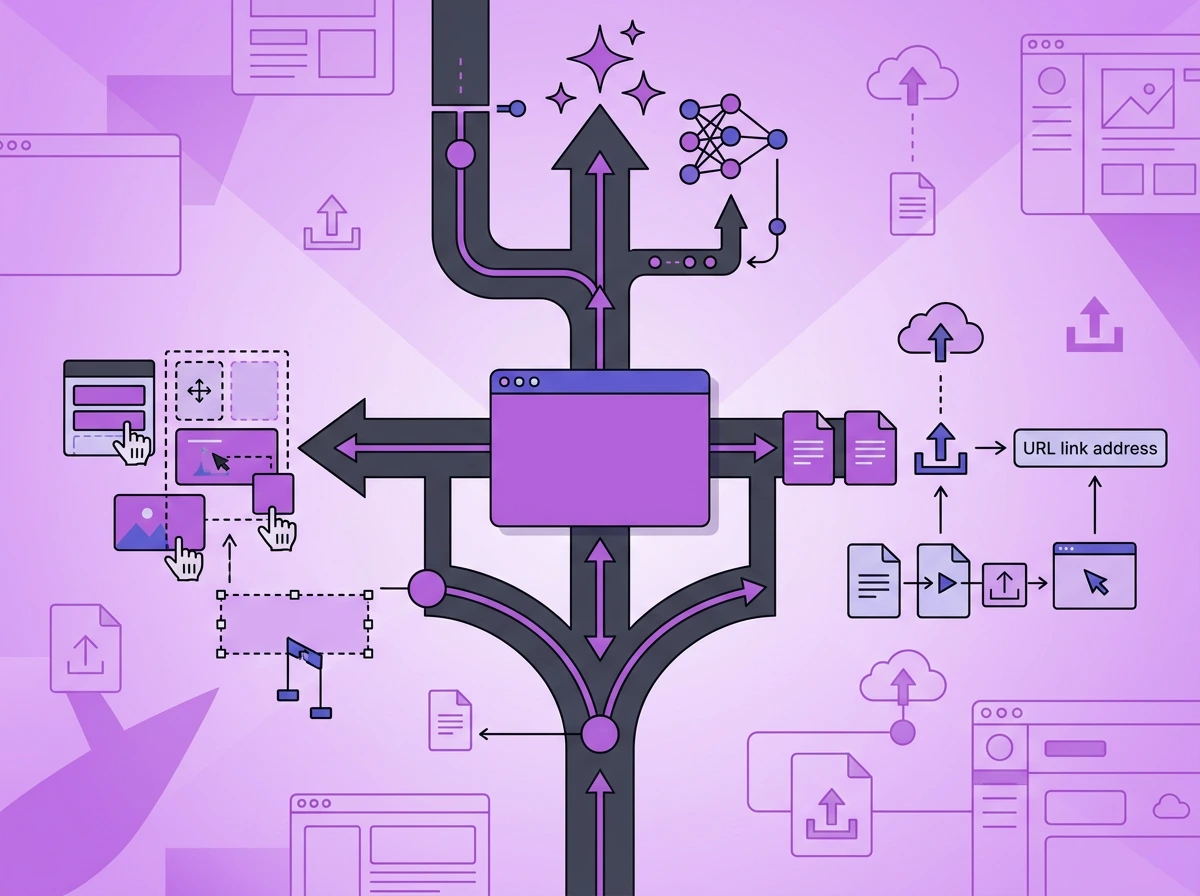
The Three Question Decision Tree
Still confused about which category you fit in? Let’s quickly go through a decision tree.
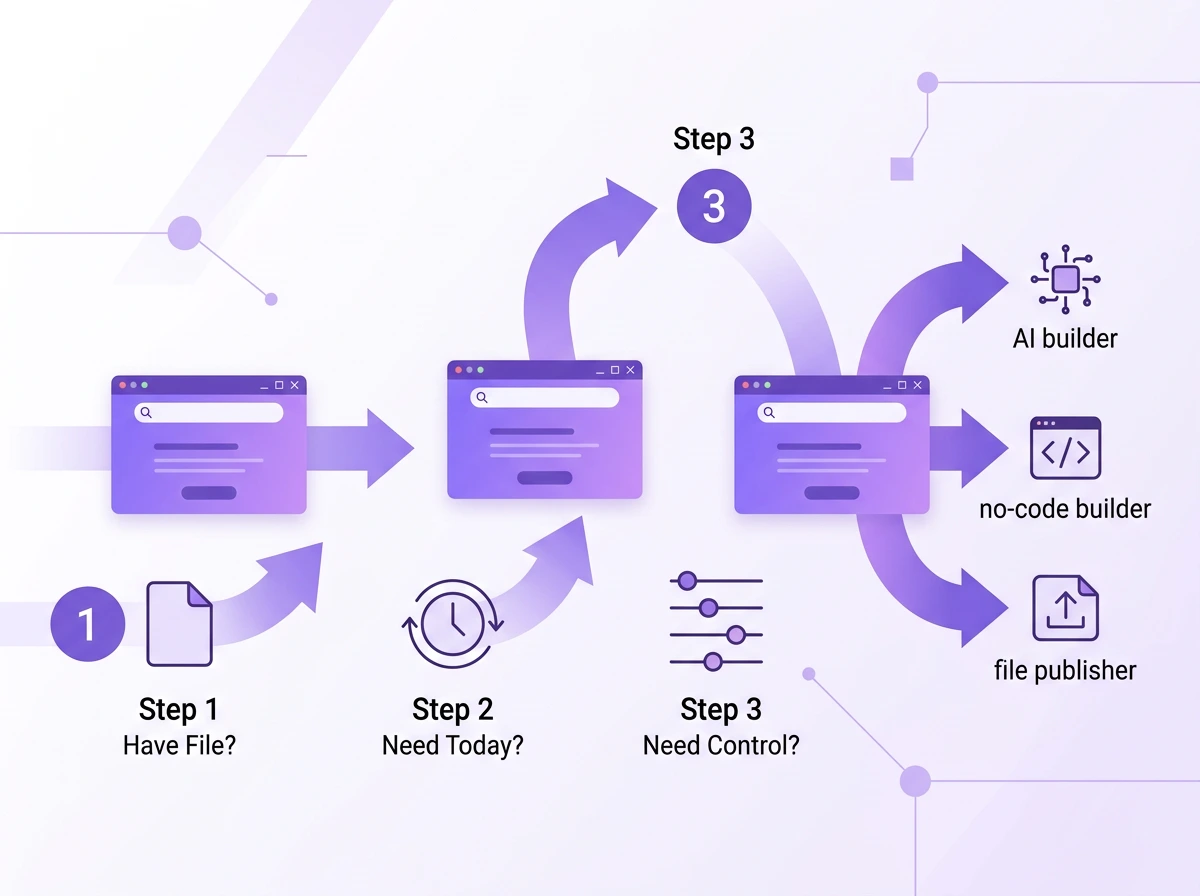
Q1: Do you already have a finished file? It can be an HTML, PDF or design file that you want to publish.
- Yes → You do not need a builder at all. Just a file publisher. You just need to visit Tiiny Host and get your file published.
- No → Shift to the next question.
Q2: Do you need it live today, or do you have time to build it?
- Today → Use an AI builder. Describe the type of website you want, generate it and ship it.
- Not today → Move to Q3
Q3: How important is customisation over design for you?
- Very Critical → Use a no-code website builder like Squarespace or Wix. You’ll spend more time, but you get to own more detail.
- Not Critical → An AI builder would be a good fit here, too. It can generate good designs for most use cases.
Which Category is Right for Your Situation?
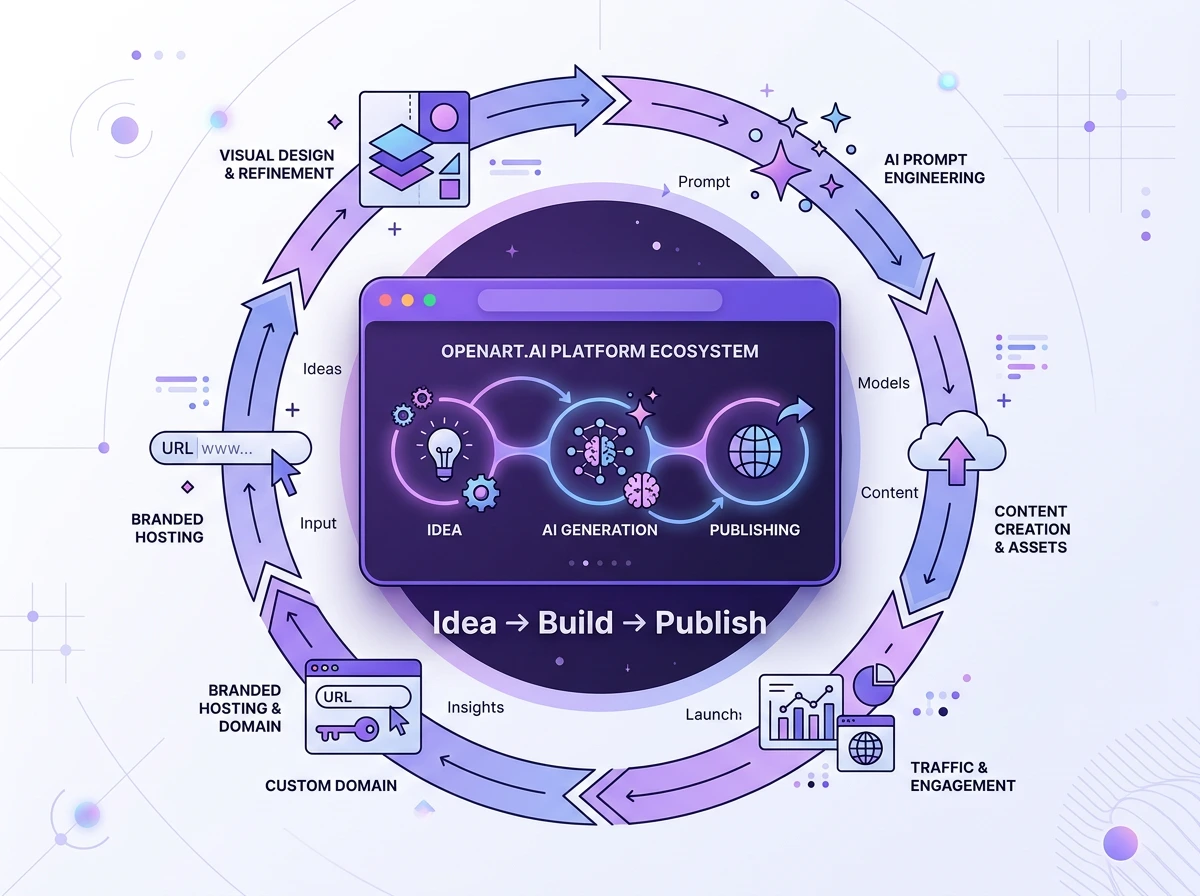
We did go through the decision matrix, but if things still keep confusing, here’s a bit more detail on each. We choose the tools on the basis of workflow and not the coding knowledge here.
Both AI builders and no-code app builders will let you generate complete applications without you having to write code.
While some technical knowledge might help in case something breaks, but any non-technical users can easily use these tools too.
Starting from Scratch with an idea
If you have an idea for the website and haven’t started building yet, you have to make the choice. The decision to pick this will be based on the time you have and the control you want over the design.
Choose a no-code builder if:
- You have time to build and want precise control over the results
- The site has multiple pages, a CMS, a booking system, e-commerce, and high-end animations.
- You have a designer on the team, or you can take some time to get used to the design interface of the tool.
- You’re building something you want to maintain and iterate on for the upcoming months or years.
Choose an AI builder if:
- You need the page live today or this week
- It’s a landing page, an event page or a simple one-page
- You’re testing an idea before committing to a full build
- You’re comfortable with the design generated by the AI based on your prompts and description.
Both of these categories are good starting points for website building but the key difference is your priority of design control and time.
You need pixel-precise design control
If you need precise control over your designs, you should consider going for a no-code builder. You can also go with an AI builder that lets you precisely control the assets generated first.
Tools like Webflow, Framer and Squarespace allow you to have precise control over your design and design elements.
Framer is a great tool for designers as they can curate designs directly in the work area of the tool. Webflow and Squarespace are equally good for designers who do not want to touch code. The latter two are also great for people who do not know how to code but still would like to have control over their websites.
With tools like these, you can have exact padding and margins. You can form a custom colour palette to be used throughout the website. You have options to add animations and insert specific behaviour for breakpoints, too. If control over these makes or breaks your design, you should definitely experiment with no-code builders, especially those with AI integrations.
There is a learning curve to these tools, but once figured out, you can create pretty much anything you like.
You have a finished file to host or share
This is actually the category where you neither need a no-code builder nor an AI builder. Most people cannot find the tool they need because they already have a file, and they are looking at builders.
If you have a finished HTML file, a design to share, or a company document, you don’t need to build anything. These tools will let you start from scratch to create a website for other files like PDFs, AI files, or design files. Instead, you can turn your files into a website without converting them at all.
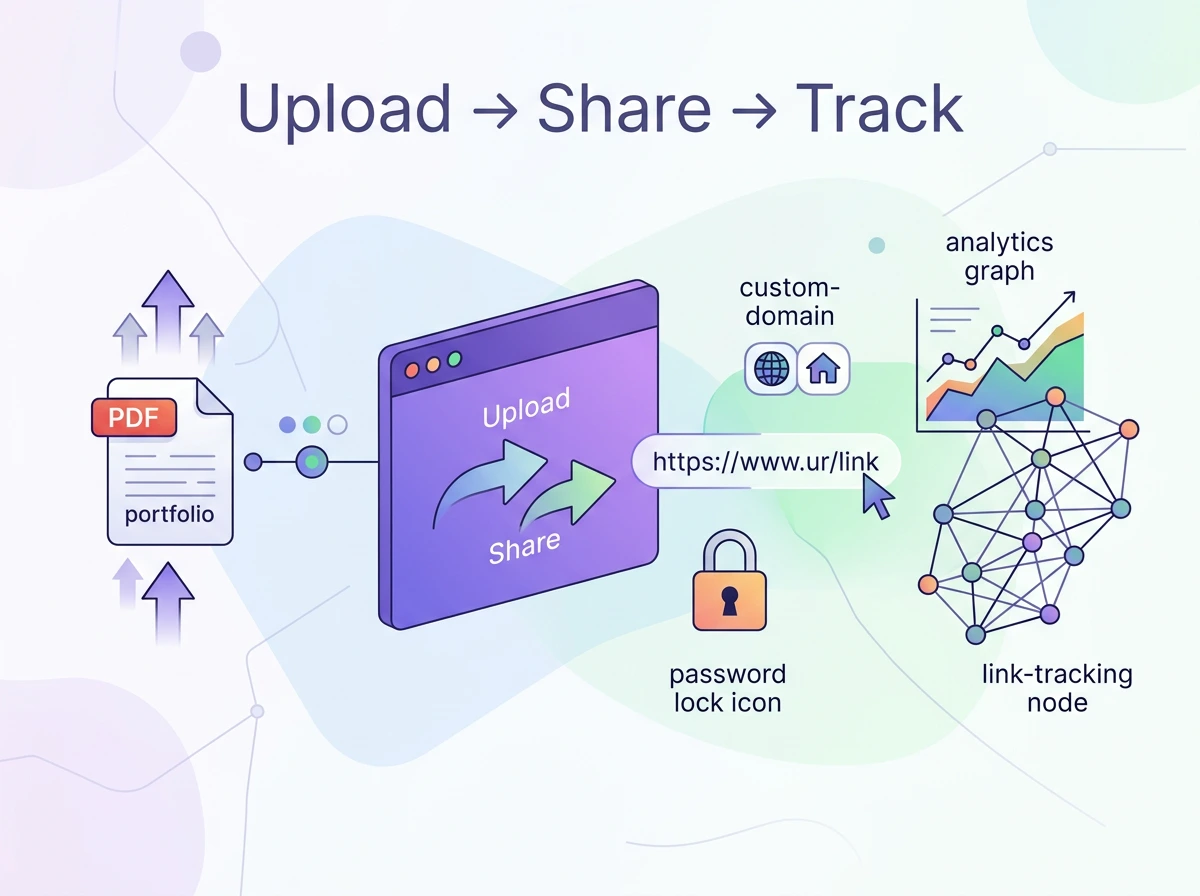
File publishers solve this directly. You can drag and drop or upload your file. You can connect a custom domain to make it look more professional and then publish it. You also get password protection, analytics and link tracking for your URLs if you choose a tool like Tiiny Host.
Comparison Table for each category
| No-Code Builder | AI Website Builder | File Publisher | |
| Starting Point | An idea | An idea | A finished file |
| Time to Live | Hours to days | ~5 minutes | ~2 minutes |
| Who Designs? | You (visually) | AI (from prompt) | Not needed |
| Customisation | High ceiling | Medium | Low (by design) |
| Learning Curve | Moderate to steep | Low | Near zero |
| Ownership | Often locked in | Varies, check export | Your file, your URL |
| SEO Control | High | Medium | Basic |
| Pricing | $15–50/month | Free–$30/month | Free–low cost |
| Best For | Full sites, precise control | Fast launch from a description | Publishing finished work |
| Examples | Webflow, Squarespace, Wix | Framer AI, Durable, Hostinger AI | Tiiny Host |
Pricing checked May 2026; verify on each vendor’s site.

Tool Recommendations by Category
Best No-Code Builders
Webflow
This is a good tool for designers, agencies and teams who are looking for sites with complex elements. Webflow has features like animations and CMS. You can easily build your designs without writing code on Webflow.
The paid plans for Webflow start from $15/month.
Squarespace
Webflow can become a little complex for people. If you want to avoid the learning curve, Squarespace would be just the drag and drop editor you need. It is very good for creatives, photographers and small business owners who want to create aesthetically pleasing websites.
The Squarespace business plan starts at $18/month.
Wix
Wix has great onboarding and beginner friendly user interface, especially if this is the first website you will be working on. It also includes AI assistance that lets you create an initial page you can customise. Also, good templates for simple websites that would serve purpose.
The Wix paid plan starts at $17/month.
Best AI Website Builders
Framer AI
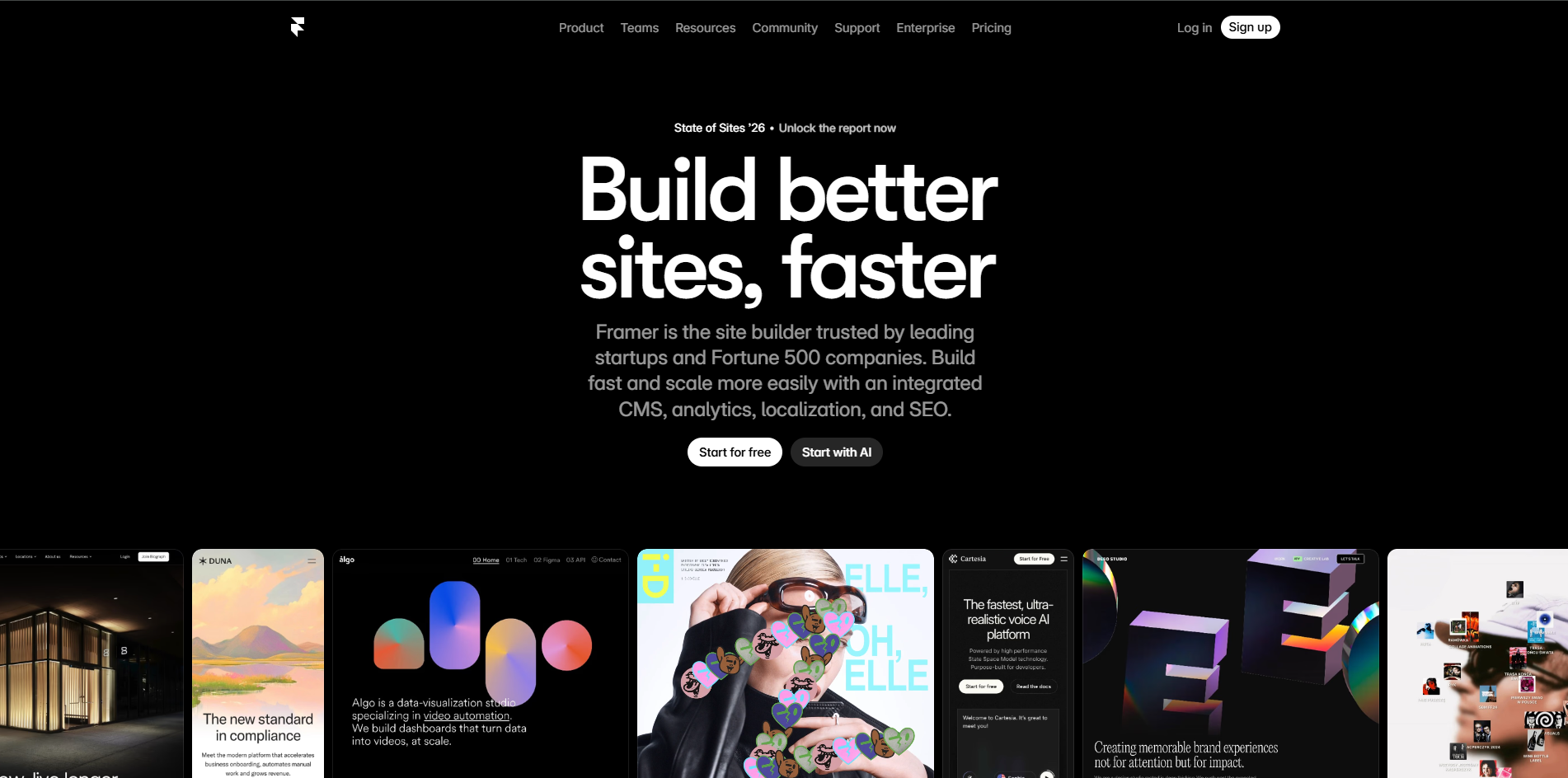
If you are a designer or your team has one, Framer AI offers powerful AI features to help you out. Framer AI helps you create amazing wireframes and a starting point for the designs. You can build and curate further on these wireframes.
You can prompt, and within minutes, you get the output. There are other plugins too in Framer that can help you create assets, designs and even animations. Framer is actually a free AI website builder that can help designers put their vision on a website.
Framer has a free plan which you can use to experiment with. The Mini plan starts at $5/month.
Hostinger AI
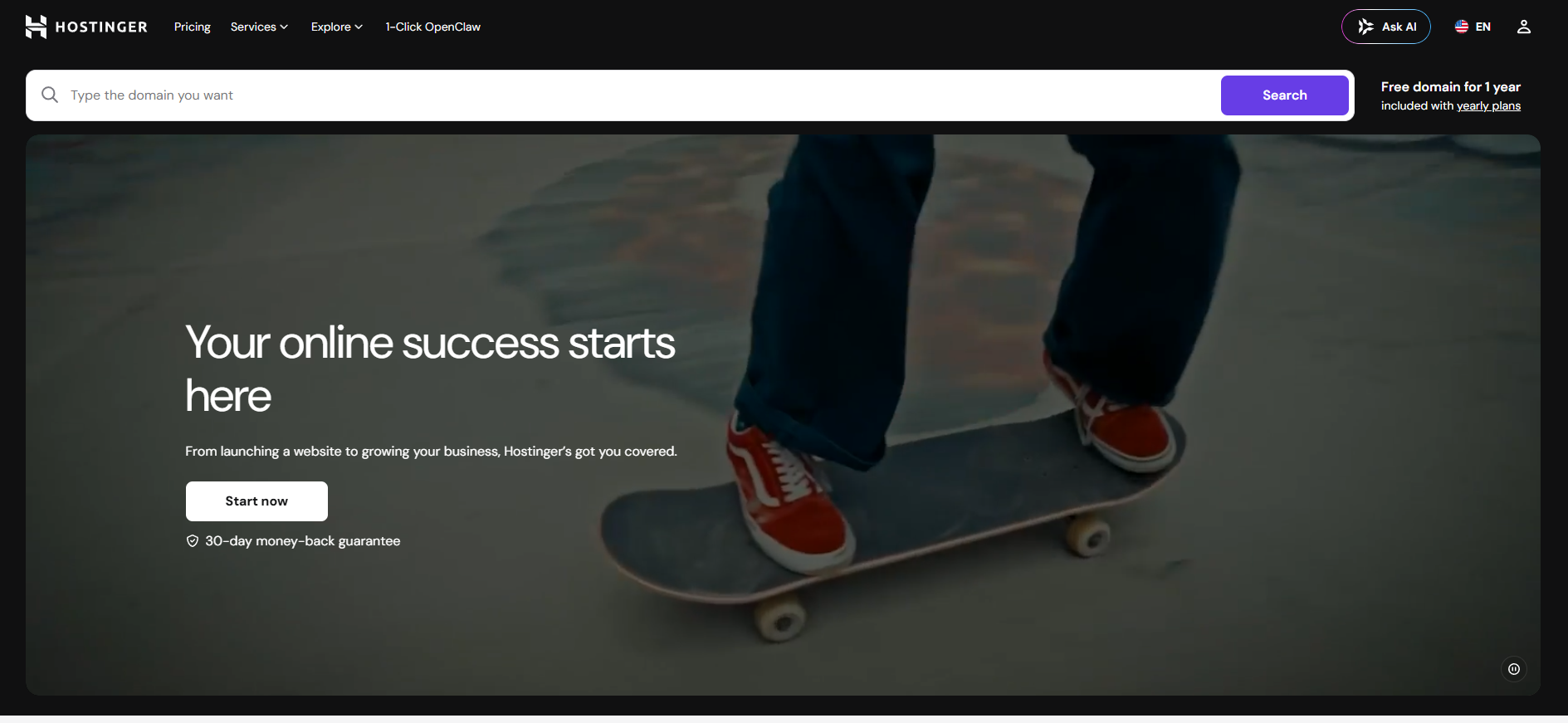
Hostinger AI generates a website and bundles it for you with a hosting plan. It is a good fit if you want everything, from building to hosting, in one tool. Their plans are among the more budget friendly options in this category and start from $2.99/month.
Rocket.new
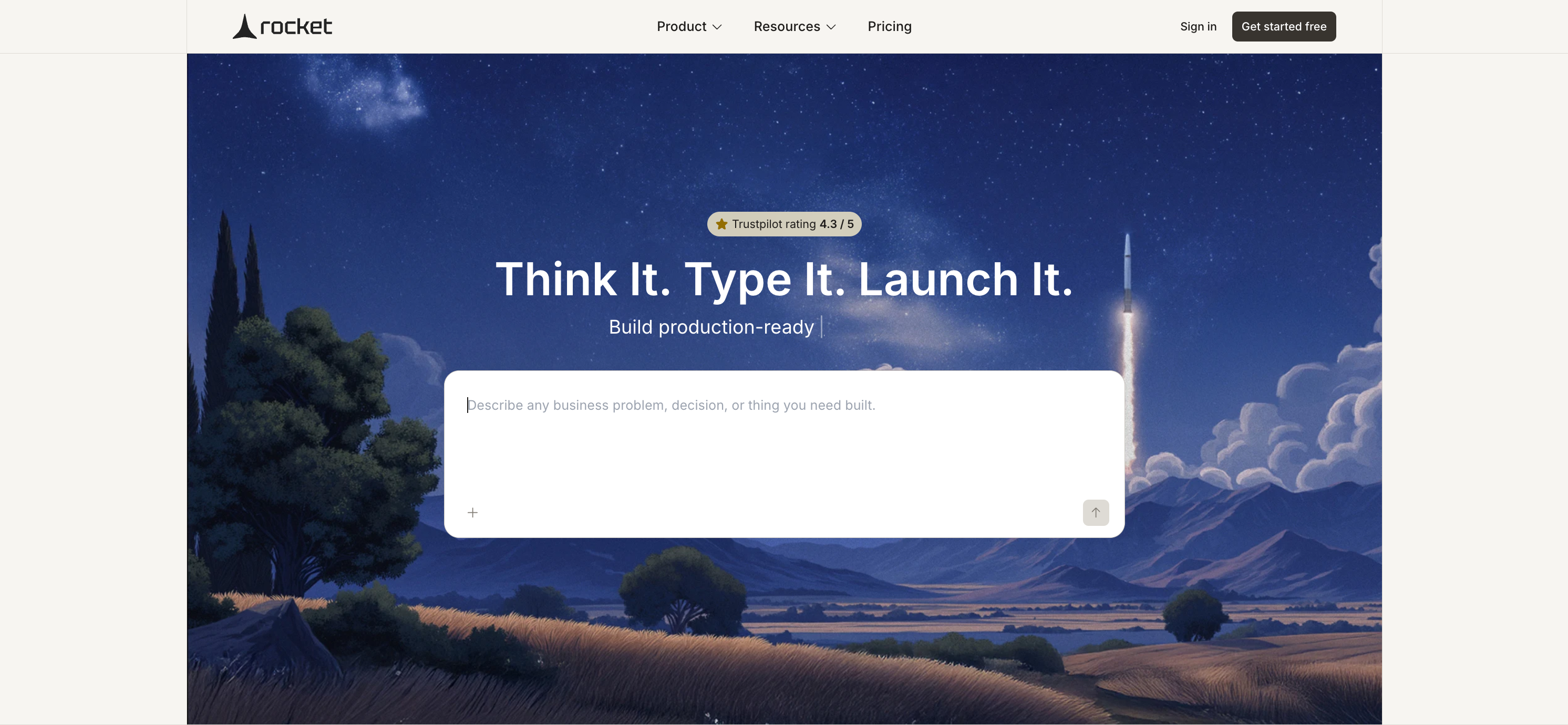
Rocket.new is a Vibe Solutioning Platform that helps you build websites using natural language. Simply describe what you want in Plain English, and Rocket generates a responsive website while asking follow-up questions to understand your requirements. Beyond websites, Rocket can also build web apps, mobile apps, internal tools, and other production-ready software from the same conversational workflow.
Pricing: Free plan available. Paid plans start at $25/month.
Best for: Founders, startups, agencies, and businesses that want to build websites and scale into full software products with AI.
Lovable
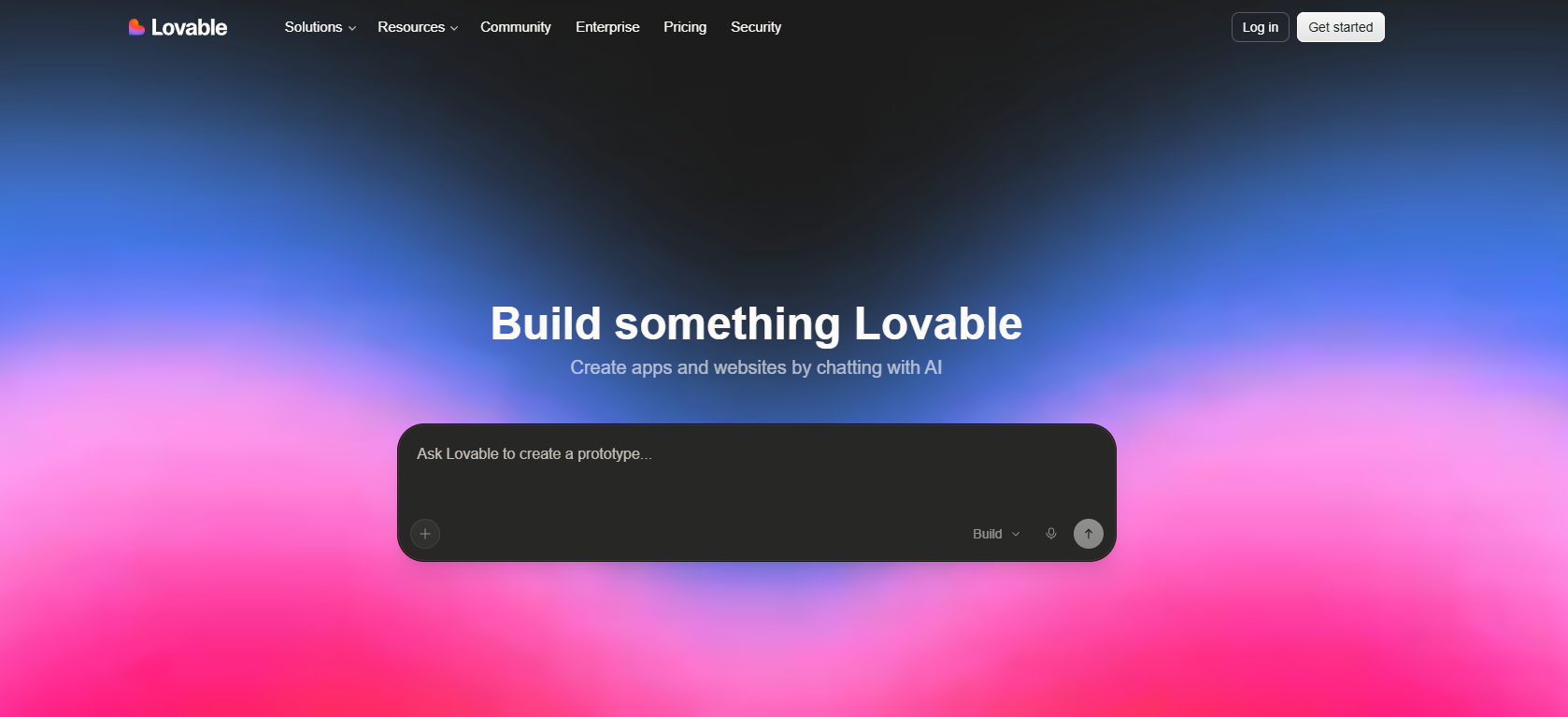
Lovable can help founders and builders generate web apps from prompts. The tool generates highly functional and interactive builders. You can create simple and complex websites and applications using Lovable. They offer a free tier you can use to experiment before committing to a plan
The plans start from $21/month.
AI Chat Builders
AI Builders like ChatGPT, Claude, Replit AI, Windsurf and Codex are worth exploring. These are great code app builders that use code generation to make applications. They can help you create complete websites, too.
You can use CustomGPTs in ChatGPT to create a website and then host it directly from ChatGPT. Claude also generates high-quality output that you can test directly in the chat interface and then download to host on your website.
You can test out these builders to choose one as most of them have free plans for you to test out.
File Publishers
Cloud Service Providers: Google Drive and Dropbox
These are great for saving and sharing your files, but they do not let you customise the links. These can serve as a good option if you are sharing with one or two people. When you want to share publicly or with more people, you do not want long links with unidentifiable extensions.
Tiiny Host
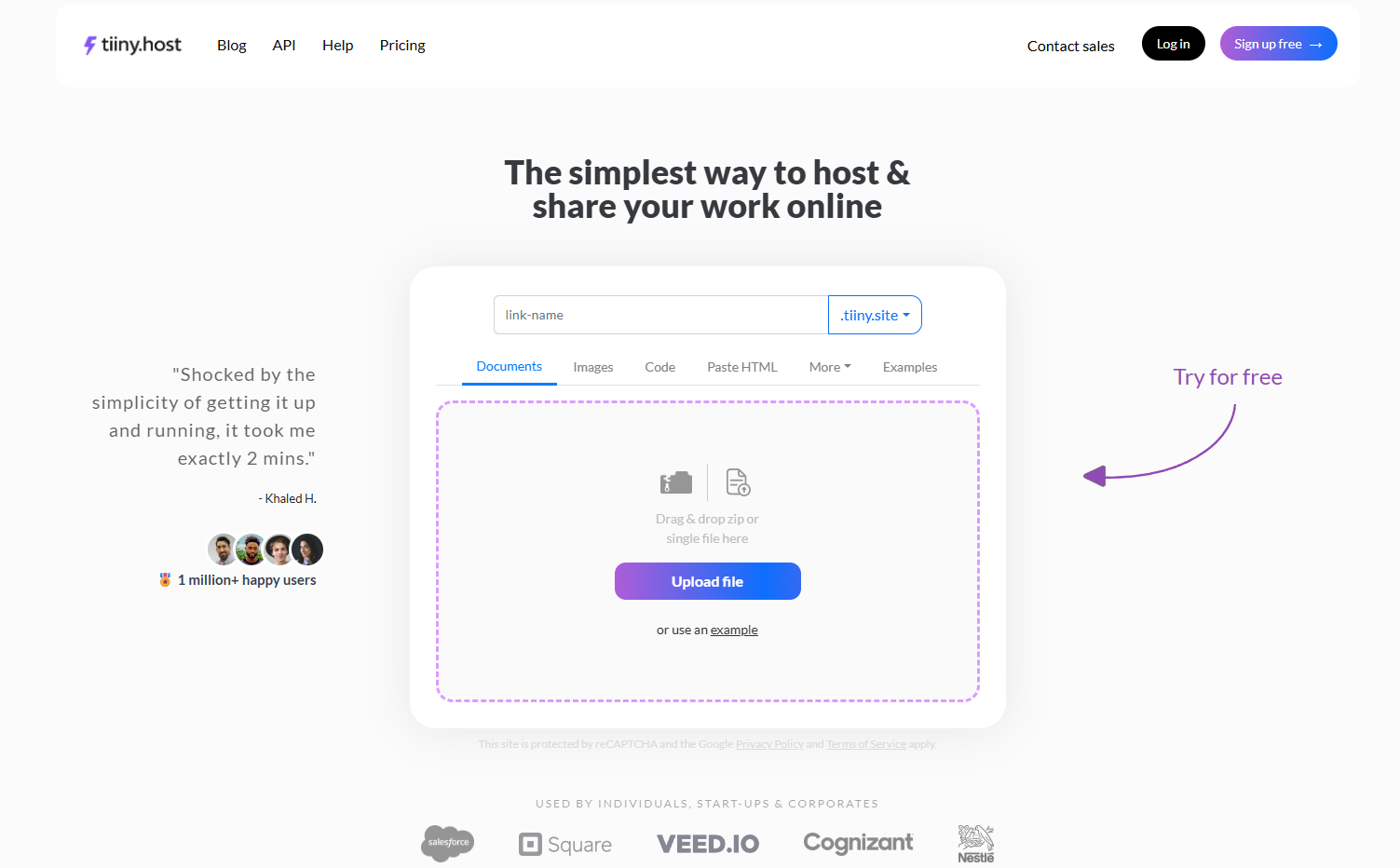
Tiiny Host is best for consultants, freelancers, designers and agencies that want to share their work or host their portfolios or websites. You can store and host literally any file and folder in just a few minutes.
For any file you host, you get a custom subdomain. But you can also easily upgrade and get a custom domain to build your own brand.
And with file hosting, you can also protect your website with a password, view analytics to see how many people viewed your link, and track your links.
Whether you just made a complete website with your builder or already have a file, Tiiny is your go-to host.
The Tiny plan starts from $5/month.
Things to take care of when choosing a tool
Lock-in risk
Some AI builders and no-code platforms have systems that prevent you from downloading your code or shifting to any other tools.
So before you choose a tool, verify:
- Can you export as standard HTML/CSS?
- Can you host the website you create with the tool elsewhere?
- Do the URLs stay the same?
- Can you have a custom domain for the website you share or create?
Check which of these matters the most to you. Then choose the tool and proceed with that.
The safest way to move out of a tool is to export the code. Once you export the code, you can build on it and publish it using any other tools you want.
SEO Advantages
AI builders usually generate the basics automatically. They generate the page title and meta description when the pages are created. This can be enough to find your page when searched for.
To compete for broader search terms, you would need more control over the pages. You have to edit the titles of pages and add structured data for search engines to find the data.
No code builders give you more control over these. AI builders and file publishers limit you in SEO in these terms. You can work on backlinking and on-page SEO, too, even with AI builders and file publishers.
Choosing when tools have AI and No-code features
Most no code platforms and AI builders now have a blend of AI and no-code features. Webflow has AI features, and Wix also has AI generation, along with drag and drop. This can bring in a dilemma on what to do exactly.
When you go searching for the tool, the starting point remains the same. Check where you are. Do you have any design vision? Or do you want to let the AI design the initial design? Then check the features and lock-in risks. Then you can choose the tool that is right for you.
FAQs: AI Website Builder vs. No-Code Builder vs. File Publisher
Which is better, AI or no-code builders?
You cannot choose one to be better. It depends on your priority and what your goals are. If you need a website fast, you choose AI website builder. If you want control over the design and have some time, you can work with no-code builders.
Are AI app builders and no-code builders actually different anymore?
The line is blurring every day, but it hasn’t disappeared just yet. There are standalone AI builders, and there are no code builders that have added Artificial Intelligence features. A little workflow still differs. No code builders give you precise control over assets, even when AI-generated. With AI website builders, you have to check if they allow further editing or not.
Can I host a file as a website without building anything?
Yes, tools like Tiiny Host will let you upload any file out there and get a URL to share instantly. You do not need to build anything or prompt anything. You can have your custom domain, analytics and much more, just like a website, but without the need for code files.
How do AI builders handle SEO?
It will depend on the tool you choose. Most AI website generators will create a clean HTML file with defined structures. It will also have appropriate title tags and meta descriptions. This is enough to get your files securely up on the internet. If you want to compete for ranking, you would need a mix of technical and non-technical SEO.
AI builders do not provide options for custom schema markup, semantic SEO, sitemap and full HTML access, which no-code builders do. If you want ranking for high-value search terms, you need these options and ways to target the audience with non-technical SEO, too.
What actually happens when you try to leave a platform (What is Vendor lock-in)?
Migrating a website often means moving your code to a different host. Taking your designs, functionality of the website, and structure requires switching through tools or downloading and uploading the code again.
A lot of platforms do not support downloading the code files. Other than that, they do not offer plugins or tools that let you switch between providers. In this case, you are stuck with one provider, or you have to start from scratch somewhere else.
Can I use WordPress as the no-code builder?
Yes, you can. WordPress has been around for a long time and it is closest to a no-code builder when you work with the visual editor. It has a lot of maintenance overhead with WordPress. Modern no-code builders are easier to work with, but if you have worked with WordPress before, you can keep using it.
Are AI website builders free?
Several AI website builders, like Framer, Lovable, and even Wix, offer free tiers. They let you experiment with different features without paying. The free plans usually have limitations where you get limited AI credits, can only generate a certain number of pages or cannot share the files.
What is the easiest way to publish an HTML file?
If you have the HTML file ready, the easiest way is with a file publisher like Tiiny Host. You can just drag and drop your file and get it live in less than 2 minutes.
Create Your Website and Get it Live
I know it can become confusing when you have so many tools and so little guidance. With this guide, though, I hope things have become clearer for you. Just focus on the starting point and the control you need over design. Then ask yourself if you would be committing to only one tool or if you plan to switch to another tool in the future?
- Choose a no-code website generator if you want control over design and you have some time to build.
- Choose AI website builders if you want to let the AI generate from a description. A great option to iterate on ideas
- File Publishers: You already have the files, and now you just need to host them.
Don’t just choose a tool because you’ve heard about it. Always look for the features and then make the move.
If you’ve already got a finished file that needs to be live, it’s time to skip the builders entirely. Try Tiiny Host. Just upload your file, get a custom domain and start sharing it.