
- TL;DR
- Why are People Leaving GitHub Pages?
- Which are the Best GitHub Pages Alternatives in 2026?
- 1. Tiiny Host: Quickest Way to Host Your Static Site
- 2. Vercel Drop: Best for Jamstack Framework Projects
- 3. Netlify Drop: Good for drag-and-drop site growing into a full-stack app
- 4. Cloudflare Drop: Best for High-Traffic Static Sites
- 5. Surge.sh
- 6. Firebase Hosting
- Neocities
- How do you choose from so many alternatives?
- How to Move Away from GitHub Pages Without Using Git
- Troubleshooting for your website
- Make the Hosting Easier
- FAQs
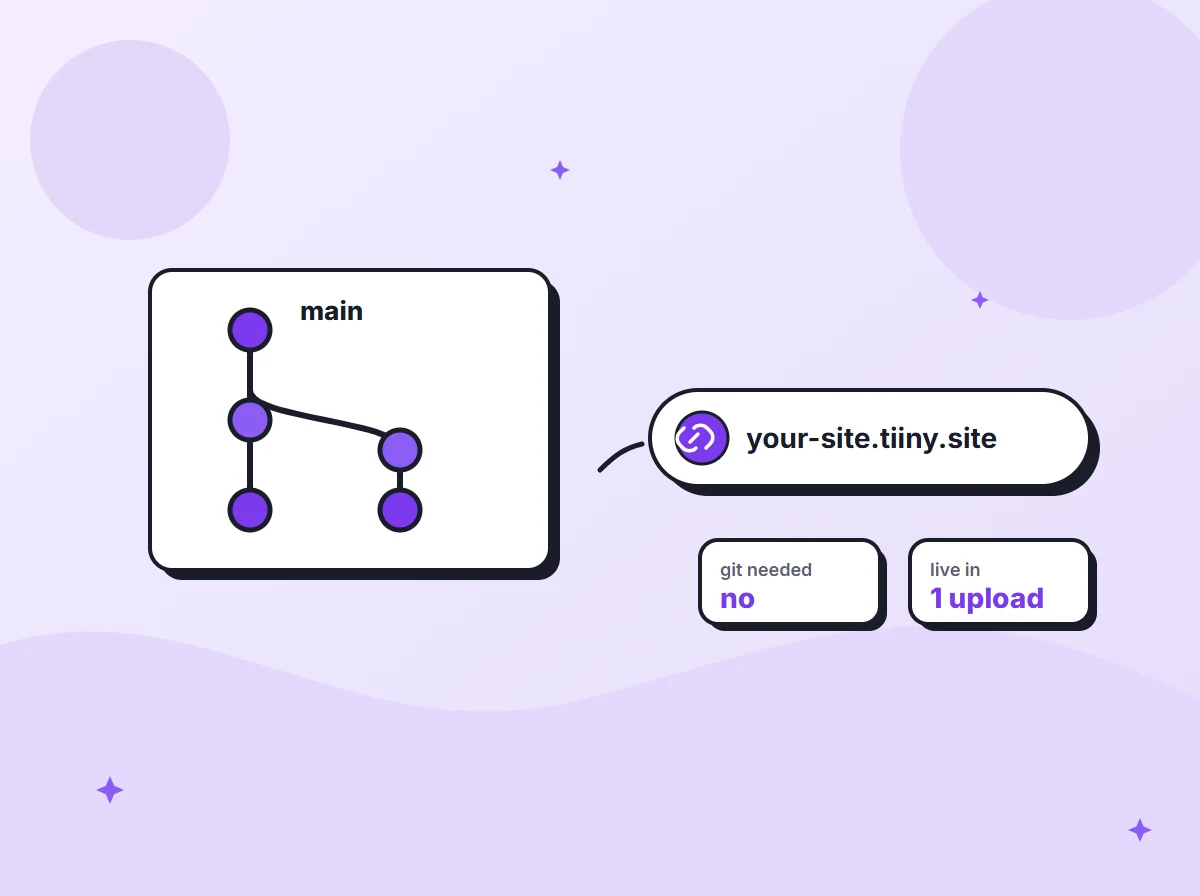
GitHub Pages is free for you until it becomes a hassle to work around. You need to know Git, repositories, branches and also how to set up GitHub Actions. It can become a difficult task to learn GitHub before actually hosting anything at all.
Non-technical individuals usually want a way to easily host their website online. That is what I am going to help you with today. In this guide, I’ll walk you through the best alternatives to GitHub Pages so you can host your website without Git.
I tested all 7 alternatives and checked their prices and limits to share the results with you. So, let’s get to it!
TL;DR
- Choose Tiiny Host if you have a website from an AI tool, or a PDF or ZIP, to get a shareable link without Git or the command line.
- Choose Netlify Drop if your projects will grow into Git and need form handling and serverless functions.
- Choose Vercel Drop for framework projects like Next.js or if you are a developer and want to work with developer dashboards.
- Choose Cloudflare for high-traffic websites since the bandwidth isn’t metered. Use Cloudflare Pages for static sites.
- Choose Surge if you are a developer and want to work with the terminal.
- Choose Firebase Hosting if your app already lives on Firebase or Google Cloud.
- Choose Neocities for hand-coded personal sites, with a community that helps and supports each other.
Why are People Leaving GitHub Pages?
GitHub Pages has been the first choice for a lot of people when they start out. But it was created to make it easy for people who know how to use Git to manage their sites. If you are building a simple app or a static site, you don’t really need to learn all that. If you have a small business or if you are a creator or marketer, you might just want to get a page online without worrying about Git.
There are some specific reasons why people are outgrowing GitHub Pages, especially those who do not write code:
Git is necessary
The website and pages published are served from the GitHub repository. You need to understand branches, GitHub Actions and repos before you get started. AI tools can help set some of this up for you, but you still need to understand the repository if something breaks.
You can upload the files directly too, but you need to nest the images and other attachments properly by hand online. Even after you upload the files directly, it won’t work until you turn on Pages in Settings.
Private repository doesn’t mean private site
Pages is free for public repositories. If you want to host from a private repository, you have to upgrade to one of the paid plans.
No password protection or analytics
GitHub Pages doesn’t have support for password protection or analytics. That is why it is usually considered apt for documentation. For your pages, password protection or access control isn’t possible. There are no built-in analytics either, so to see views and visitors, you’d have to add a third-party tool like Google Analytics.
No commercial use
GitHub Pages isn’t made for running an online business, e-commerce website or any site built to sell. It also shouldn’t handle any sensitive details like passwords or card numbers.
GitHub Pages limits
Here’s what GitHub’s own limit page says for users:
| Limit | Value |
| Published site size | 1 GB |
| Source repository | 1 GB recommended |
| Bandwidth | 100 GB a month (soft limit) |
| Builds | 10 an hour (not with a custom Actions workflow) |
| Deployment time | 10 minutes |
| User or organisation sites | 1 per account |
Some of these are soft limits, so they don’t stop your website from being served, but they can sometimes slow the site down. If your site keeps running longer, GitHub may stop serving it.
Is the trust in GitHub dipping?
The last time I was testing GitHub to check the workflow, it took me more than 10 minutes to set up my repository. And then it took even more minutes to find the setting to get the page live. Then I also had to set up workflows to serve the page. It seemed like an option at the very beginning because it was very famous, but it is not the most user-friendly.
I also found reports from InfoWorld saying that a lot of developers and projects complain about buggy GitHub Actions.
Which are the Best GitHub Pages Alternatives in 2026?
GitHub Pages is complicated because GitHub doesn’t have a drag-and-drop or an easy hosting option. You can upload files from your computer, but you will need to manually nest files so your site can be hosted without errors. This can become difficult for beginners or non-technical individuals. Here are some top alternatives to GitHub Pages that will make hosting easier for you.
| Host | Best for | No-code upload? | Free plan | Paid from |
| Tiiny Host | Finished files, client previews, AI exports | Yes, drag and drop | 1 project, 3 MB uploads (0.5 MB for PDFs), 5,000 visits a month | $5 (Tiny), custom domain from $13 (Solo) |
| Netlify | Sites that will grow into forms and functions | Yes, Netlify Drop | 300 credits a month, hard limit | $9 (Personal) |
| Vercel | Framework apps like Next.js | Yes, Vercel Drop | Hobby: personal, non-commercial use only | $20 (Pro) |
| Cloudflare | High-traffic static sites | Yes, dashboard upload or Cloudflare Drop | 500 builds a month, bandwidth not metered | $5/month (Workers Paid) |
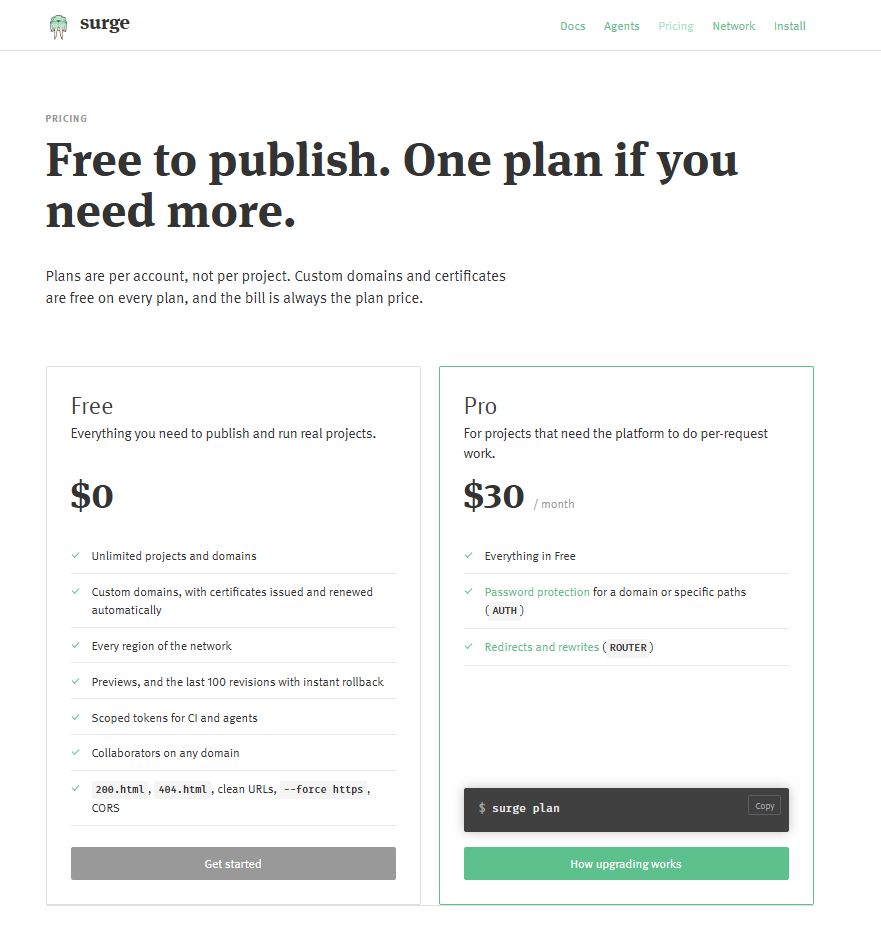
| Surge | Terminal-first developers | No, CLI only | Unlimited projects, custom domains with SSL | $30 (Pro) |
| Firebase Hosting | Apps in the Google ecosystem | No, CLI only | 10 GB storage, 360 MB transfer a day | Pay as you go (Blaze) |
| Neocities | Hand-coded personal sites | Yes, drag and drop | 1 GB storage, 200 GB bandwidth, limited file types | $5 (Supporter) |
All the prices were checked in November 2026 on the respective host sites.
1. Tiiny Host: Quickest Way to Host Your Static Site
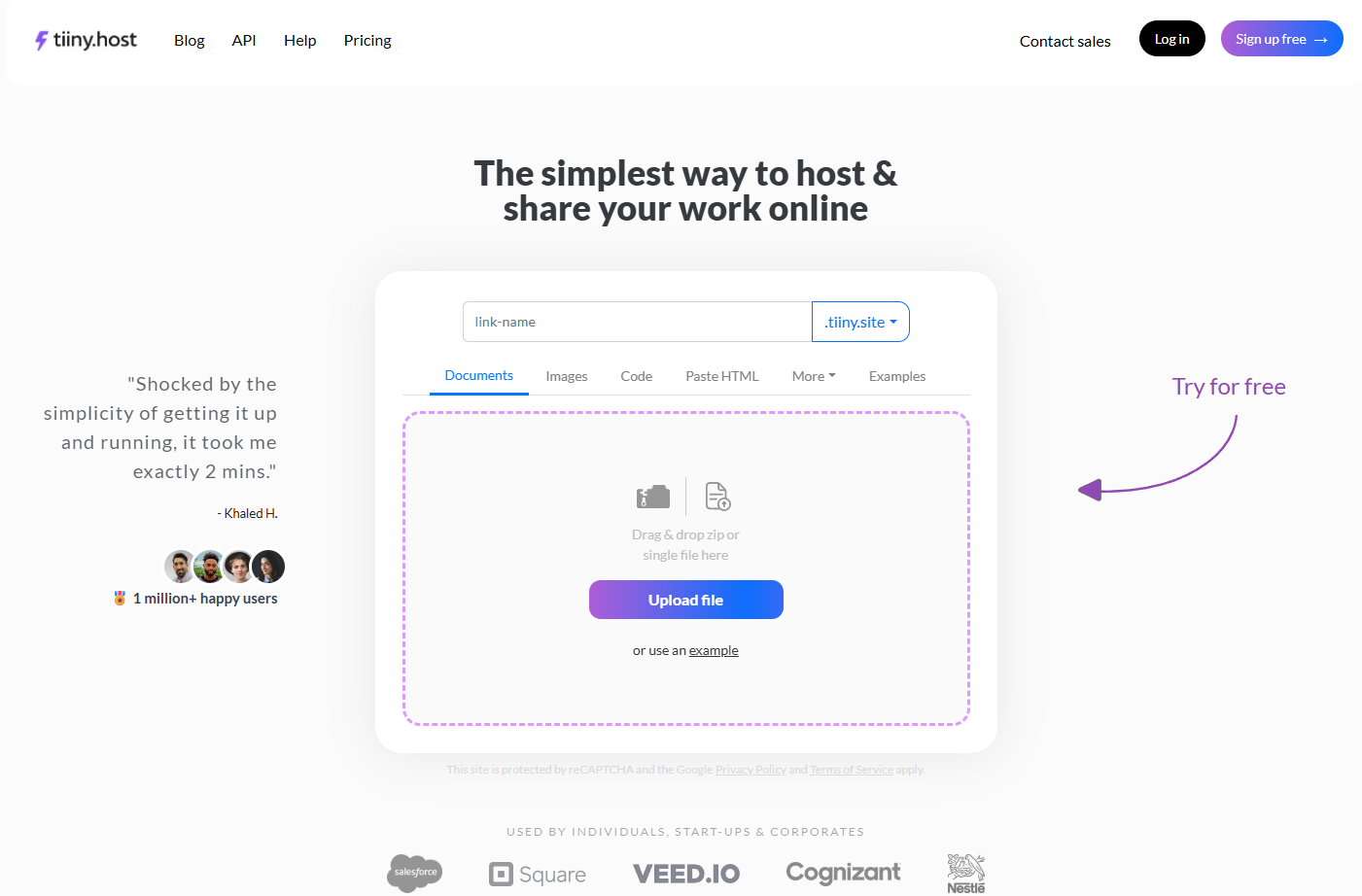
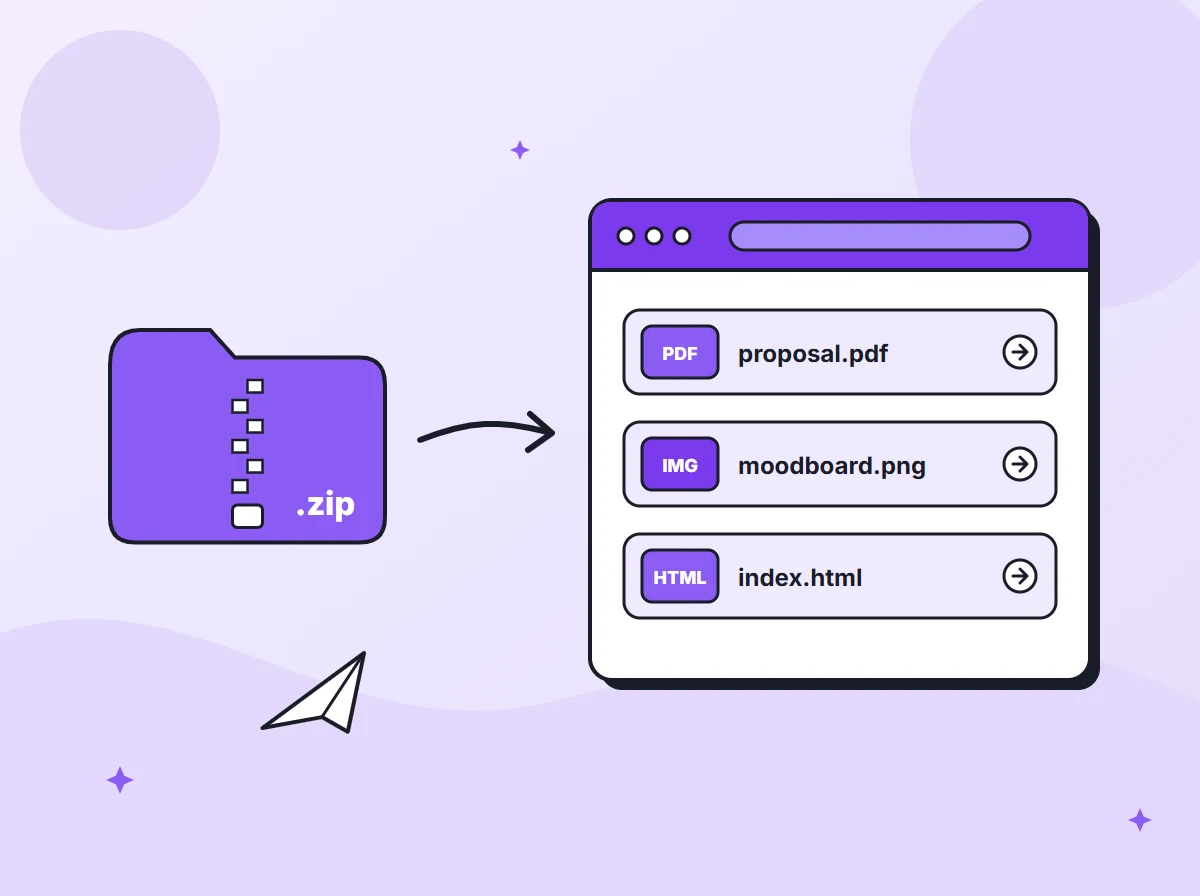
Tiiny Host is a static host that lets you publish a website without installing Git on your computer or using a terminal. If you have any websites from Claude, ChatGPT, Lovable or Bolt, you can export the file and drag and drop it to Tiiny directly. You can choose HTML, a ZIP folder or choose from 150+ file formats like PDF to turn into a link.
You can publish directly from AI tools without leaving the chat at all using the MCP server. If you have built side projects or websites for fun, you can publish them online. Personal portfolios, resumes, or small business pages can be hosted within seconds.
Host your site from AI tools with Tiiny Host MCP.
Tiiny has an MCP server that allows you to publish your site from your AI tool. You add Tiiny Host as a connector, ask it to publish and get a live link. Developers can also use the API or a skill to publish.
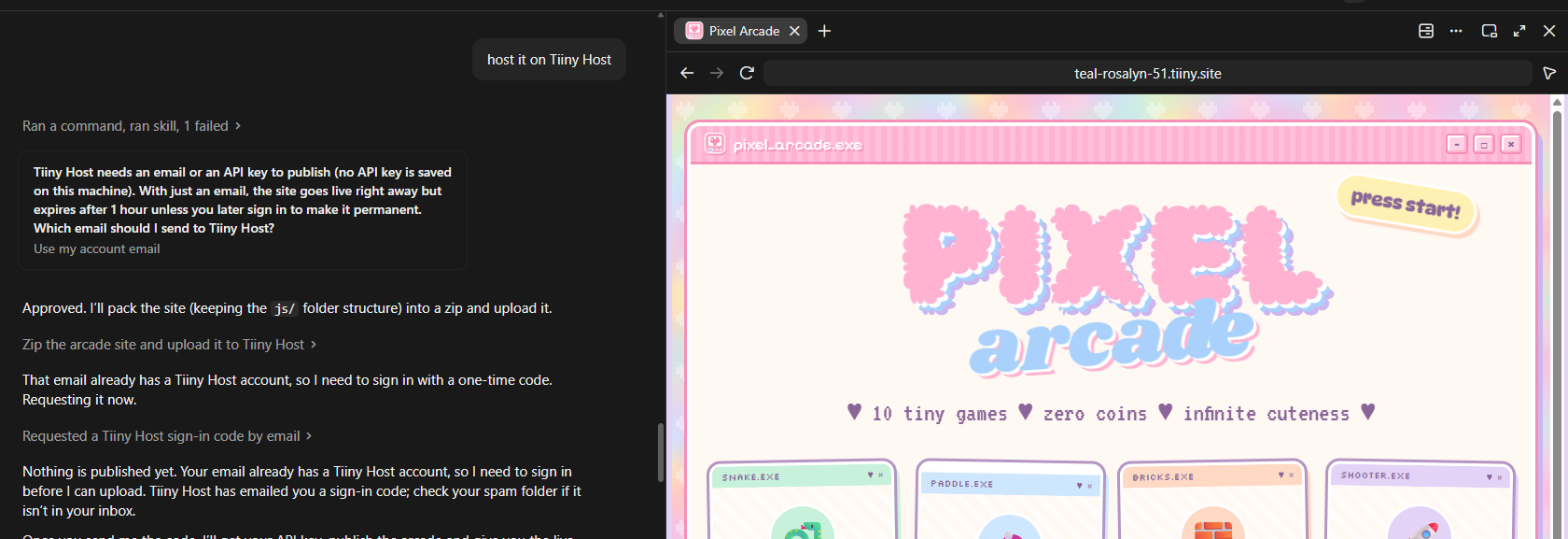
Password-protect the Important Files
You can password-protect your published website to share it with only a small set of people. You can share the password with trusted individuals so nobody else can open the website.
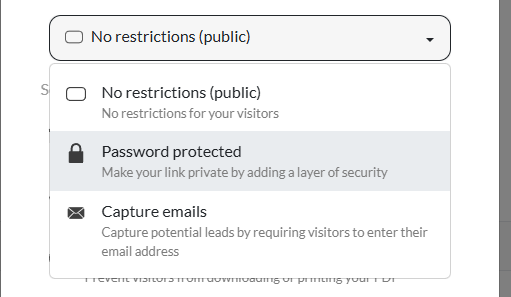
You also get access to email capture on the Pro plan. Visitors have to enter their email address before they can view the page, which is useful for gated reports and lead magnets.
Edit your website without leaving the browser
There are code and visual editors on Tiiny Host that allow you to make changes without opening the code editor on your desktop.
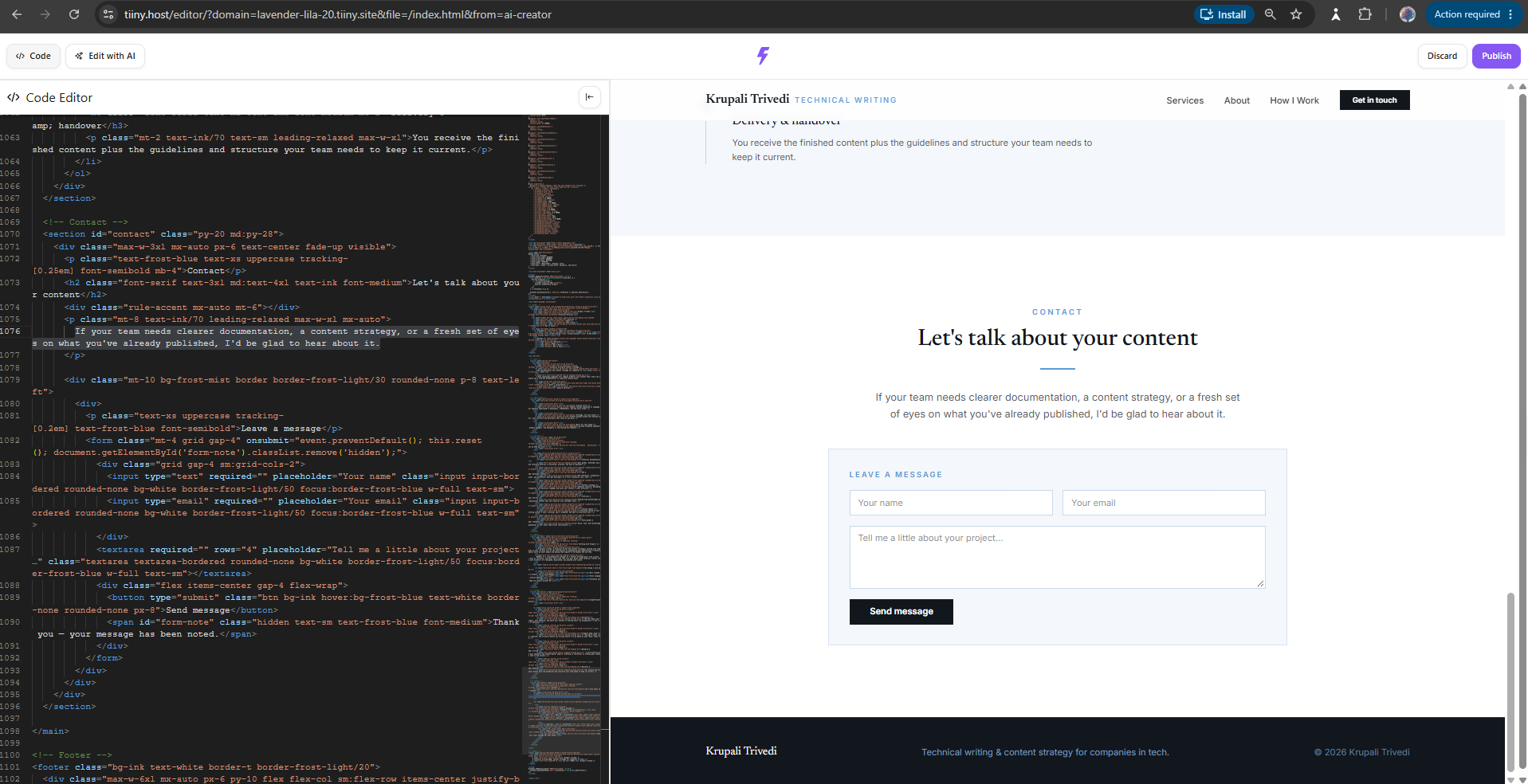
- AI Editor: The built-in AI editor lets you describe changes, and the AI makes all the changes for you.
- Visual Editor: You can click on the part of the website you want to edit and type the edits directly without touching code.
- Code Editor: If you would rather change the code directly, you can use the in-browser editor to make the changes.
On paid plans, you can roll back to the last 5 versions if anything goes wrong. There is also a Tiiny Host AI Builder that lets you build a website by just choosing from different options.
Built-in analytics without third-party integration
You can view analytics for your websites from the dashboard directly. You don’t need any third-party integrations on your website to check the views and visitors.

There are UTM links as well that can help marketers, creators and small businesses track the shared links across socials.
Tiiny Host Pricing
Tiiny Host lets you host your website for free. On the basic version, you get to test out all the basic features of the tool and then switch to one of the better-fit plans.
| Plan | Price | What you get |
| Free | $0 | 1 active project, 3 MB uploads (0.5 MB for PDFs), 5,000 visits, small Tiiny Host banner |
| Tiny | $5/month | No banner, 25 MB uploads, 10,000 visits, analytics, QR codes, feedback mode |
| Solo | $13/month | 5 sites, 75 MB uploads, custom domains, password protection, code and visual editors, API |
| Pro | $31/month | More active projects, 10 GB storage, email capture, add team members, priority support |
| Pro Max | $75/month | Unlimited active projects, 2 TB storage |
Pros
- It only takes a few seconds to take your static site, PDFs or other files online.
- You don’t need to think about Git, build steps, or the command line.
- There is password protection, feedback mode and analytics directly in the dashboard on paid plans.
- You can publish directly from your AI tools using the MCP.
- You can also get a custom subdomain for free and the option to connect your own domain as well.
Cons
- Tiiny Host is not for full-stack deployment apps, so save Tiiny for static sites, apps and quick file uploads.
- There is a 3 MB limit on the free plan; for image-heavy or large-sized files, you can compress them.
Read:Tiiny Host vs GitHub Pages
2. Vercel Drop: Best for Jamstack Framework Projects

Vercel Drop launched in June 2026. You can upload a file, folder or ZIP to get a link. Vercel’s Drop is the easiest way to get into the Vercel ecosystem.
You can start with a static site and later add server-side rendering, middleware and API routes. Vercel detects the framework and builds both static and dynamic pages for you.
Vercel is easy to navigate for developers, but non-developers can hit a wall when it comes to their dashboard. The free plan only allows you to host a personal project, but for any commercial use, you have to upgrade.
Since October 2026, Vercel also allows you to deploy a site for an hour without an account. You have to claim your website to keep it live after that.
Pros
- Builds framework projects for you and gets them live.
- Can easily switch to Git and server-side features later
Cons
- The free Hobby plan doesn’t let you publish anything commercial.
- When the Hobby account pauses, Vercel pauses usage for 30 days, and some Hacker News users report getting stuck for even longer.
- For password protection, you have to pay an additional $20 per month on top of the Pro plan.
- Vercel had asecurity incident in April 2026, which has brought some scrutiny to their hosting platform. Vercel has mentioned that everything has been fixed and that they closed the incident in October.
Pricing
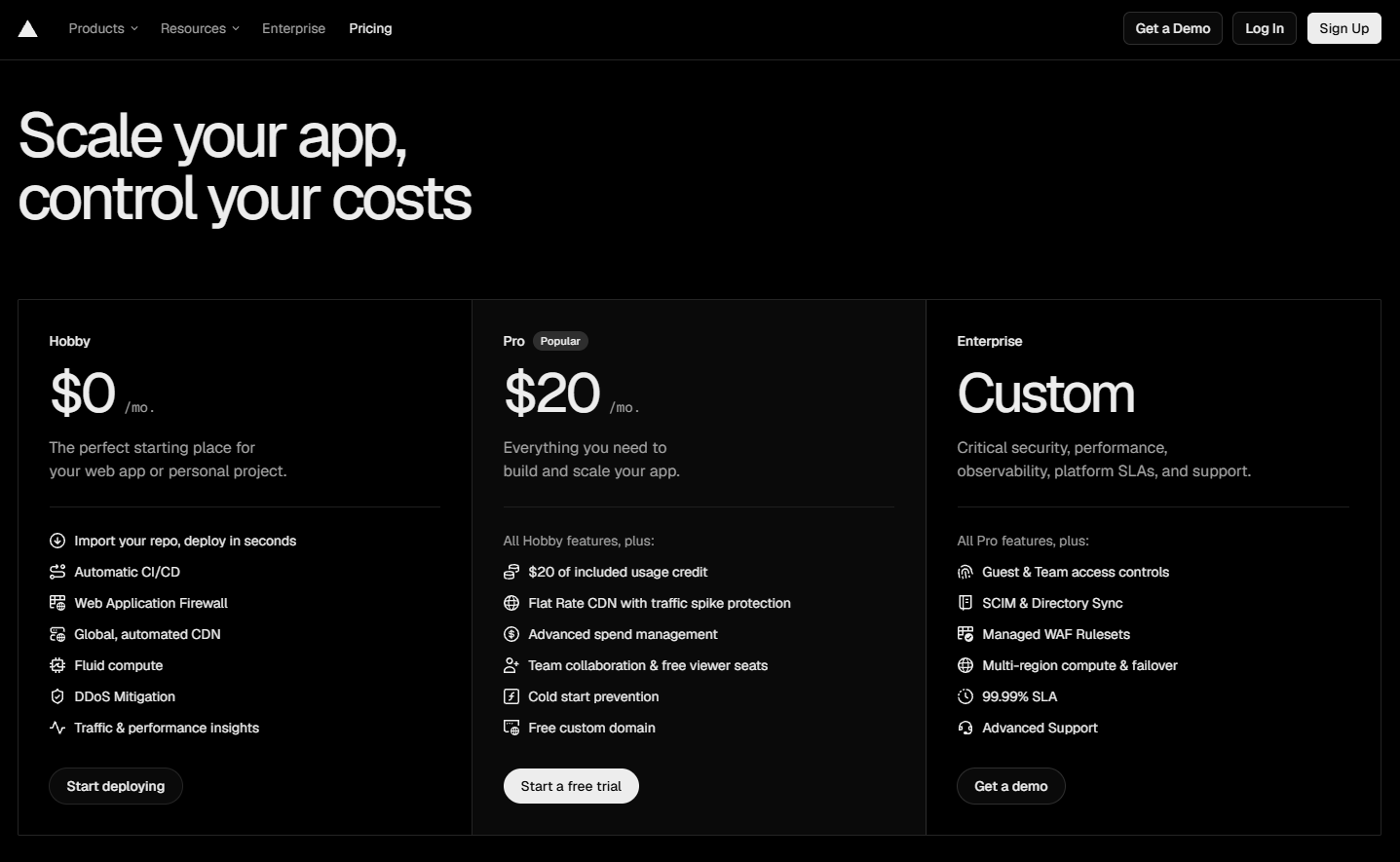
- Hobby (Free): The plan is for personal and non-commercial use only.
- Pro: It is $20/month, and it is required for commercial use. Password protection is $20/month for every project you want to add password protection to.
3. Netlify Drop: Good for drag-and-drop site growing into a full-stack app
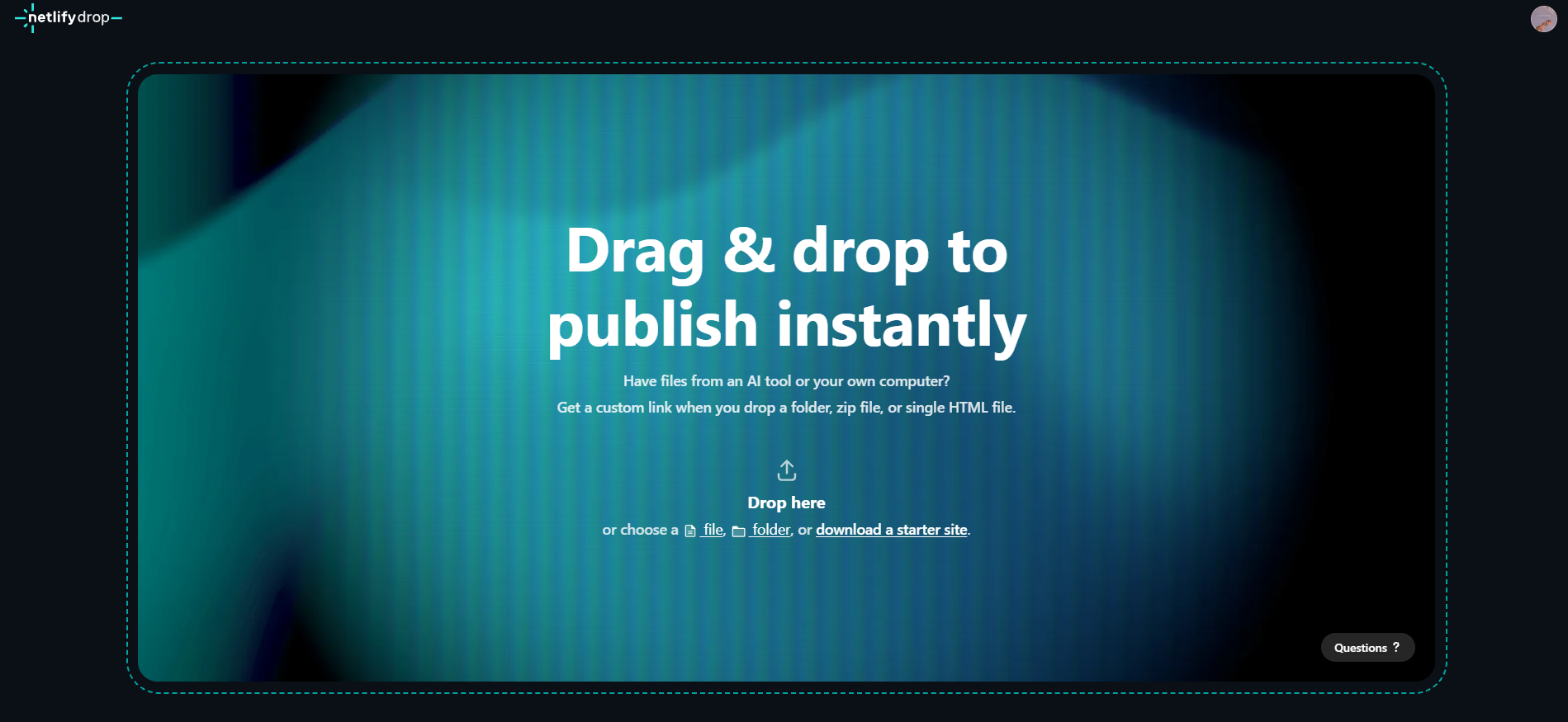
Netlify Drop lets you drag-and-drop your website and get your website online, and you don’t need an account to start. Once you claim the site with a free account, you can use the rest of Netlify’s developer platform too.
Most teams connect it to GitHub or GitLab, where each push rebuilds the site, and each pull request gets its own preview link. It also handles forms, serverless, and edge functions.
Netlify Drop works best for uploads under 50 MB. For larger uploads, you should use the CLI or connect Git, as the team suggests. Integration of AI directly on their dashboard has made it work with sites online faster, too.
The platform moved to a credit system in September 2025. After that, a lot of developers and teams have been looking for Netlify alternatives for better pricing. For a simple static website, though, it shouldn’t be an issue.
Pros
- You have a path from a static site to Git, forms and functions later.
- You can have a commercial project on the free plan as well.
- You get 300 credits on the free plan.
Cons
- Credits can be harder to predict, and your bills can run higher if you reach a traffic spike. If you need predictable pricing, Netlify might not be for you.
- If you reach the limit, the projects will pause until the next cycle.
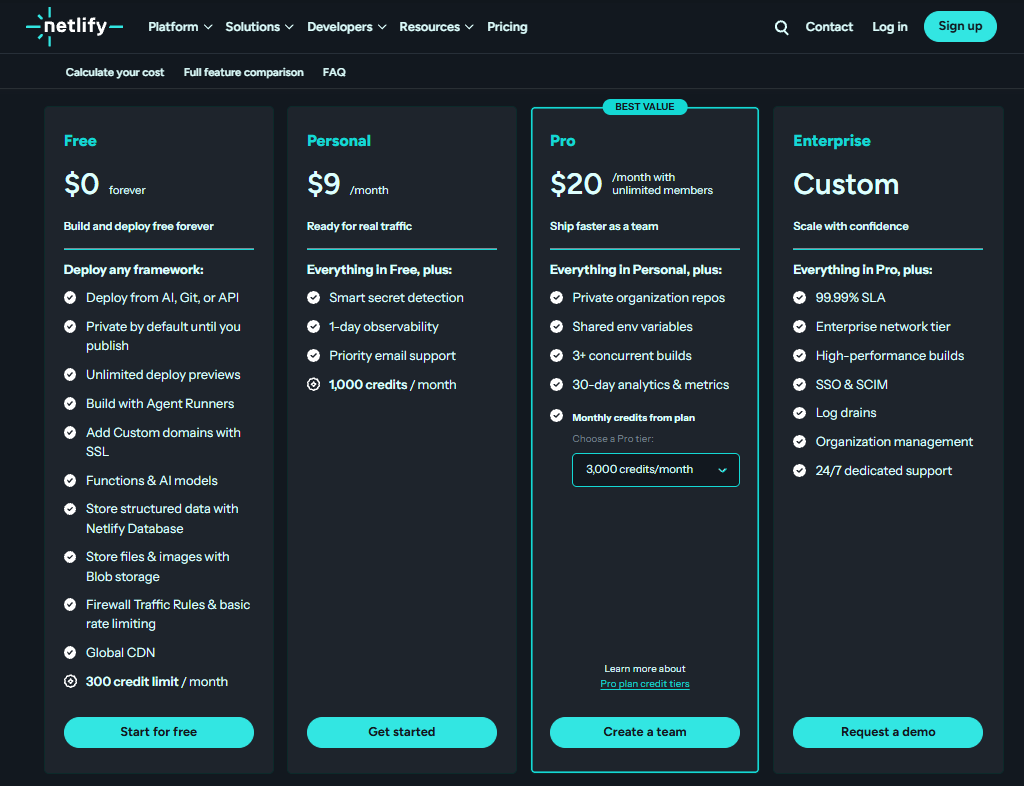
Pricing
The Netlify accounts run on credits, but if they are on the legacy plan, they can stay on the same plan.
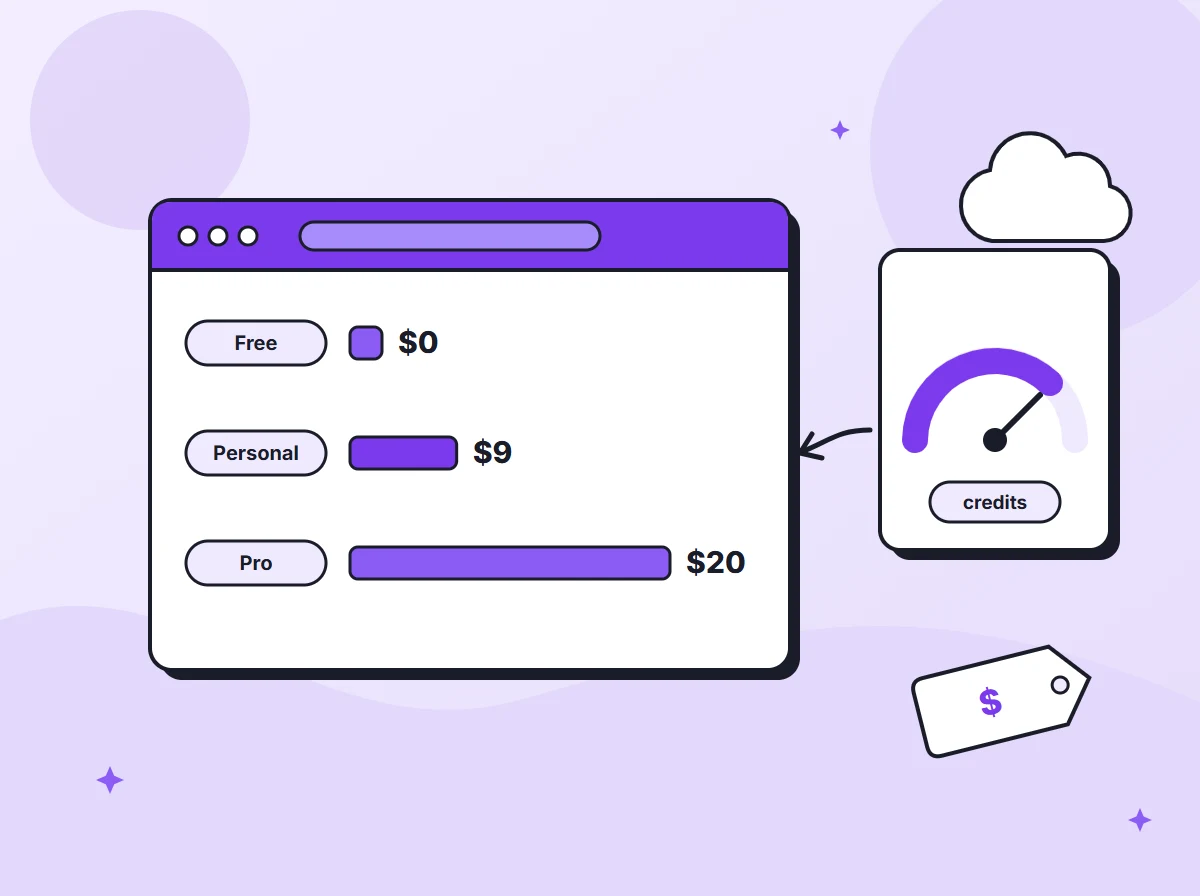
- Free: 300 credits a month. Deploys, bandwidth, requests and functions all draw from that pool.
- Personal: $9 a month with 1,000 credits.
- Pro: $20 a month with 3,000 credits and unlimited team members.
4. Cloudflare Drop: Best for High-Traffic Static Sites
Cloudflare has been a very popular alternative to Vercel and Netlify because of its generous free plan. Their free plan can help you host full-stack applications. The platform is built for full-stack applications but also has tools for static sites.
Cloudflare was very popular for Cloudflare Pages, but they have beenpromoting Workers themselves for some time now.
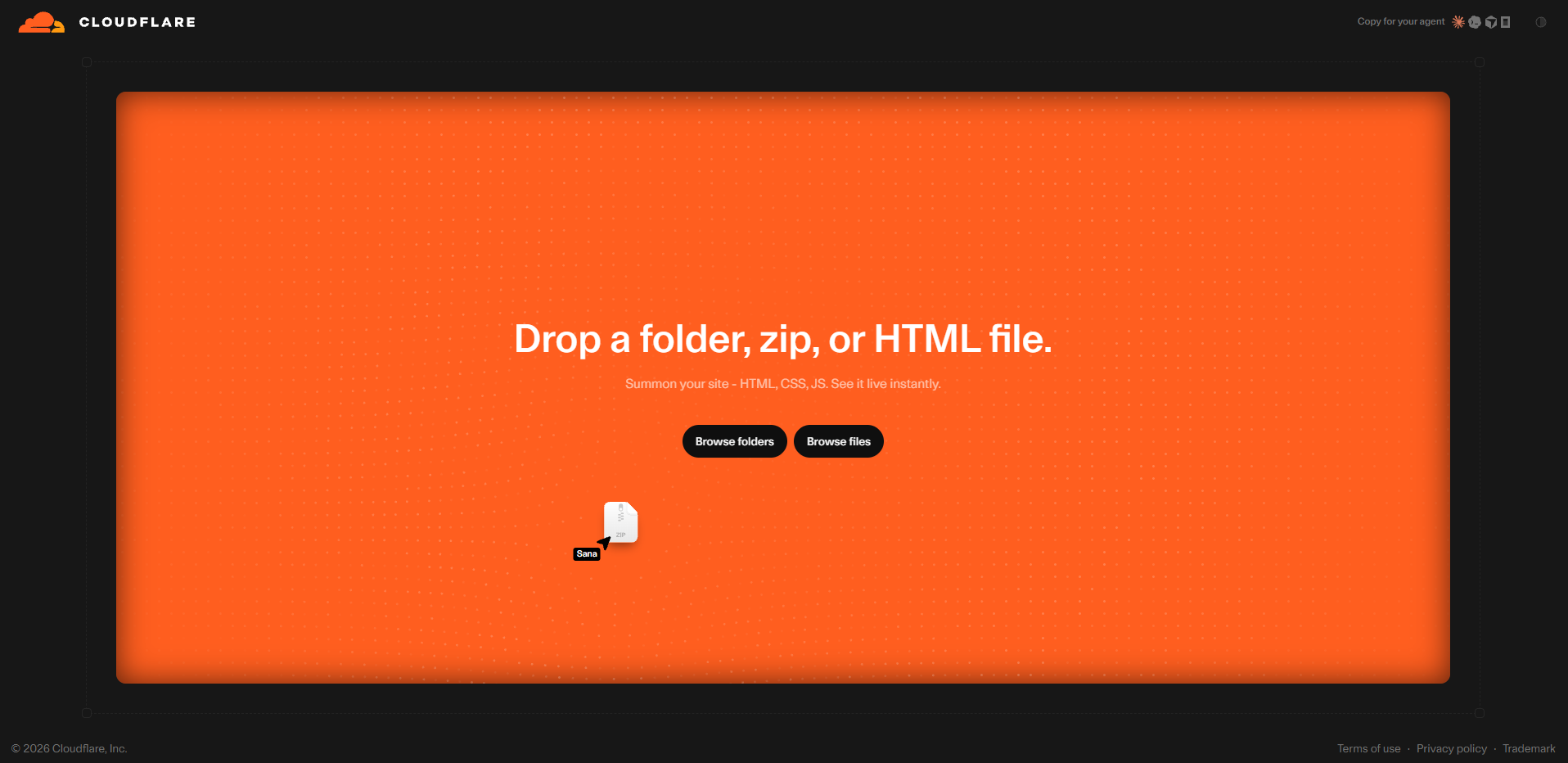
Earlier this year, in July, Cloudflare introduced Drop as well. You can drag and drop a static file and get your website up. A direct upload cannot be switched to Git integration later, so it would be an issue if you think you want to expand your website.
Pros
- Cloudflare has a great free tier for anyone who wants to host a heavier site.
- You get unlimited bandwidth on static assets, so your site doesn’t pause during traffic spikes
Cons
- If you use direct upload instead of drag-and-drop, that project can’t be switched to Git later.
- Each Drop file has to be 25MB, so large PDFs or videos won’t upload.
- Workers custom domains need an active Cloudflare zone.
- The Pages vs Workers split confuses a lot of people, and it is difficult for them to choose.
- Some community members have complained that the deployments get stuck in “Queued” sometimes.
Pricing
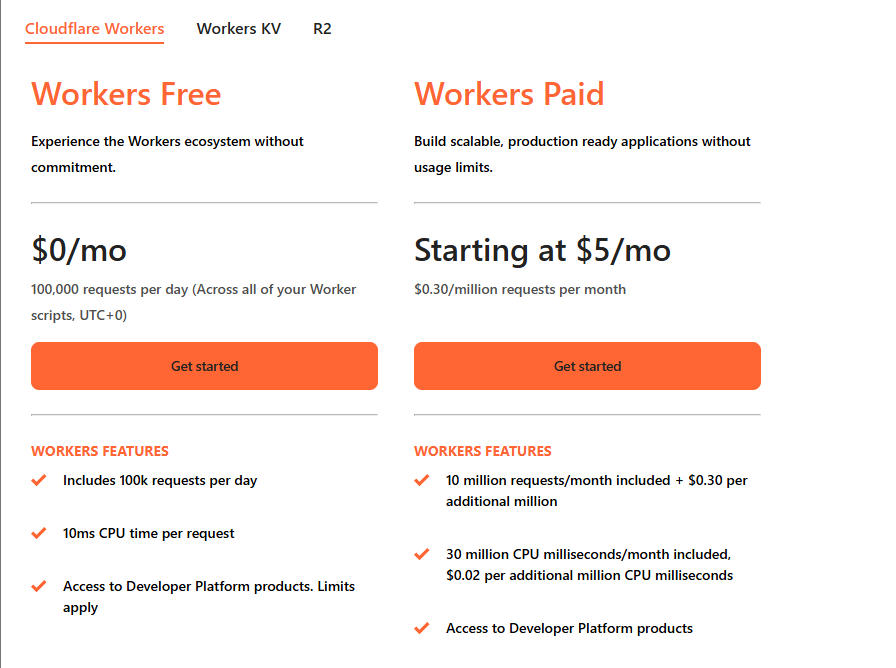
Cloudflare has a generous free tier for all your needs, but the paid version for Workers starts at $5/month that gives you access to developer platform products.
5. Surge.sh
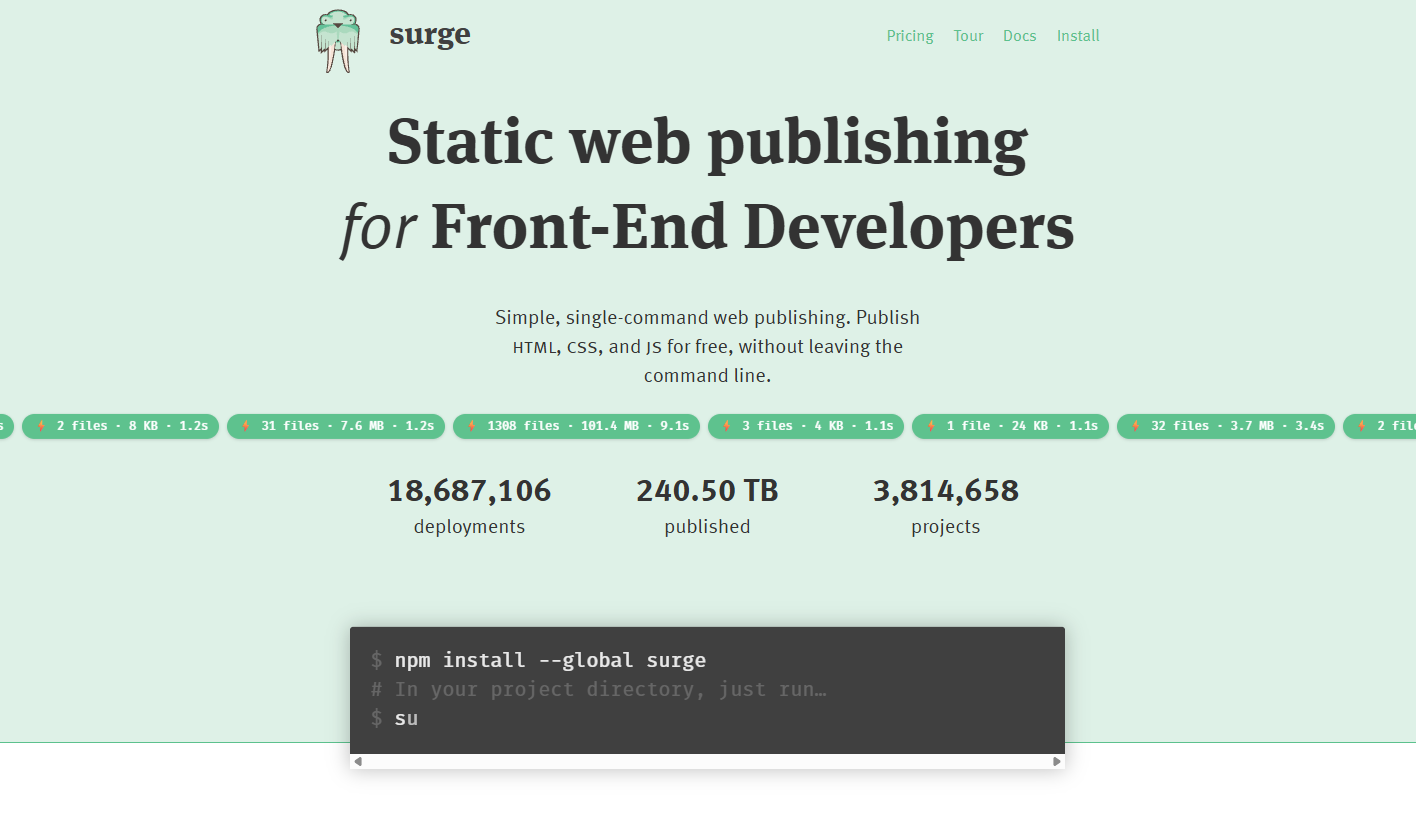
Surge lets you do static web publishing from the terminal. If you are a developer, you can work with it very easily. You have to install it on your system, run a command in your project folder, and your site goes live.
Many developers work with the terminal directly, and Surge would be a great fit to add to the workflow. For non-technical audiences like marketers, creators, and designers, a tool that lets them drag and drop files would be more appropriate.
Also Read: Tiiny Host vsSurge.sh
Pros
- If you hit the publishing limits, publishing pauses for a while, but your live site keeps working.
- There is no git integration to set up, so there is no lock-in.
Cons
- You need to work with the terminal on the system, so that won’t be the best for non-technical users.
- There are only two tiers, free or $30/month, so neither would be budget-friendly for people.
6. Firebase Hosting
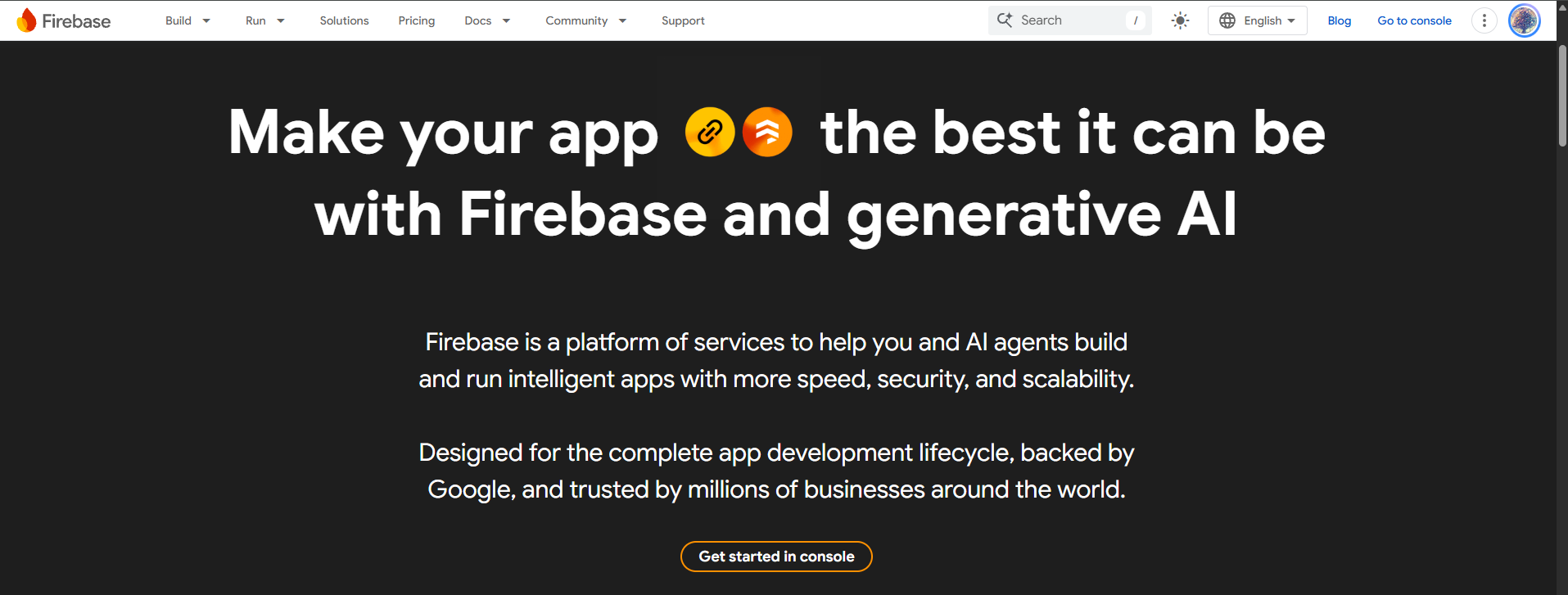
Firebase Hosting is Google’s development platform, and its Hosting can serve your static site. Firebase Hosting has rollback features, SSL for your website and a global CDN as well.
To use Firebase Hosting, you will have to work in the terminal. You need to install the CLI, connect the project to Firebase and then your project can be deployed. While it doesn’t need Git, the process becomes somewhat similar.
It is well-built and fast, but I would strongly recommend it only to developers. If you really want to use it otherwise, you might have to spend some time getting familiar with it. If your app uses or you plan to use Firebase services for your app, it would make the most sense to use it.
Pros
- Has a global CDN with free SSL
- Works well with the whole Firebase ecosystem and tools
Cons
- On the free plan, your site gets disabled until the next month if the transfer limits are crossed.
- Their Blaze plan is pay-as-you-go. It is good for small websites, but if you plan to expand, there can be surprise bills.
- You need to have a terminal and a Google account to work with it.
Pricing
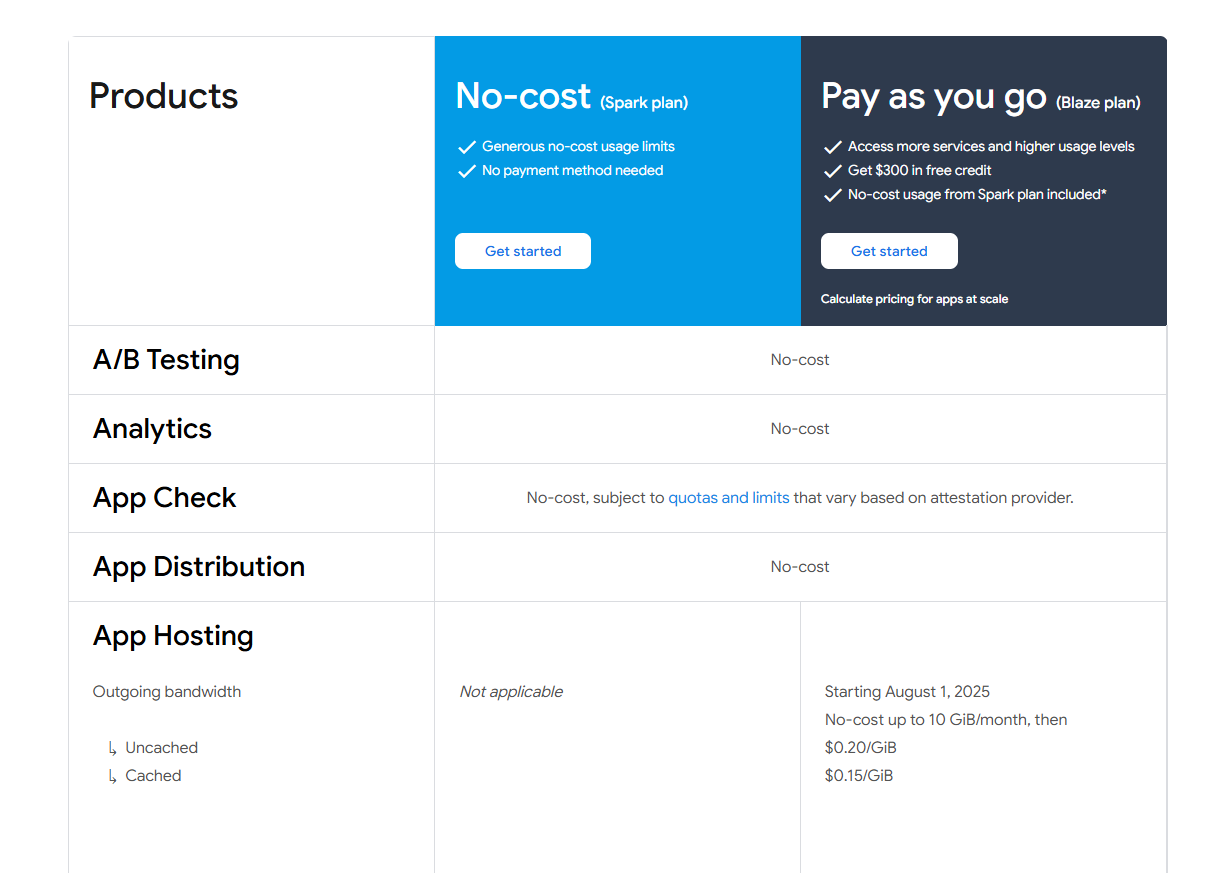
- Spark (free plan): On the free plan, you get 10GB of storage and 360MB of transfer per day.
- Blaze (pay-as-you-go): On the Blaze plan, you get charged once you utilise the limits of the free plan for all the services that you use for your app.
Neocities
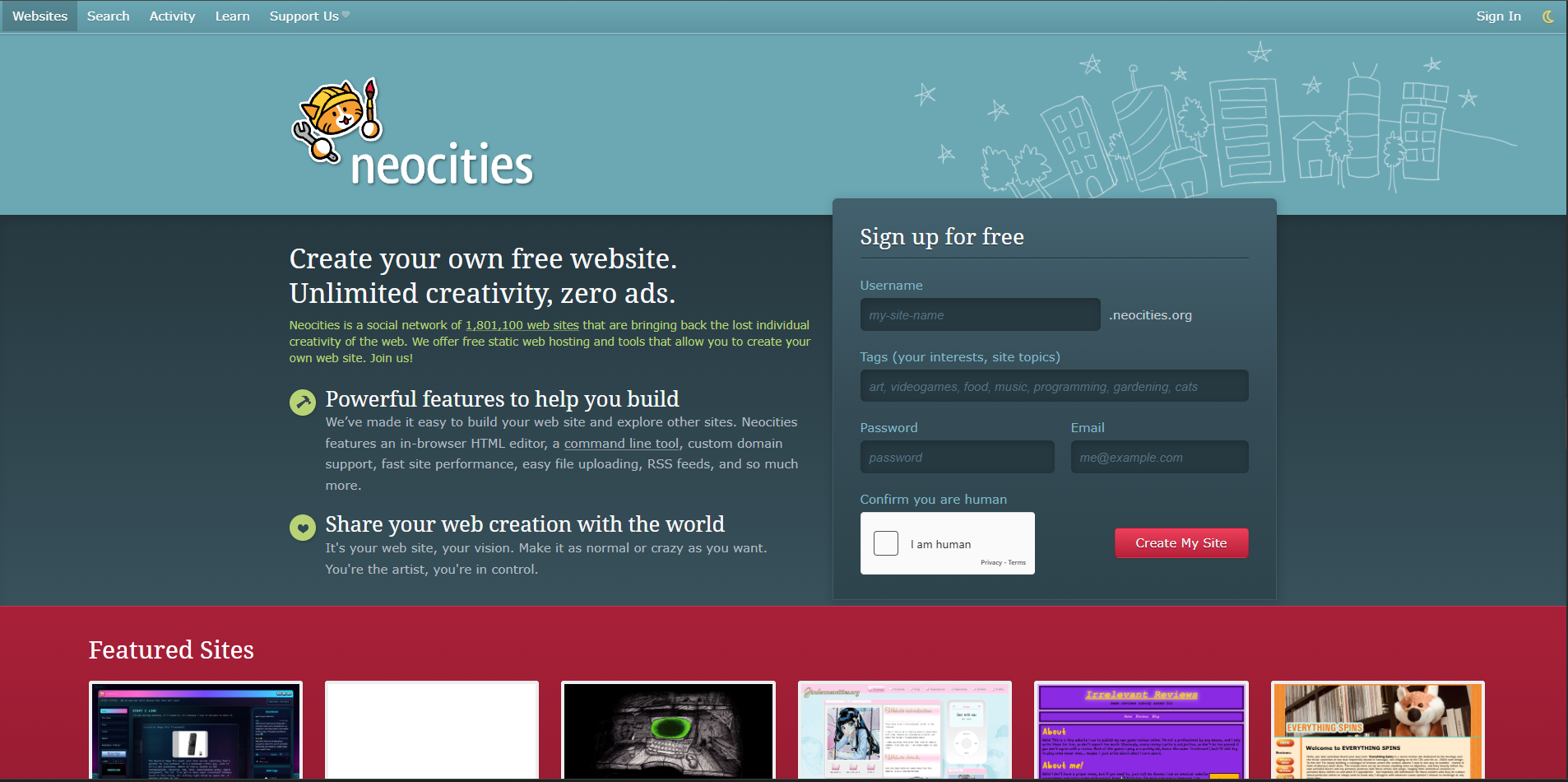
Neocities was built taking inspiration from GeoCities. You can use the browser or its CLI to get your projects online. It was launched in 2013 and is an independent service funded by its Supporter plan and donations.
Geocities was a free web hosting service founded in 1994 to host hobby projects. People built and named their sites after different cities, building a community.
On Neocities, sites get a public profile, and people browse and follow each other. They only allow HTML, CSS and JavaScript pages. If you love building with a community, it might be a good place to be.
Pros
- It has a browser editor that lets you edit the pages without leaving your tab.
- It has a good community you can be part of and explore pages while creating hobby projects.
Cons
- There is no server-side rendering available either.
- Someusers say it is good for basic sites but not for advanced users.
How do you choose from so many alternatives?
There are so many options to choose from. You might have gone through other lists as well, and now you are confused about what to pick. Let me make it very simple for you. Answer these three questions, and you can pick the best one for you.
- What are you publishing?
We saw in the table earlier which app you can choose to publish to based on the file you have, but let me quickly recap.
| You’re publishing… | Look at | Skip if… |
| A website built with an AI tool (HTML or a ZIP) | Tiiny Host | You need server-side code or deploy previews for every change |
| A hand-built static site (HTML, CSS, JavaScript) | Tiiny Host, Neocities, Netlify Drop, Cloudflare, Surge | You want the host to run your build |
| A framework site (Astro, Hugo, a Next.js export) | Vercel Drop, Netlify Drop | You never want to touch a build step |
| A full-stack app (server rendering, functions, a database) | Vercel, Netlify, Cloudflare, Firebase Hosting | You only need static files |
-
How do you want to publish it?
Drag and Drop in browser: Tiiny Host, Netlify Drop or Vercel Drop.
Command-line Interface (CLI): Surge, Neocities or Firebase HostingGit later: Netlify and Vercel would work. You can use Cloudflare as well, but you should choose Workers from the beginning if you want to work with Git later.
-
What happens when you hit the free limit?
You should check your budget and review all the features the host offers. Then, you should decide which tool you want to invest in. Some tools may have generous free tiers, but they can be hard to navigate, and others might require an investment, but the user experience would be really good.
You have to decide, keeping all this in mind.
How to Move Away from GitHub Pages Without Using Git
If your website is already live on GitHub Pages, and you want to start moving your code away, you do not need a terminal or any code for that. Let’s take the simplest path that can help you out: zip the files, drag them, and share the link.
Step 1: Get your files ready
There are two ways to get your files ready. If you have all the files on GitHub only, you will need to export the code.
- Go to your repository
- Click on “Code”
- Select “Download ZIP”
With this, you will have a ZIP file ready to be taken to another site. If you have built or rebuilt your website using AI tools like Claude, Codex or ChatGPT, you can ask the tool to give you a ZIP file, or publish directly from the tools.
Step 2: Pick your new host
Next, pick the new host that best fits your needs. You can use the decision framework we used above to pick the best one for you.
Step 3: Host Your Website
If you are using Tiiny Host, it only takes three steps to get the site online.
- Go to your Tiiny dashboard
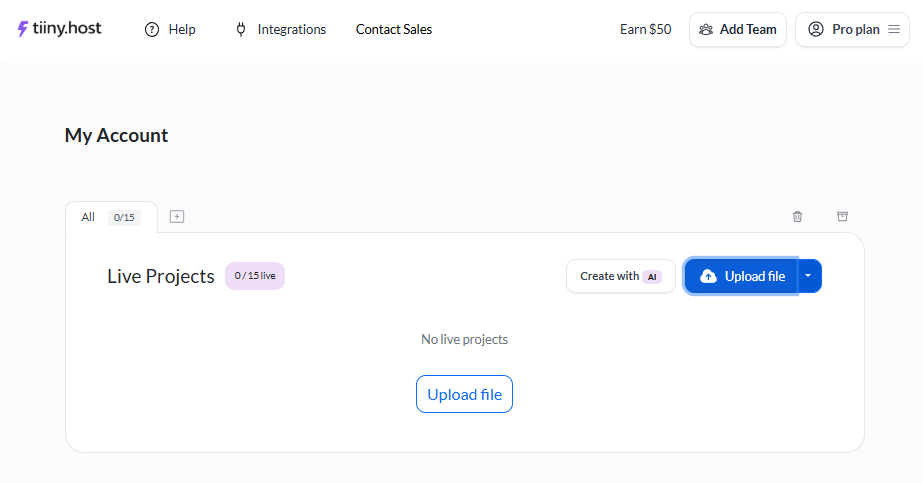
- Upload your file and give a custom link name to get a custom subdomain, or leave it empty.
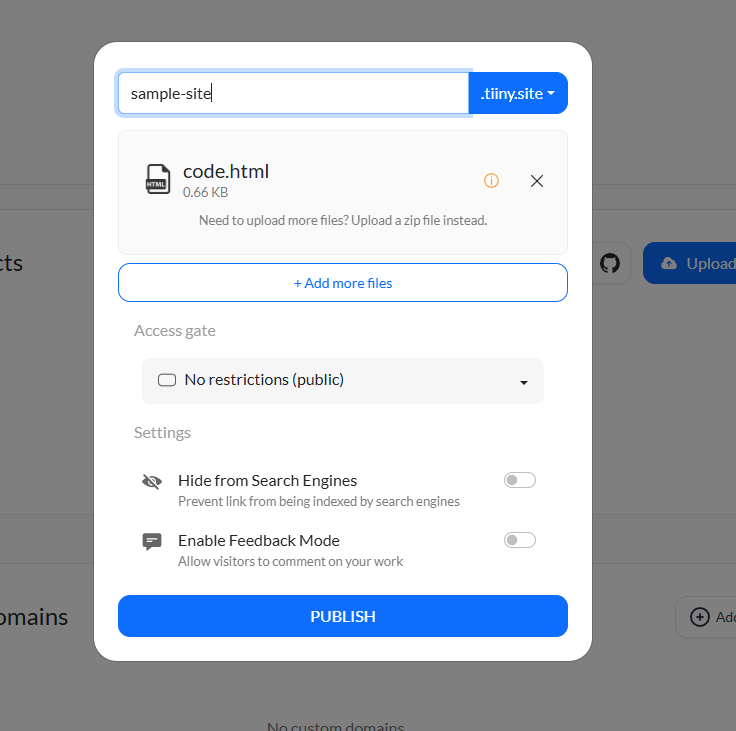
- Hit publish
Your link is ready to be shared.
For Netlify, Vercel and Cloudflare, you can drag and drop and publish too, though you do not get an option beforehand to set a custom domain name. You might have to configure that later. You can set a project name if you’re logged into Vercel before publishing.
Note: Keep the index.html at the top of the ZIP file and not in any subfolder.
Step 4: Set up the custom domain on the new host
If you want to work with the subdomain right now, you can skip this step. If you already have your custom domain on the old site, you have to point it to your new host. You have to update the DNS records at your domain registrar by following the instructions on the host site.
Step 5: Start sharing your link again
Usually, moving the site and changing the DNS records takes a few hours or a day. Once that is done, your SSL certificate is issued. Verify the changes and then share the links with people.
Step 6: Keep updating the site
Keep checking the site for a smooth UI experience, and if anything breaks, fix it as fast as possible. You don’t want your audience or your client to land on a broken page.
Always get feedback from people you know and the users as well, and keep iterating your website.
That’s it, your website work is back to what it was before, and you have an easier host to work with now!
Troubleshooting for your website
- You see a blank page or “page not found”: The main page should be index.html and should be in the top layer of the folder and not inside a subfolder. If you downloaded a framework site’s ZIP, you need to build it before publishing.
- Your page loads without images or styles: Check that the CSS, images and other assets are in the same place in the folder and subfolder as written in your code.
- Your link stopped working after an hour: If you have uploaded your files on Netlify Drop, Vercel Drop or Cloudflare Drop without an account, the site expires until you claim it. You should sign in or create a free account to keep it live.
Make the Hosting Easier
GitHub Pages might be a good choice if you are working with documentation or you don’t need analytics or password protection for your website. In 2026, there are options that make publishing easier than ever. You can drag your folder into the browser or ask your AI tool to publish the site for you.
Whichever host you pick, test on the free version and then move to the plan that is most affordable for you.
Get Your Site on Tiiny Host if:
- You want your website or files live in seconds without any repo, terminal or Git.
- You need password protection, analytics and ways of access control for your site.
- You want to publish from an AI tool or want to get an AI app live.
- You want feedback mode and team mode so it’s easy for everyone to leave feedback and work on the same project.
If your site is ready, get it live with Tiiny Host right now.
FAQs
Are there any free alternatives to GitHub Pages?
Tiiny Host, Cloudflare, Netlify, and most sites on this list have a free option. You can use tools like Tiiny Host to drag and drop your static sites and share the link. You can use Vercel or Cloudflare for full-stack applications. If you want to stay with the Git workflow, GitLab Pages is the closest match, but it builds similarly to GitHub, so it doesn’t decrease setup work.
Is GitHub Pages still a thing?
Yes. GitHub still maintains its Pages, and a lot of projects use it to host their documentation and some for their developer portfolios. Non-technical individuals are moving away from GitHub because they have to work with Git, and the setup is a little complicated.
Can I host a website without Git or Terminal?
Yes. There are a lot of drag-and-drop tools like Tiiny Host that can help you work directly in your browser.
Which is better, GitHub Pages or Cloudflare Pages?
It depends on your needs. Cloudflare is better for high-traffic sites since you don’t have to worry about bandwidth when working with it. GitHub Pages makes more sense if your project is documentation or a simple portfolio that wouldn’t need analytics or any additional features.
Can I host a website on GitHub without learning Git?
You can upload your files directly to your browser, but you still need to create a repository, turn on Pages in the settings, and nest your assets and files by yourself. If you do not want to deal with that, you should consider a drag-and-drop host like Tiiny Host or Netlify Drop.