
- The short answer
- What are Vercel and GitHub Pages?
- Can You Use Vercel or GitHub Pages Without Coding?
- How to Choose Between Vercel, GitHub Pages, and Tiiny Host
- Vercel vs GitHub Pages vs a File Host: Comparison Table
- The Pricing Comparison: Are these tools really free?
- The Verdict: Which One Do You Use?
- Frequently Asked Questions: GitHub Pages vs Vercel
It can get confusing sometimes choosing between platforms when they are all really good. You keep hearing about Vercel and GitHub Pages, and then you have to keep wondering which one is really good for you. You will find a lot of comparisons of Vercel vs GitHub Pages too.
Most comparisons assume that you are technical, you already know Git, and you already know how to work with GitHub. With AI builders advancing every day, non-technical individuals are creating designs, websites, and reports without touching code. They don’t have to touch code to get their files online either.
So I tested Vercel and GitHub Pages to find out which is better for non-technical individuals. Let’s find out which is the best tool for you.
The short answer
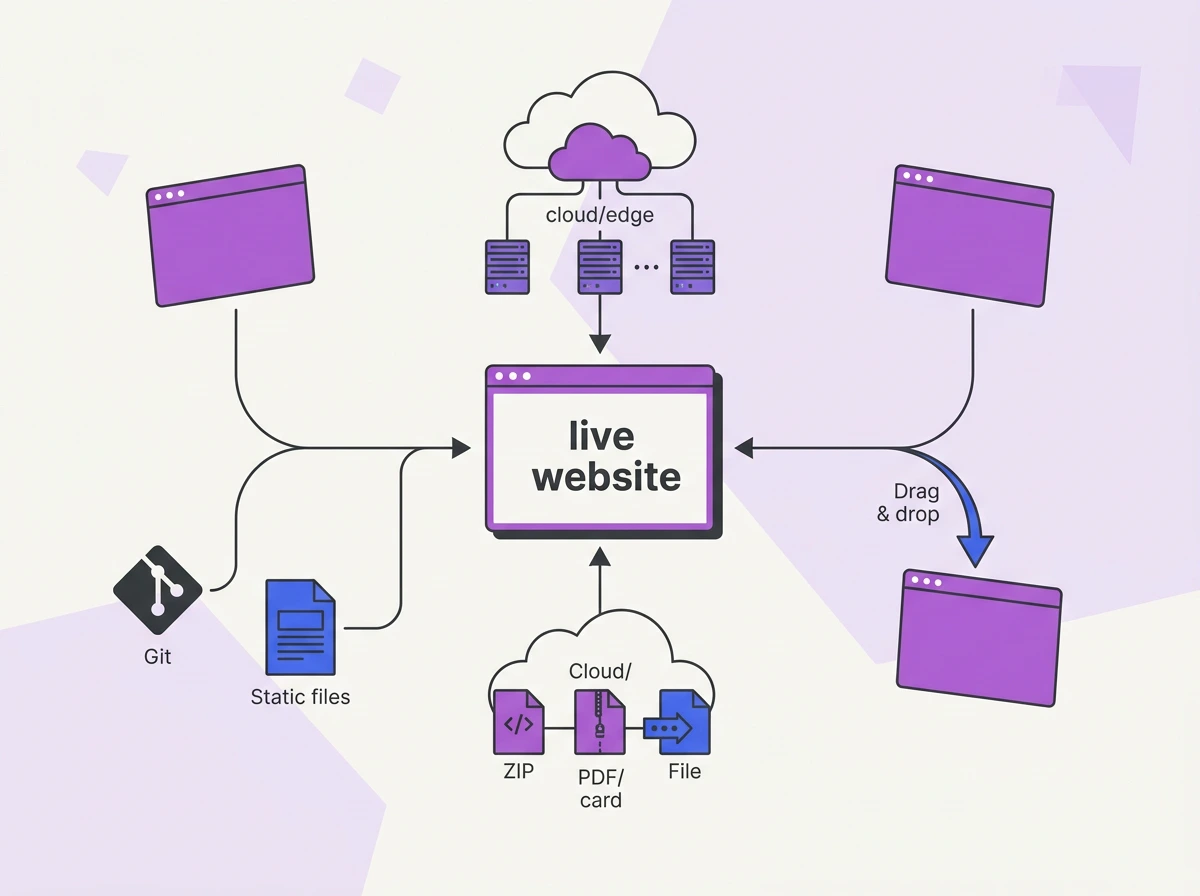
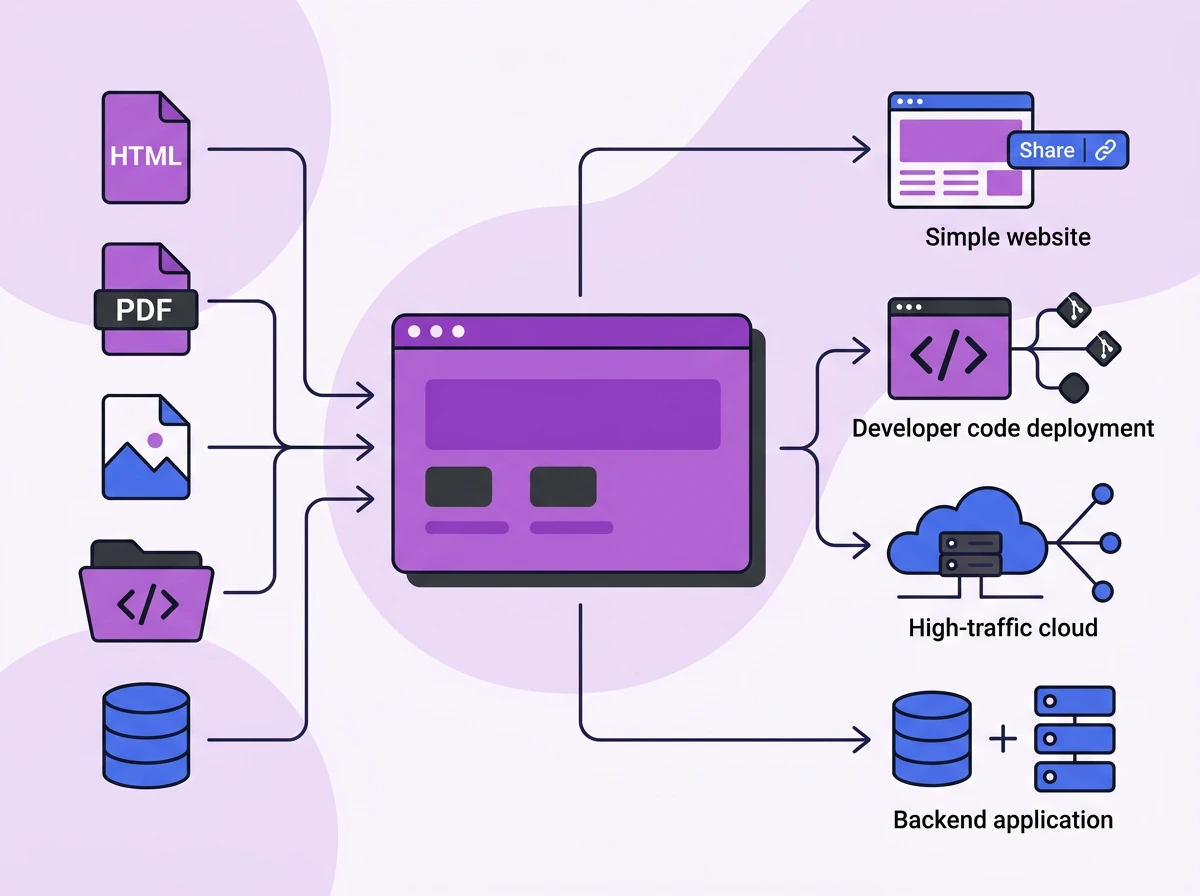
GitHub Pages is best for developers hosting static websites for free. Vercel suits teams shipping framework apps and full-stack applications. If you want to get an MVP or a single file online without touching code, you can use Tiiny Host or Vercel Drop.
What are Vercel and GitHub Pages?
Both of these tools help you get your website or app online. They are slightly different in the type of applications you can get live, the experience of deploying, and what you get once your project is live.
GitHub Pages – Free Static Hosting from your Repo
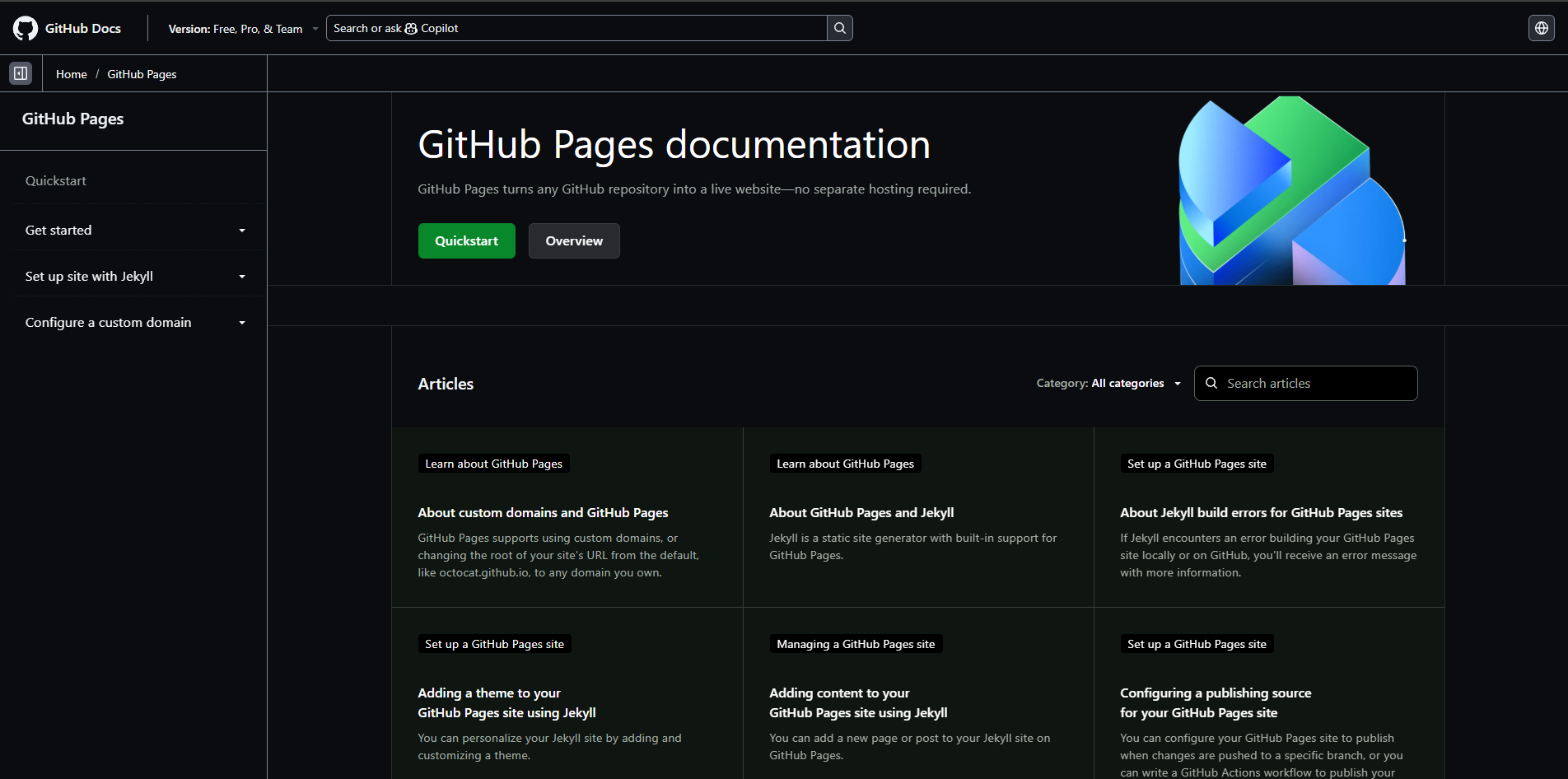
GitHub Pages is a static site hosting service by GitHub that gets the static website online directly from the repository. With GitHub Pages, you also get a subdomain and HTTPS included at no cost.
You can host static HTML, CSS, and JS websites, and GitHub Pages also supports outputs from static site generators like Jekyll. Any other framework needs an extra build step, which can be set up using GitHub Actions.
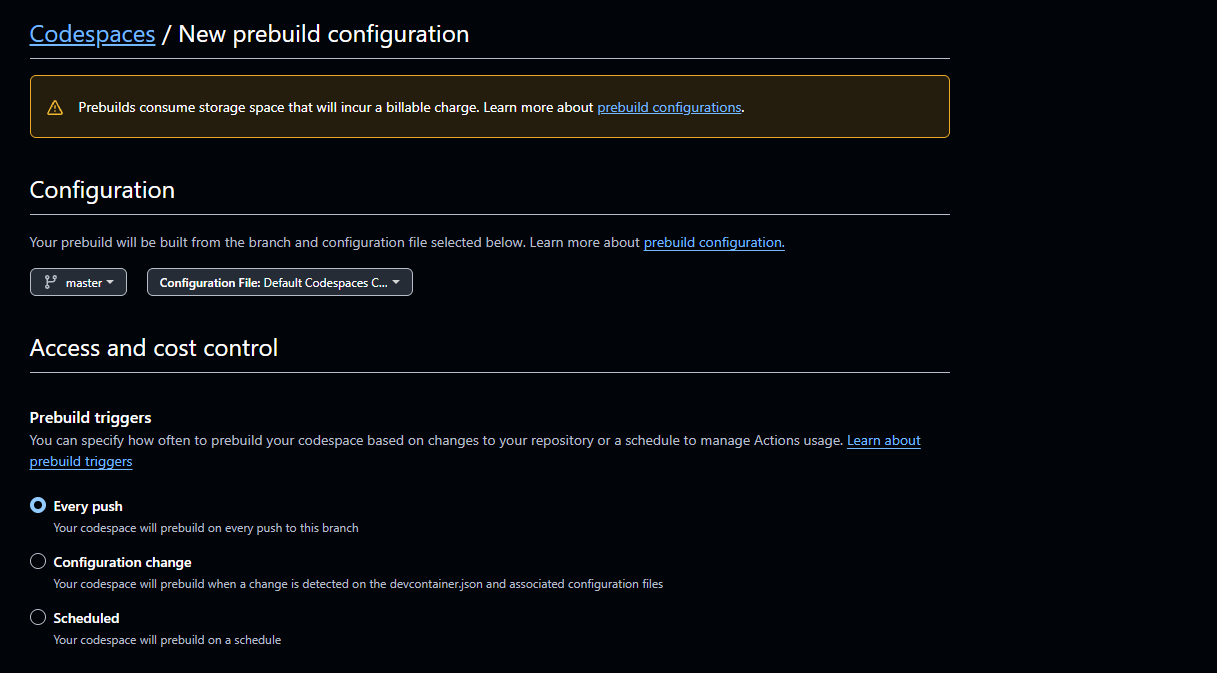
To get your website live through GitHub Pages, you need an understanding of Git, branches, and repositories. You cannot just upload the files and get them live within minutes. You need to go to settings and enable the hosting. You have to set up GitHub Actions, and then it goes live on the subdomain.
If you’re not a developer, you’ll have to learn Git, GitHub Actions, and the rest before you can publish it. Also, you can only publish static website files through GitHub Pages. You cannot publish full-stack apps, PHP files, or get a file online that is not code.
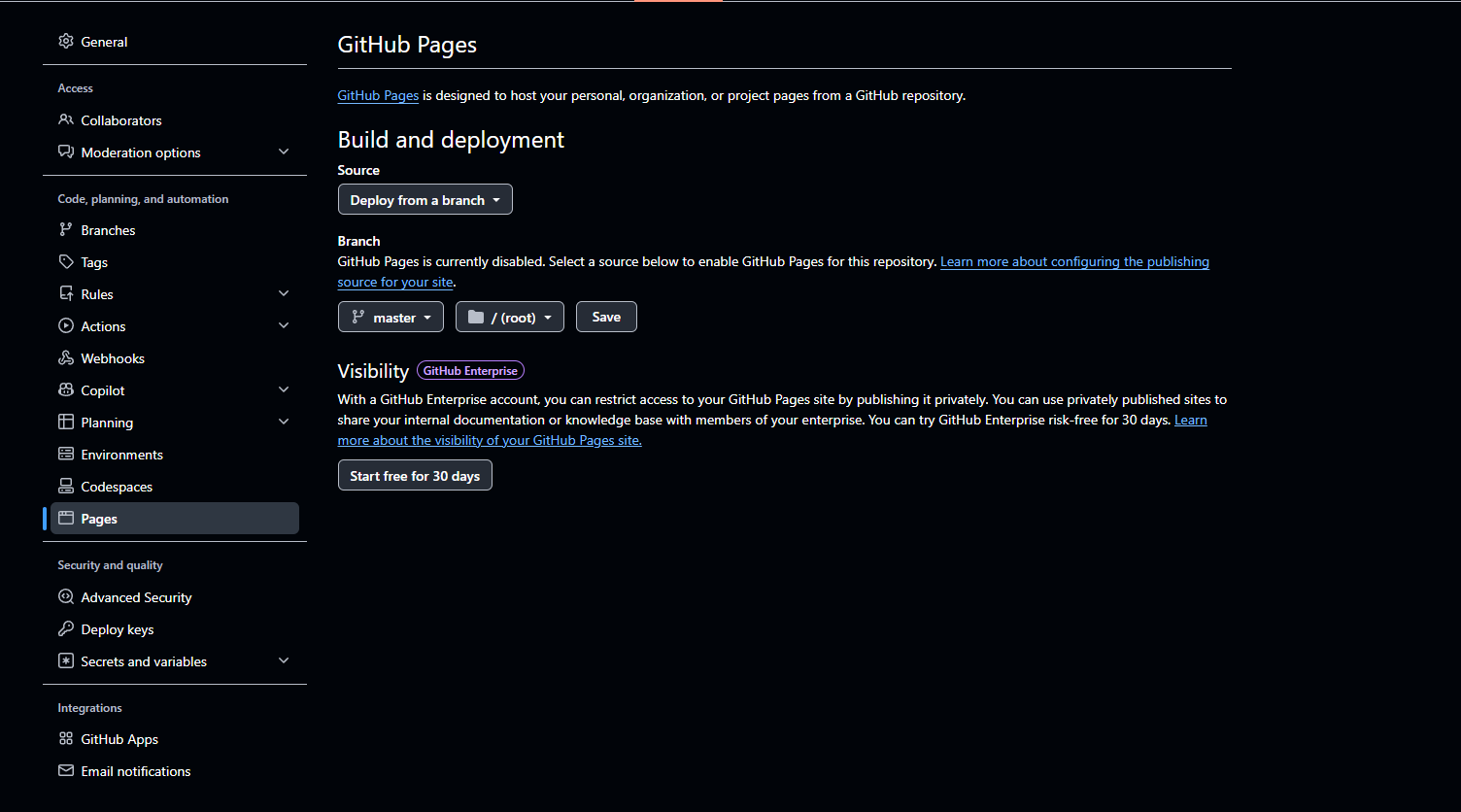
Most developers are already familiar with GitHub’s system, and so Pages would be an ideal choice for them to deploy an MVP, a sample site, or a landing page. You get automatic deployment and rollbacks, which help update the published URL very quickly.
GitHub Pages has restrictions on the use of the platform for transactional websites. You cannot host e-commerce websites and checkout pages using GitHub Pages. You can create portfolio websites or small-business pages and host them through the platform without worrying about anything.
Vercel - Deployment Cloud Platform focusing on Frontend

Vercel is a frontend cloud deployment platform developed by the team behind Next.js. It has been built to deploy full-stack apps. It goes beyond GitHub Pages when you have to deploy fully working applications.
You can connect your GitHub repo, use the Vercel CLI, other Git based platforms like GitLab and Bitbucket, or drop your folder in Vercel to get your website live. Vercel gives you zero-configuration deploys, a preview link for every change, and a global edge network for visitors worldwide.
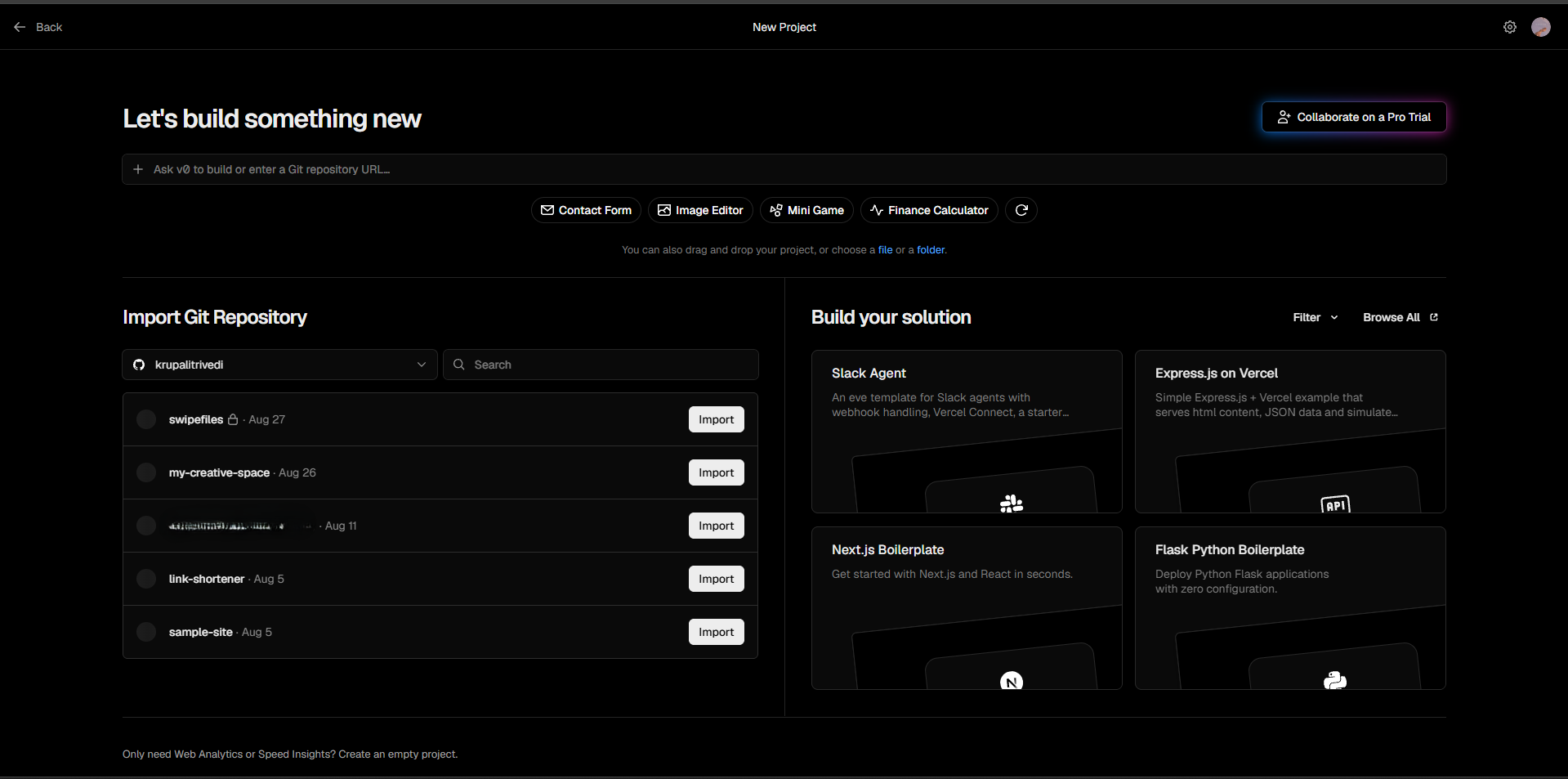
It also has serverless and edge functions to support your dynamic logic. That means login, forms, API, ISR (incremental static regeneration), and server-side rendering would work easily. Vercel has also introduced Vercel Drop, which allows you to host websites without GitHub or CLI, by just drag-and-dropping the files.
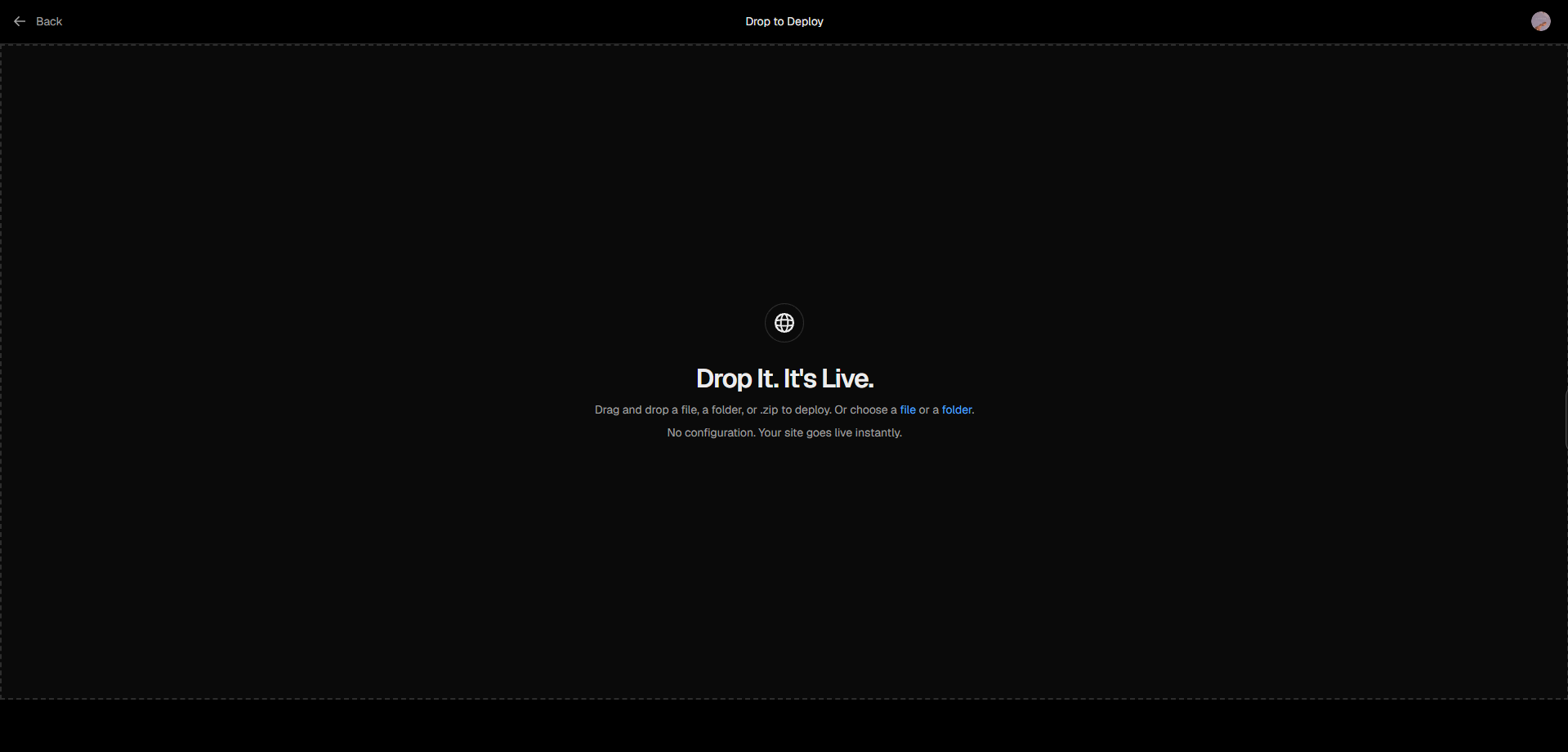
Vercel is optimized for JavaScript frameworks, so you can, of course, do static hosting with it, but you don’t really need a lot of these workflows. And if you are just hosting a single PDF, a Figma file, or a report, the after-deployment dashboard of Vercel becomes a little too technical.
If I just want to host a file, I wouldn’t want to deal with a database, multiple deployment branches, backend configuration, environment variables, or other developer integrations.
Can You Use Vercel or GitHub Pages Without Coding?
There are many guides out there that compare Vercel and GitHub Pages for developers. When non-technical individuals read through these, they are still confused at the end about which tool to choose.
What is behind the “Free Hosting”?
Both of these platforms allow you to host your website for free. When you get free hosting for a website, it does not mean you get an easy setup for the hosting. Especially with these tools, they assume you know how to work with repositories, run a build, and connect a domain on your own.
Ease of use of these platforms
I experimented with both of these tools to see how easy it was to upload and publish.
On GitHub Pages, I realized that the workflow was very developer-focused from the start. There is no native file system on GitHub, so if I wanted to upload folders, it couldn’t be done when using drag-and-drop functionality. It was easier to upload files when I used Git to upload and update the tools.
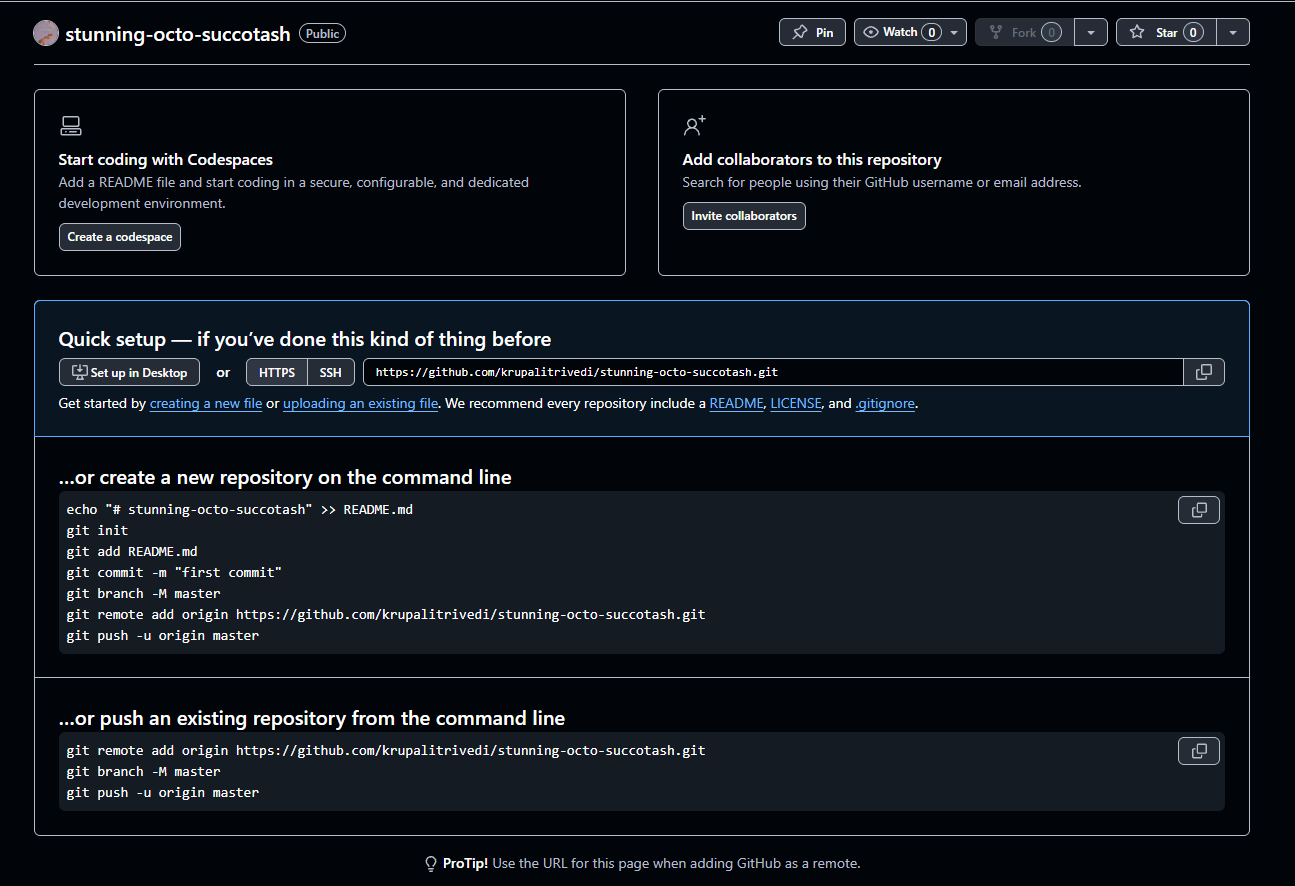
Somehow, I managed to get my files online, but even then I couldn’t get the page live easily. There was a long process that wasn’t intuitive to follow directly. I had to open the developer docs to understand the process and work further.
So, if someone goes to GitHub thinking they will host files quickly, GitHub Pages won’t be of help.
Then, I started working with Vercel. I realized it was much easier to work on Vercel than on GitHub Pages as a first-time user. Vercel has GitHub integration, so you can directly publish from your repo, use Vercel CLI, or upload files. It was possible to just upload the file; the build was managed by Vercel, and then I got my file.
Once uploaded, though, I realized that if I wanted to use more of their features, like branch previews, I had to use Git in one way or another. This was specially necessary if I wanted to experiment and keep making changes to the code. Also, the features and settings to configure afterward would be confusing as well for any beginners.
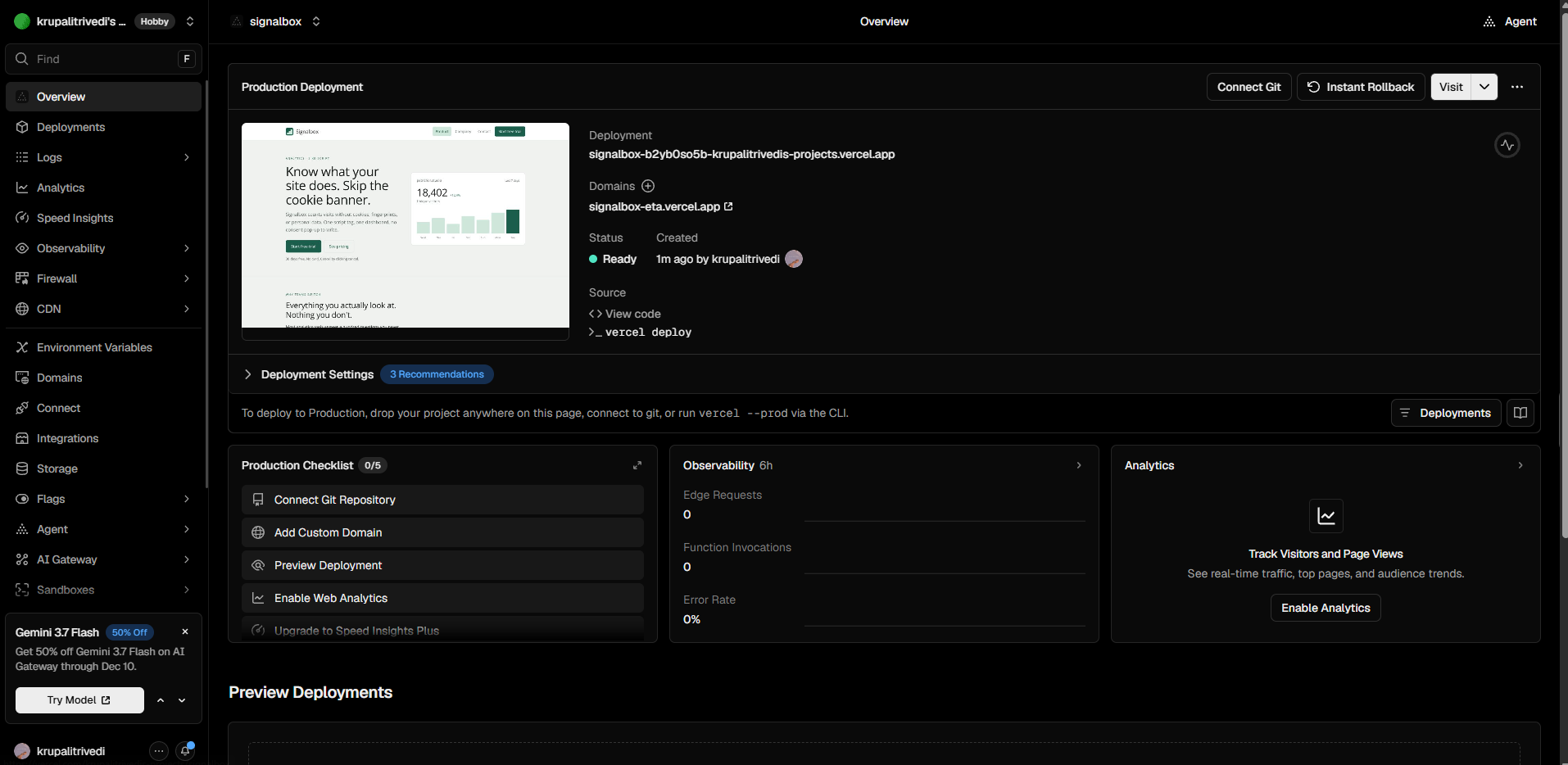
If you look at the dashboard in the image, you can see how a few options can be difficult for someone just starting out.
Vercel and Vercel Drop were definitely easier than GitHub Pages, and yet they weren’t appropriate for non-developers.
Website Hosting for Non-developers
Maybe you just wanted to host a file exported from your AI chatbot, a PDF, a single-page application, an annual report, or a folder of images. You don’t necessarily need a Git repository to work through these; you just need a file hosting platform.
File-first hosts like Tiiny Host can turn your files into a live URL. You don’t need a build step or repository, and you get your link in less than 2 minutes.
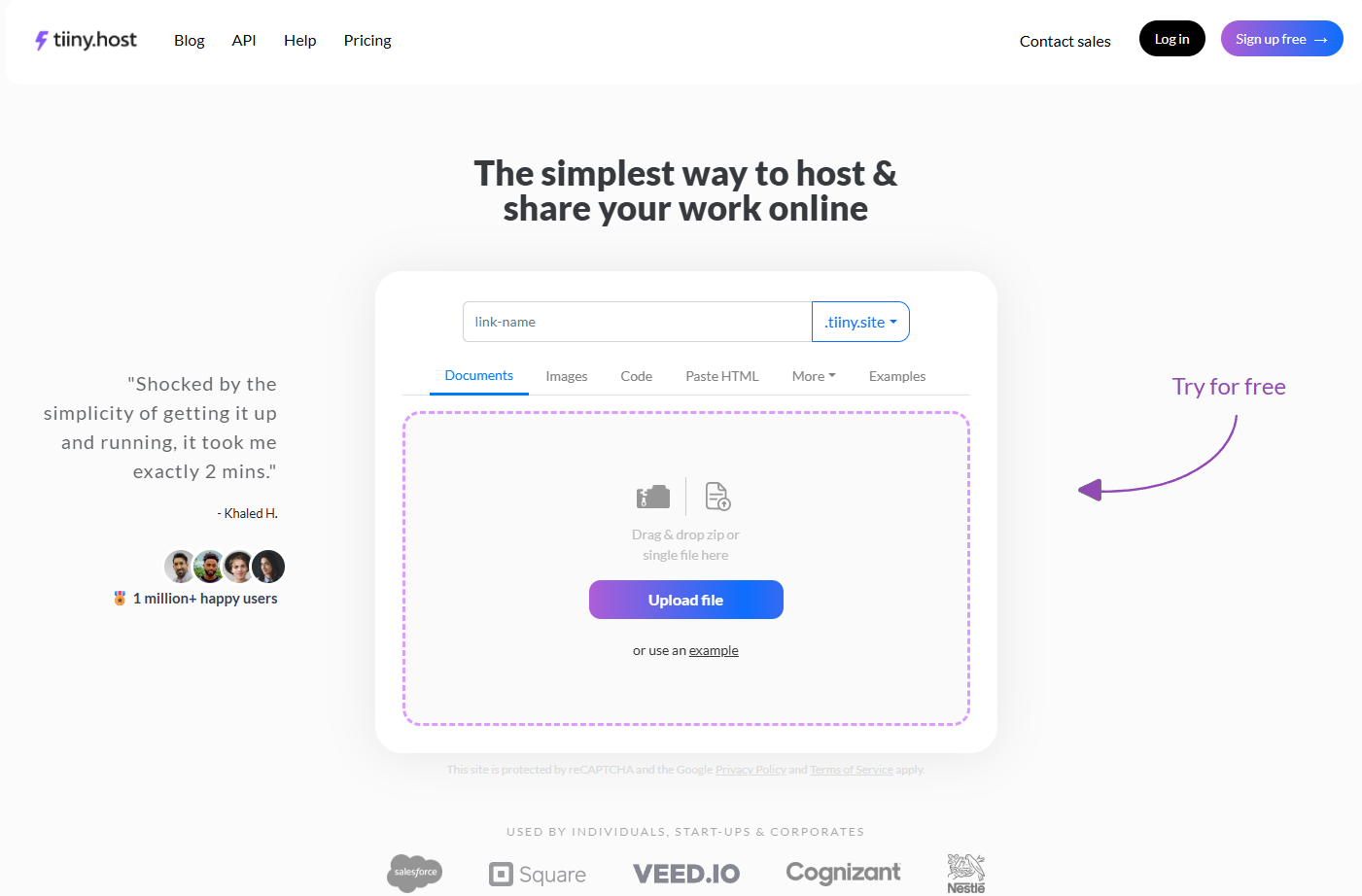
It might not be the right tool for a dynamic website, but for a single-page website or file, it can beat the process of going through a pipeline. On top of that, you can add password protection to your website and set up a custom domain as well. Also, you get analytics for your website without having to integrate anything else.
Sharing the links with others
The receiver experience is also very important when you are comparing various hosts. If you are sending a file to a client, to a teammate for review, or to a friend, you have to see which gives you the best experience.
With GitHub Pages and Vercel, you have to make your websites mobile-friendly to make it easier for readers to read the files from anywhere. Tiiny Host allows you to host any file you want and makes it mobile-compatible for you. If you have a PDF or report, they don’t have to zoom in and read; they can read it by just scrolling.
GitHub Pages and Vercel don’t have support for password protection, which would help you have control over file access. For Vercel, you have to pay for a $ 150-a-month add-on, and for GitHub Pages there is no option. Tiiny lets you turn on password protection in just one click.
On your side, Vercel and Tiiny Host allow you to see analytics, but GitHub Pages does not support any analytics.
How to Choose Between Vercel, GitHub Pages, and Tiiny Host
Let’s get the answer to which is the best tool for you within 3 questions.
Question 1. Is your project code or a finished file?
If it is a finished file like a PDF, portfolio, or single-page application, you can stop here. You choose Tiiny Host. If it is a code file, go to the next question.
Question 2. Does it need a server, a database, and more?
If your project needs logins, APIs, and dynamic rendering, you need to choose Vercel. If it doesn’t need a server, you can move on to the next.
Question 3. Are your code files already on GitHub?
If the answer is yes, you can use GitHub Pages. If you want preview links and framework support instead, you can use Vercel to deploy it by connecting GitHub.
Vercel vs GitHub Pages vs a File Host: Comparison Table
This table will help you compare the features of all three platforms. If you still have any doubts about which tool will actually help you, this table should cover it.
| GitHub Pages | Vercel | Tiiny host | |
| Needs Git or a repo | Yes | Not really, but it expects GitHub to work on apps that need constant updates. | No, you can drag and drop your files and get them live. |
| Fastest for a single file | No | Yes, you can use Vercel Drop. | Drag, drop, live |
| Dynamic and serverless | None | Full support | Limited |
| Framework apps (Next.js, Astro) | Manual via Actions | Zero-config | Not the use case |
| Password protection | No | Paid add-on (~$150/mo on Pro) | Built-in on lower tiers |
| Free tier | Permanent, public repos only | Generous, non-commercial only | Yes, for a single file that stays live for 7 days |
| Commercial use on the free tier | Restricted | Not allowed | Allowed |
| Best for | Docs, developer portfolio | Framework and full-stack apps | Files, deliverables, non-devs |
Which One Fits Your Situation?
Choose GitHub Pages when you have a static site, and your code is already pushed to a repo. If you are an open-source maintainer, the product docs will live on GitHub Pages naturally. Developers can also use GitHub Pages to host their personal portfolio.
Choose Vercel if you are shipping a full-stack app that needs preview links, edge functions, and a dynamic backend. If you are a startup, a business, or an individual, you can deploy your app on Vercel. The team can be on Vercel as well to review the changes.
Neither of them is for you when you just want to upload a file like reports, PDFs, spreadsheets, or images. You can use a file-first host where you just have to upload a file and start sharing. This helps if you have AI outputs on hand and want to share them. This is where Tiiny Host fits in and can help you out.
The Pricing Comparison: Are these tools really free?
Vercel, GitHub Pages, and Tiiny Host all have their free and paid tiers. We will quickly see how each of these tools performs in the free and paid versions.
Limits on GitHub Pages Free Tier
GitHub Pages allows you to host your static sites online if they are from a public repository. If you want to publish from a private repository, you would need to subscribe to GitHub Pro, which starts at $4 per month. If you are a developer, $4 per month to keep your codebase private and get your website live is a good deal, honestly.

The free tier also has some soft limits on the free tier. The organization has the following soft limits:
- Source repository should be under 1GB
- Published site should be under 1GB
- Bandwidth limit of 100GB per month
- 10 builds per hour
There is no dashboard or warning message that pops up when you reach these limits, though. If you have a repository with a lot of assets, you might reach these limits quickly.
Also, you cannot use GitHub Pages to host an online business or e-commerce site that handles any sort of transactions. But if you have a personal portfolio, a simple landing page without any transactional CTA, or a docs site, using Pages would be ideal.

Limits on Vercel Free Tier
Vercel’s Hobby plan, the free tier, is a very generous plan. You can directly publish via GitHub and keep the updates live and all of these without paying a single penny. With Vercel’s free plan, you can only use it for anything that is non-commercial. If your project makes money, you should move to the Pro plan, which starts at $20 per seat every month.
Vercel does not surprise you with bills if you reach any of the free tier limits, like AWS. If you reach the bandwidth or function limit, your project gets paused till next month.
This does not follow the Pro plan, though. Once you get past the included credits in your plan, it gets billed by the GB. If you get a traffic spike, it can add up fast to your bills.
A lot of Vercel users or companies who were using Vercel before have mentioned on Reddit as well that, with scalability, Vercel becomes heavy on the pocket.
Vercel has started spend management, through which you can set alerts or pause deployments when you reach a limit you set.
The Verdict: Which One Do You Use?
The best tool fits how you work around your codebase, your development or technical expertise, and whether you wish to keep updating the site or just want it online one time.
GitHub Pages only supports static websites, and if your project is live on GitHub, you should go ahead with that. If you have a dynamic application, Vercel is a really good option.
If you need to get a file live as a URL, you do not need any pipeline. You can just use Tiiny Host and get your website live within two minutes.
Frequently Asked Questions: GitHub Pages vs Vercel
Is Vercel or GitHub Pages better?
Neither of them is competing with the other because it depends on the use case you need each of them for. If you have simple static website or documentation that is on GitHub, GitHub Pages would be a good option. Vercel is a good option for teams that want to work with full-stack applications. If you just have a finished file you want to get online, a file-first host beats both of them.
Is GitHub Pages free forever?
Yes, GitHub Pages is free forever. It just has soft limits on size and bandwidth, but does not allow you to use it for commercial purposes. You can use a public repository to use the free version of GitHub Pages. If you want to use a private repository, you would have to upgrade to the Pro plan, which starts at $4 per month.
Can GitHub Pages host a dynamic website?
No, GitHub Pages does not have support for dynamic websites or server-side rendering. To use the dynamic features, you need a platform like Vercel or Netlify.
Can I host a website without GitHub or Code?
Yes, there are many file-first hosts that would let you drag and drop a file and get it online as a website. These files can be HTML, PDF, or a zip file of images. You do not need any repository, build step, or command line.
Does Vercel support plain HTML sites?
Yes, it does. Vercel isn’t only for full-stack apps. It supports static websites as well. You can have just a single HTML site and host it. You can also have HTML, CSS, and JavaScript in one folder and upload that. Use Git integration directly to host from your GitHub repository. You can use Vercel Drop to upload and host your sites without a Git repo or CLI.