

- How Has Static Site Creation Become Easier
- Deploying Static Sites Directly From ChatGPT: Step-by-Step Guide
- FAQs: Create a Website and Deploy it in a Few Seconds using ChatGPT
The rise of generative AI has changed the way we design, prototype, and ship digital experiences. Tasks that once required a text editor, build tools, and hosting dashboards can now be completed through a simple conversation. Nowhere is this shift more visible than in the workflow of creating and launching static websites.
In one of our earlier articles, we demonstrated how you can build a website or app using ChatGPT without any developer experience. In this article, we’ll show you how you can build and deploy a static site from ChatGPT. By the end, you’ll be able to prompt, generate, deploy, and share a live site without touching a code editor.
How Has Static Site Creation Become Easier
Before AI-generated workflows, building a static site required juggling several tools, Even simple projects involved a fair amount of setup. Generative AI compresses these steps into a single interaction. You provide intent, the model generates structure and design, and the hosting layer handles deployment.
- You don’t need any setup to start your projects
- You imagine and write, get what you expected in result
- If someone is not satisfied with what is build, you can iterate fast
- With Tiiny Host’s Custom GPT, you do not even have to download files to deploy, you can do it directly from the chat.
- Even if you don’t know how to code, you can just experiment and make a website
Deploying Static Sites Directly From ChatGPT: Step-by-Step Guide
Lets get your first project live, we write first prompt together and will turn that into shareable live URL. This process works whether you’re creating a portfolio, event page, landing page, documentation site, or a simple one-page experimental design.
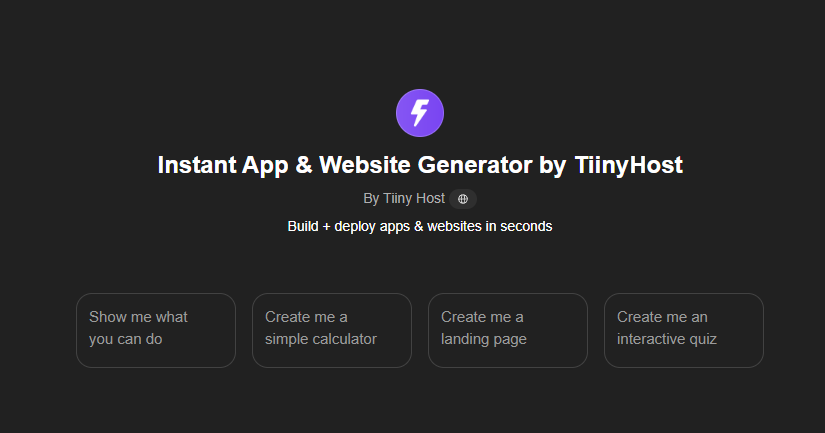
Step 1: Add the Tiiny Host’s Custom GPT to sidebar
You can save the Tiiny Host’s GPT, Instant App & Website Generator, by saving it through the link directly or
- Go to “Explore” tab under GPTs in your ChatGPT
- Search for “Tiiny Host”
- Add it to your Sidebar
Step 2: Give the Prompt for the Project
Start by opening the Tiiny Host GPT inside. Now, you just give as a prompt what is in your mind.
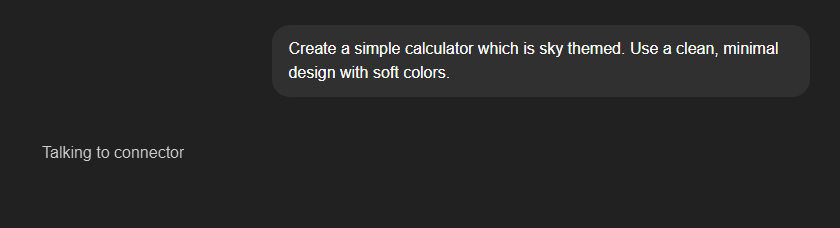
Here is a very simple prompt you can start with
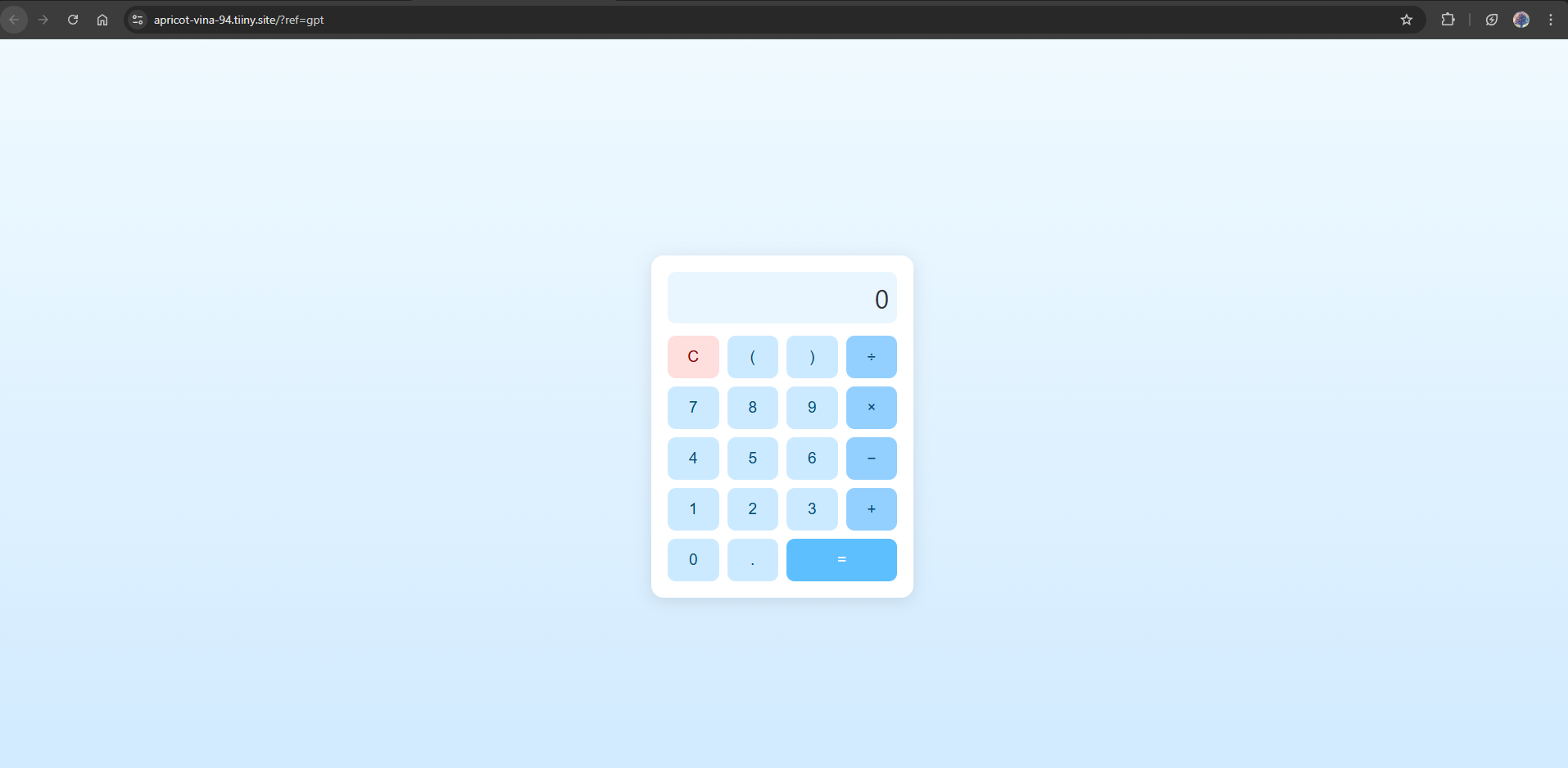
Create a simple calculator which is sky themed. Use a clean, minimal design with soft colors.
If you want to build a landing page, you can also try a prompt like: Create a modern one-page landing site for a personal productivity app. Include a hero banner, feature sections, pricing overview, and a simple contact box. Use a clean, minimal design with soft colors.
The more specific your description, the more accurate the result. You can describe:
- Layout preferences
- Color palettes
- Typography style
- Page sections
- Tone of copy
- Target audience
Once you submit the prompt, the GPT begins generating the full static site.
Step 3: Wait for the Site to Be Generated
Within moments, the Tiiny Host GPT produces the website. Behind the scenes, the GPT assembles the necessary HTML, CSS, and assets so you don’t need to write or manage any files.
Step 4: Deploy the Site Directly From the GPT
The GPT will ask for your permission to connect to Tiiny Host’s API. You can choose “Allow” or “Always Allow” as per your preference.
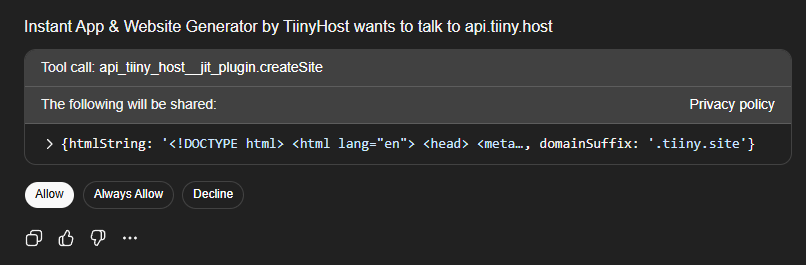
Once confirmed, the GPT hand
- Uploading files
- Configuring hosting settings
- Managing DNS
- Running build commands
les the entire deployment process for you. This replaces traditional hosting steps like:
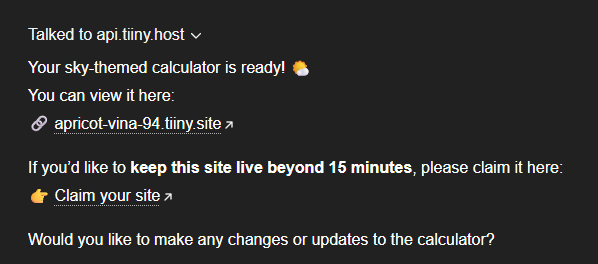
Within a few seconds, it returns a temporary preview link where the generated site is already hosted.
This allows you to open it, interact with it, and evaluate whether it meets your expectations. Here you can see the site it has generated for me, exactly what I asked and uploaded it to the temporary site too.
Step 5: Log In or Sign Up to Claim the Site
After deployment, Tiiny Host gives you the option to save the site to your account. Once you claim the file,
- You can keep the site permanently
- You can later update or replace files
- You gain access to analytics and hosting settings
- You can manage multiple sites from a dashboard
- You can password-protect your file and share it with only selected people
If you already have a Tiiny Host account, logging in will automatically claim the site. If not, signing up takes only a moment.
Once claimed, the preview link becomes part of your permanent project list.
Step 6: Share the Live Link
After claiming your website, your website will be in your profile. You can edit or update this website anytime you want.
Because the entire workflow is handled through ChatGPT and Tiiny Host, you can create and publish multiple static sites in minutes, each with its own hosted URL.
That’s how easy it is. You make your website within a few minutes and share it with a link to anyone.
FAQs: Create a Website and Deploy it in a Few Seconds using ChatGPT
Can I edit the site after it’s deployed?
Yes. Once you claim the site in your Tiiny Host account, you can update or replace the static files at any time. You can also re-prompt the GPT to generate revisions and redeploy them.
Does this work for multi-page sites?
The Tiiny Host GPT supports multi-page structures. You can request navigation menus, linked pages, and multiple HTML files directly through your prompt.
How does this compare to building manually with HTML/CSS?
Manual development gives full control but requires tooling, time, and testing. The GPT workflow favors speed and accessibility. It’s ideal for early-stage ideas, non-technical creators, and rapid validation.