
- Web hosting in simple terms
- The 3 Things That Will Make or Break Your First Website
- Answer these 5 Questions to Find the Best Web Host
- Question 2: What’s your real monthly Budget?
- Question 3: Note down your technical skills
- Question 4: Do you need Email Hosting Included?
- Question 5: Where is Your Primary Audience Location?
- Find the best match for your hosting needs
- FAQs: Answer 5 Questions & Find the Best Web Hosting Platform in 2026
- For Your Knowledge
You are ready with your website?! Well, congratulations! You have already finished a lot of work, and the only thing left is to take your work, your business, or your portfolio to the public. It can be a little tricky to find a good web host. Anyone just starting out spends more than 4 hours comparing web hosts, and do you know where they settle in? Well, mostly on whatever looks the cheapest.
The problems arise when you actually have to renew: you are sent a bill 3-4x the original cost, and you can’t easily switch because you’ve already got everything hosted. So, instead of providing a simple listicle to you and just saying, “Oh, look, Hostinger is the cheapest, or SiteGround has great support”, we will walk through together on which one might be the best web hosting service for you, which, once you get on it, you might not have to look around for the next few years.
Here’s what we will do: I’ll ask you 5 questions, and if you answer them correctly, we will diagnose the best-suited web host for you based on your website type, budget, technical setup, and growth plans. Furthermore, we will break down the costs for each option over 3 years!
Ready to get started? Scroll down to start the 5-question decision framework, or jump to the cost comparison calculator if you already know your shortlist.
Web hosting in simple terms
Any website you see out there consists of multiple web-pages which are made of text, audio, video, images, code and database. These are stored on an online server. A web hosting provider owns and maintains these servers and makes your website accessible to anyone who types your domain name into a browser.
In simple terms, your website needs three things:
- A way through which people can search for you – your domain name
- Somewhere where people can see what you offer or do – your webpage
- A way to keep the webpages (website) running – your web host
How do I choose a good web host as a beginner?
With so many options out there, it can be confusing, but any good hosting includes “utilities” like:
- Server uptime, to keep your website live even when you are sleeping
- Security, because you don’t want attackers or intruders
- Customer Support, for when things break or are confusing, and you need a helping hand
So when you are choosing one, look past cost, look for the utilities and services too.
The 3 Things That Will Make or Break Your First Website
The Speed of Your Site will keep your visitors or make them leave
People don’t have the patience to wait for more than 2-3 seconds. It is important that your content loads as soon as the visitor opens the website. A slow website will make people skip it. Even Google has Core Web Vitals, which state that to rank on Google, your site should load quickly. Otherwise, you are penalised, and your page will be difficult to find organically.
Uptime is the Up game
In any case, your website should be accessible 24/7. Good web hosts guarantee 99.9%+ uptime. If you have a service-based small business, downtime on your website can result in sales losses. Outages can affect credibility and search rankings as well.
Good Customer Support makes for a good website
When your site breaks, and you’re facing an issue, I’m sure you don’t want to chat with chatbots and scripted responses. You need experts who can guide you, help you optimise performance, and diagnose and resolve WordPress issues or plugin conflicts.
Common Beginner Myth
“All hosts are basically the same, I’ll just pick the cheapest.” This thinking leads to slow sites, security breaches, and hours wasted on customer support that can’t help. The $5-10/month difference between budget and quality hosting is almost always worth it.
Answer these 5 Questions to Find the Best Web Host
We will not go the regular way. Most guides list 10 hosting providers and wish you luck. That would get overwhelming for anyone starting out. Instead, answer the following 5 questions honestly, and I’ll point you to 2-3 hosts that match your needs.
Question 1: What Type of Website Are You Building?
Different websites have different hosting needs. If you have a simple landing page, a professional portfolio page to showcase your skills, or are hosting blogs, your needs are simple. If you run a small business or host an e-commerce store, your website’s security and uptime also need attention. If your product needs scaling and variable data, you would need storage and database performance as well.
Now that you’re starting out, choose from the list below, the type of website you are building.
- Personal blog or portfolio: If you are a photographer, you might showcase a collection of your photographs. Designers can showcase their magazine, website or book designs. Or you can have a development portfolio to show everything you have built.
- Small business website: If you have an agency or small business, you can showcase your services, provide a simple way to contact you, and embed a calendar.
- Online Store: E-commerce stores sell products online and accept payments; they also manage inventory, which requires database management.
- Membership site/Courses: You need user accounts, subscription models, and security to protect passwords and gate content.
- Personal Projects: Your practice site or temporarily hosted site to showcase to your friends or colleagues.
Some initial ideal choices for you:
- If you chose 1 or 5, you want to host a personal blog or project; a lightweight host would be good for you. You can choose hosts such as TinyHost, Hostinger, or Dreamhost.
- If you are a small business owner, you need a few more features. You can choose Tiiny Host Pro, Hostinger Premium, SiteGround or Bluehost.
- If you need eCommerce Optimisation, you can use SiteGround GrowBig or Hostinger Business.
- If you need performance and scalability for a course site and expect traffic to increase linearly, you can go with SiteGround or managed WordPress.
Question 2: What’s your real monthly Budget?
- Under $15/month – If you are a student, just showcasing your projects or have a tight budget.
- $15-20/month – You can get a little on good hosting and want good utilities
- $20-35/month – You have a small business budget and want additional features
- $35+/month – You already have an established business, and you know you will need uptime, speed and security
This is an important point: while introductory prices can be as low as $2.99/month, renewal rates start at $8.99-29.99/month. Many hosts offer lucrative introductory pricing, but it is important to consider renewal rates and plan for a realistic, sustainable budget for 2/3 years.
Question 3: Note down your technical skills
You may have built many websites, or this might be the first website you made for a project, or just spun up a website with Claude, chatGPT, WindSurf or some other AI agent. It is important to understand how technical you are so you can choose a platform with easy user flows.
- Zero experience – Never built a website, intimidated by technical terms
- Somewhat comfortable – Can do it with appropriate guidelines.
- Comfortable with code – Know basic technical terms, simple coding and can work with command lines.
Question 4: Do you need Email Hosting Included?
Email hosting is basically a personalised email domain for your business. For example, it looks somewhat like hello@abc.com, where abc is your company/business’s name.
- Yes, I need a corporate email address.
- No, I can use Gmail/Outlook.
- Not sure yet
Some hosts temporarily give you a personalised email as part of a trial, but when it renews, the costs start adding up too, which can be an additional $3-$5/month to your bill.
Question 5: Where is Your Primary Audience Location?
- United States
- Europe
- Asia/Pacific
- Global/Multiple Regions
Server location affects website loading speed. Good hosts usually use a CDN, which makes your site load faster everywhere.
Now that you have answered these questions, let me help you choose the best hosting for you.
Find the best match for your hosting needs
Profile 1: “Showcasing the Skills”
You have a blog or portfolio site, your budget is under $10/month after renewal, you are a beginner, and your audience is Global.
Best Choice: Tiiny Host
| Plan | Introductory Price | Renewal Price |
| Tiny | ~$5/mo (annual) | ~$5/mo (no increase) |
| Solo | ~$13/mo | ~$13/mo (no increase) |
Why Choose Tiiny Host:
- Easy drag-and-drop interface for hosting. Upload a ZIP, HTML, or PDF, and you’re live.
- Supports deploying from ChatGPT directly
- Has Git deployment as well for developers
- Sufficient for 25,000-50,000 visitors monthly on Solo
- Free SSL, 24/7 Customer support team
- Password protection on paid plans
- Student plan available if you’re in education
- Built-in analytics for tracking your visitors
The best part? You don’t need to worry about your bill suddenly tripling after year one. What you see is what you pay.
Also Consider: Hostinger Premium
| Introductory Price | Renewal Price | |
| Premium | ~$3.49/mo | ~$10.99/mo |
Hostinger offers very attractive introductory pricing if you’re willing to commit to pay for 12 months. You get a free domain for the first year, but then you’re charged for it.
Profile 2: “The Small Business Owner”
You have a site where people can book calls with you, learn more about you, and contact you. The budget is around $20/month; you might or might not need email, and your audience is in any one region.
Best Choice: Tiiny Host Pro
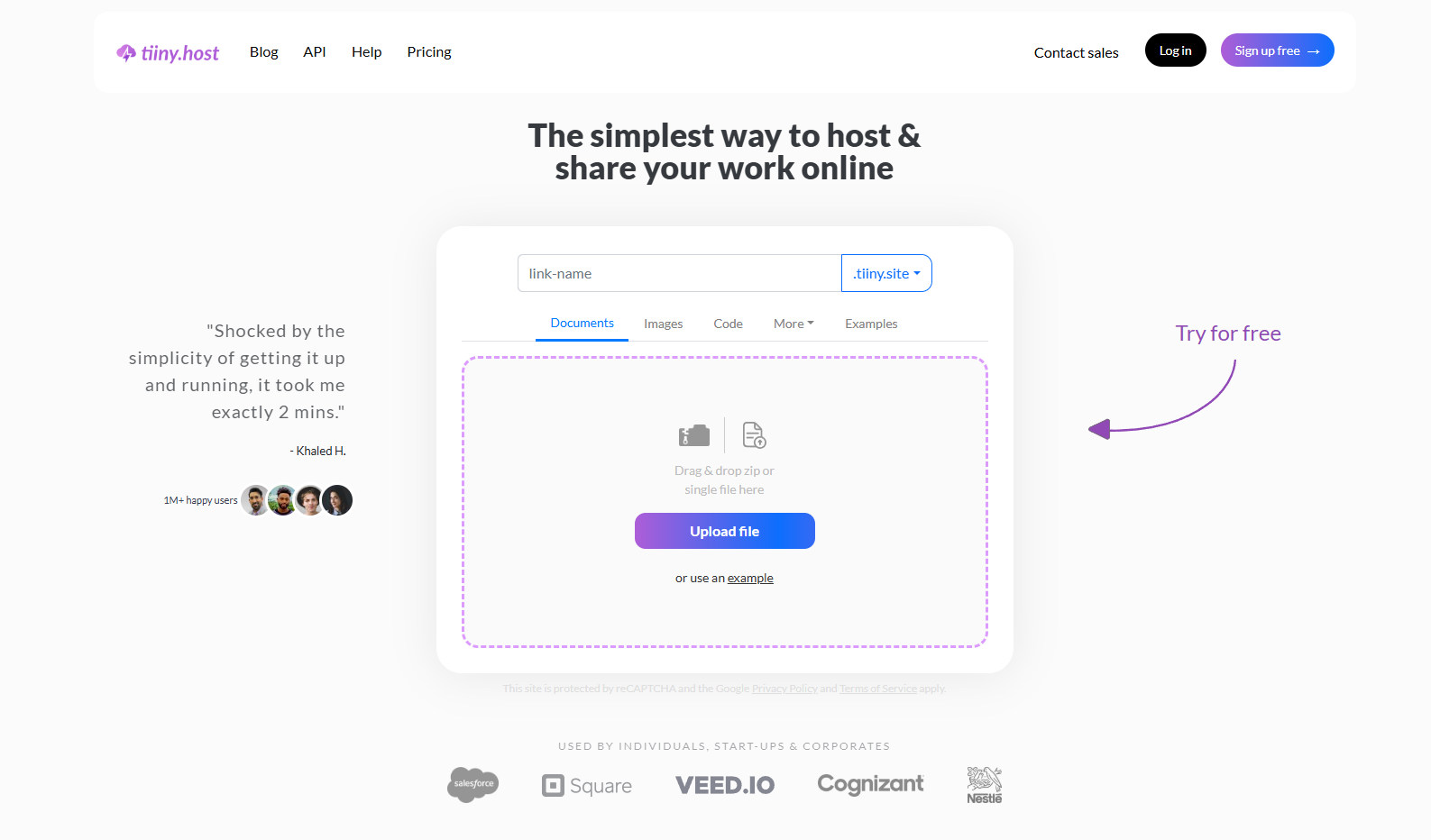
| Plan | Introductory Price | Renewal Price |
|---|---|---|
| Pro | ~$13/mo | ~$13/mo (no increase) |
Why Choose Tiiny Host Pro:
- Easy drag and drop interface for hosting
- Supports deploying from ChatGPT directly
- Has Git deployment as well
- Can scale to 500K+ visits per month
- Free SSL, 24/7 Customer support team
- Priority support
- Ability to set password protection for client-facing pages
- Get custom domains at the best prices.
- Unlimited live sites, great if you have multiple business pages
- Team collaboration features
And again, no renewal price hikes. When you calculate costs over 3-5 years, Tiiny Host Pro gives you a better understanding of your hosting costs than anything else.
Also Consider: Bluehost Business
| Plan | Introductory Price | Renewal Price |
|---|---|---|
| Business | ~$6.99/mo | ~$13.99/mo |
You get this introductory price when you commit for 36 months upfront. You get a free domain for the first year, free SSL, free CDN, and professional email hosting included at no extra cost. That email part is a big deal if you need hello@yourbusiness.com. Supports up to 50 websites and has 24/7 phone and chat support. The downside? Renewal jumps from $5.99 to $13.99, and shared hosting performance isn’t the fastest.
Profile 3: “The E-Commerce Builder”
You have an online store, you’re selling products, accepting payments and managing inventory. Budget is $15-35/month, you’re intermediate with tech, and your audience is regional with growth potential.
Best Choice: SiteGround GrowBig
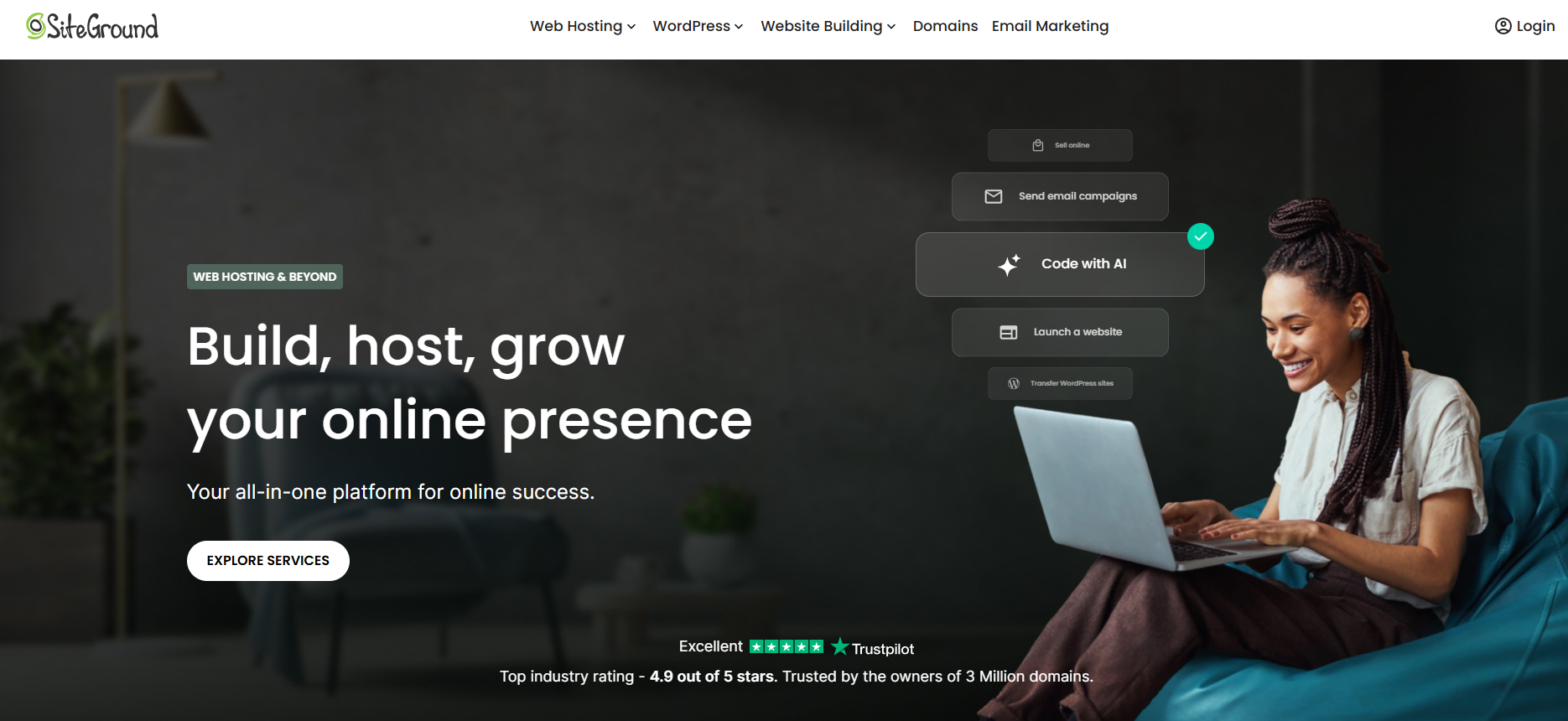
| Plan | Introductory Price | Renewal Price |
|---|---|---|
| GrowBig | ~$6.69/mo | ~$29.99/mo |
Why Choose SiteGround GrowBig:
- Staging environments so you can test changes before they go live
- Handles unlimited websites
- Ultrafast PHP and server-level caching optimised for WooCommerce
- On-demand backup restores, critical when you have a lot of data to be protected in case of crash or faults while deploying
- AI-powered security with custom WAF and brute-force protection
- 24/7 priority support with e-commerce expertise
Yes, the $29.99 renewal is steep. But if your store is making money, the performance and security justify the cost. Downtime on an e-commerce site directly results in lost revenue.
Also Consider: Cloudways
| Plan | Introductory Price | Renewal Price |
|---|---|---|
| 1GB RAM | ~$14/mo | ~$14/mo (no increase) |
Cloudways is true cloud hosting. There are no renewal price increases and you get dedicated server resources. You can also choose your infrastructure, DigitalOcean, Vultr, AWS, or Google Cloud. It comes with built-in CDN, free SSL, automated backups, and staging environments. There are no cPanel, no email hosting included, and the learning curve is steeper. Not ideal if you’re a complete beginner, but fantastic if you’re comfortable with tech.
Profile 4: “The Course Creator”
You are building an online course platform or membership site. You need user accounts, gated content, video delivery, and the ability to handle growing traffic. Budget is $25-50+/month, you’re intermediate to advanced, and the audience is global.
Best Choice: WP Engine
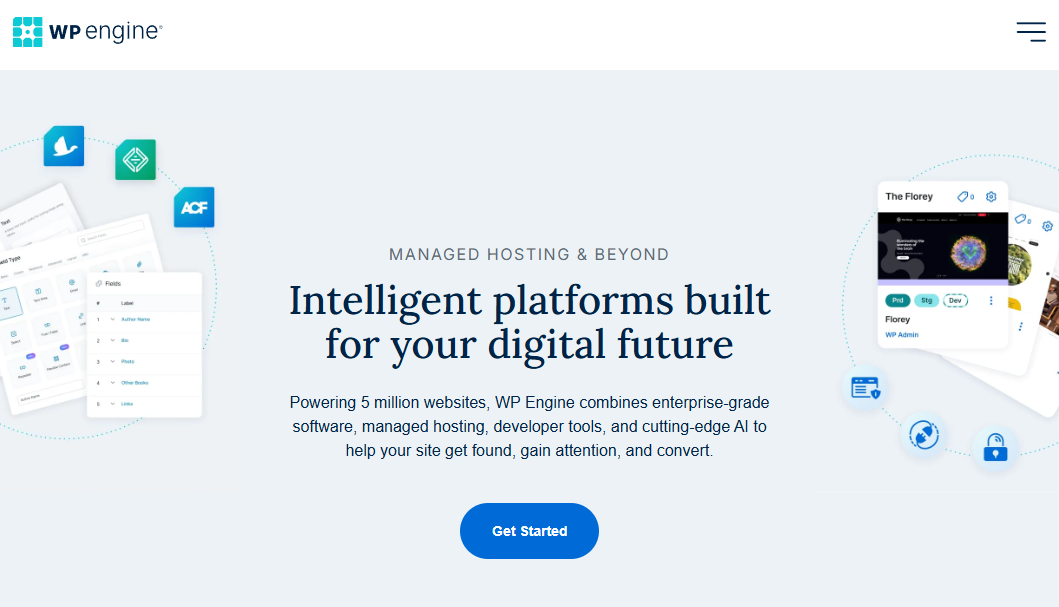
| Plan | Introductory Price | Renewal Price |
|---|---|---|
| Startup | ~$20/mo | ~$30/mo |
Why Choose WP Engine:
- Purpose-built managed hosting, they handle all server optimisation for you.
- Enterprise-grade security with automated threat detection
- Built-in CDN powered by Cloudflare for global delivery, so your site loads fast everywhere
- Staging, development, and production environments included
- Automatic daily backups with one-click restore
- 24/7 expert WordPress support from actual developers
- Genesis framework and StudioPress themes are included free.
WP Engine is pricier, but for a revenue-generating course site, you want things to just work. You don’t want to be debugging server issues when students are trying to access your content.
Also Consider:
Kinsta
| Plan | Introductory Price | Renewal Price |
|---|---|---|
| Starter | ~$35/mo | ~$35/mo |
Kinsta is built entirely on Google Cloud Platform’s premium tier. It auto-scales during traffic spikes, has 37+ global data centres, and includes edge caching through Cloudflare. No renewal increases either. It’s the most expensive option here, but if your course site has serious revenue, this is enterprise-level reliability.
SiteGround GoGeek
| Plan | Introductory Price | Renewal Price |
|---|---|---|
| GoGeek | ~$10.69/mo | ~$44.99/mo |
SiteGround GoGeek comes with git integration, staging, white-label client access, priority support, and 40 GB SSD storage handling ~100K monthly visits. But at renewal, it’s nearly $45/month, which puts it in Kinsta territory for shared hosting. Think about whether WP Engine or Kinsta makes more sense long-term at that price point.
Profile 5: “The Budget Builder”
You are a student, a hobbyist, or someone who just wants to put something online without spending much. Maybe you’re learning, testing an idea, or need a quick site to show your friends or in class.
Best Choice: Tiiny Host Free Plan
| Plan | Introductory Price | Renewal Price |
|---|---|---|
| Free | $0 | $0 |
Why Choose Tiiny Host Free:
- Completely free, no credit card required
- Drag and drop: upload a ZIP or HTML file, and your site is live in seconds.
- Perfect for quick demos, class projects, or sharing prototypes
- Free SSL included
- Upgrade anytime if your needs grow.
The limitations are fair for a free plan: 1 site, 3MB file limit, and Tiiny Host branding is displayed. But for a class project, a quick demo, or testing something out? This is the fastest way to get something live without spending a single dollar. You can consider switching to the Tiny or Solo plan once you try it out, which costs around $2.3/month and $6/month, with no price increase in the next year.
Also consider: IONOS
| Plan | Intro Price | Renewal Price |
|---|---|---|
| Essential | ~$1/mo | ~$6/mo |
IONOS has one of the lowest intro prices in the entire industry. The intro pricing only applies for 12 months regardless of your term. After year one, it goes up. And the interface isn’t very user friendly either.
Alternatively, you can choose one of other trials or free versions of Wordpress or Hostinger to checkout the site and functions.
Profile 6: “The Agency / Freelancer”
You are managing multiple client websites. You need to host 10-50+ sites, provide staging environments, and deliver fast performance on all of them. Budget is $30-75+/month, you’re advanced with tech, and the audience varies by client.
Best Choice: Bluehost High Performance
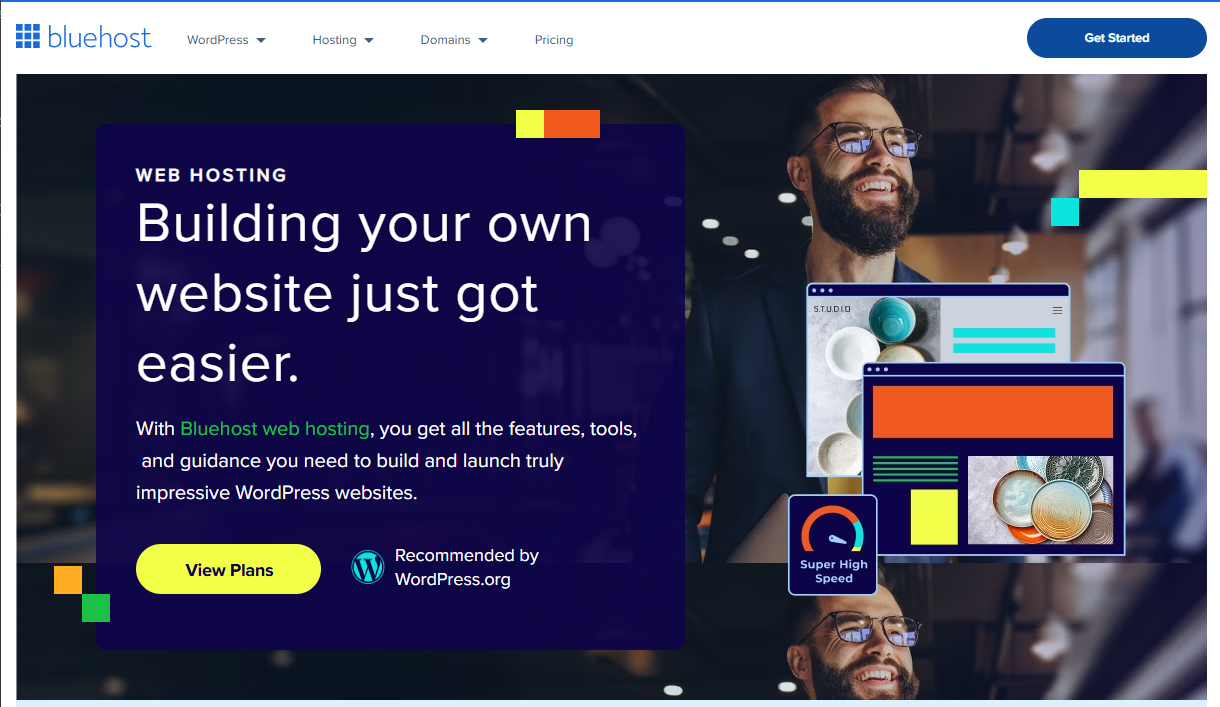
| Plan | Starting Price | Renewal Price |
|---|---|---|
| Elite | ~$19.99/mo | ~$28.99/mo |
The introductory price is valid if you commit for 48 months in advance. If your clients need WordPress, WooCommerce, or dynamic applications, Bluehost can be your host. They provide high-security tools along with a global CDN for your website to load faster. They also have email hosting and free domain for trial period, after which you have to pay charges to continue with them
Also Consider: Hostinger Cloud Startup
| Plan | Starting Price | Renewal Price |
|---|---|---|
| Cloud Startup | ~$7.99/mo | ~$24.99/mo |
Cloud infrastructure with 200 GB NVMe storage, 3 GB RAM, supports 300 websites, and comes with a free domain, SSL, CDN, and daily backups. Hostinger’s hPanel makes management easy. But that renewal jump from $7.99 to $24.99 is significant, and you get less granular control compared to Cloudways.
Cost Comparison: Best Web Hosting Providers for Beginners
Hope you find the match you were looking for. Here’s a quick breakdown for costs for the popular web hosting providers for beginners. As all of them have different tiers, we will consider the mid-tier here to get an idea about the costs.
| Host | Plan Name | Intro Price (USD/mo) | Renewal Price (USD/mo) | Year 1 Cost | Year 2 Cost | Year 3 Cost | 3-Year Total |
|---|---|---|---|---|---|---|---|
| Tiiny Host | Tiny | $5 | $5 | $60 | $60 | $60 | $180 |
| Tiiny Host | Solo | $13 | $13 | $156 | $156 | $156 | $468 |
| Hostinger | Business Shared | $4.49 | $16.99 | $53.88 | $203.88 | $203.88 | $461.64 |
| Bluehost | Mid-Tier Shared | $7.99 | $13.99 | $95.88 | $167.88 | $167.88 | $431.64 |
| SiteGround | GrowBig | $6.69 | $29.99 | $80.28 | $359.88 | $359.88 | $800.04 |
| Cloudways | Basic Small | $14 | $14 | $168 | $168 | $168 | $504 |
| WP Engine | Startup | $30 | $30 | $360 | $360 | $360 | $1,080 |
| Kinsta | Starter | $35 | $35 | $420 | $420 | $420 | $1,260 |
FAQs: Answer 5 Questions & Find the Best Web Hosting Platform in 2026
What is the difference between web hosting and a domain name?
A domain name is your website’s address, like yourname.com. Web hosting is the service that stores your website’s files and makes them accessible when someone types in that address. You need both to have a working website. Some hosting providers bundle a free domain name for the first year, while others, like Tiiny Host, keep them separate so you’re not locked in.
Can I switch web hosts later if I’m not happy?
Yes, you can migrate your website to a different hosting provider. Most hosts offer free website migration to help you move your site. That said, it can be a hassle, especially if you’ve set up email, databases, and DNS through your current host. This is why it’s worth choosing the right one from the start rather than just going with the cheapest intro deal.
Is free web hosting good enough for my website?
For a class project, a quick prototype, or testing an idea, yes. Web Hosts like Tiiny Host offer a free plan that lets you get a site live in seconds. But free hosting usually comes with limitations, such as storage caps, branding requirements, and no custom domain. If you’re building anything for a business or a professional portfolio you plan to share publicly, investing even $2-6/month gets you much better performance, custom domains, and SSL security.
For Your Knowledge
While you know which Web Host is best for you, let me tell you a bit about the types of Web Hosting for your knowledge.
Types of Web Hosting
Web hosting services come in many shapes and sizes, and choosing the right one can make a big difference in your website’s performance and growth. The best web hosting providers offer a range of hosting services to fit different needs, from personal blogs to large online stores. While we will not dive into technical terms, knowing the types of hosting can benefit you
Shared Web Hosting
Shared web hosting is the entry-level option for most people starting out online. With shared hosting, your website sits on the same physical server as many other websites, all sharing the same resources like storage, bandwidth, and processing power. This makes shared hosting plans the most affordable choice, great for personal blogs, small business sites, or anyone just getting started.
Cloud Hosting
Cloud hosting takes things to the next level by using a network of virtual servers rather than a single physical server. This means your website can tap into a pool of resources, making it easy to scale up or down as your needs change. Cloud hosting is ideal for growing businesses, busy e-commerce stores, or anyone who expects their site to handle heavy traffic or sudden traffic spikes.
Cloud hosting plans usually cost more than shared hosting plans, but you get better performance, greater reliability, and stronger security.
Dedicated Hosting
Dedicated hosting is the best option for websites that need maximum power, security, and control. With dedicated hosting, your website gets its own physical server, so you don’t have to share resources with anyone else. This makes dedicated hosting plans ideal for large businesses, high-traffic sites, or online stores that handle large volumes of transactions and sensitive data.
VPS (Virtual Private Server) Hosting
VPS (Virtual Private Server) hosting sits between shared and cloud hosting. You still share a physical server with other websites, but your portion is walled off with dedicated resources, your own CPU, RAM, and storage that no one else can touch. Think of shared hosting as renting a room in a shared apartment, and VPS as having your own apartment in the same building. VPS plans usually start around $4-15/month and are a solid step up if your site has outgrown shared hosting but you’re not ready to pay for full cloud or dedicated hosting.
Prices referenced in this article are based on publicly available data as of February 2026 and may vary. Always check current pricing on each provider’s website before purchasing.